How Solana Payments Work: What Happens When a Customer Pays
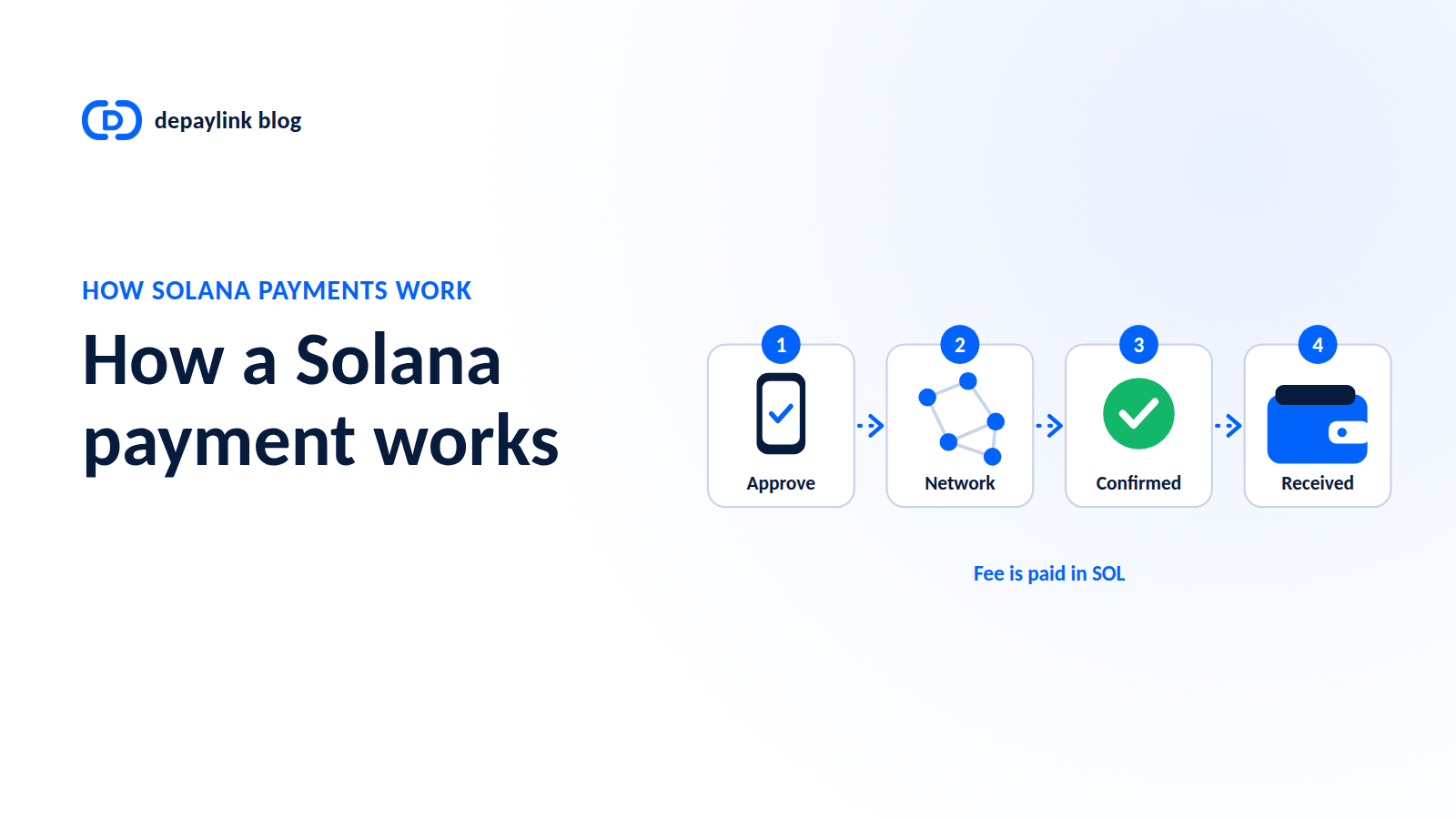
When a customer pays you on Solana, nobody "sends" coins in the way you'd hand over cash. The customer's wallet signs a message that says "move this amount from my address to theirs." The network checks that signature, records the transfer on a shared ledger, and your balance updates. Here's each step.
Step 1: The customer approves the payment
The customer opens their wallet and sees a request: the amount, the token (SOL or a token like USDC), and the destination. When they approve, the wallet uses their private key to create a digital signature.
The key never leaves their wallet. The signature is proof that the owner of that address authorized this specific transfer.
Step 2: The transaction goes to the network
The signed transaction is submitted to the Solana network. Validators check that:
The signature is valid.
The sender actually has the funds.
The transaction is correctly formed.
If any check fails, the transaction is rejected and nothing moves.
Step 3: The fee is paid in SOL
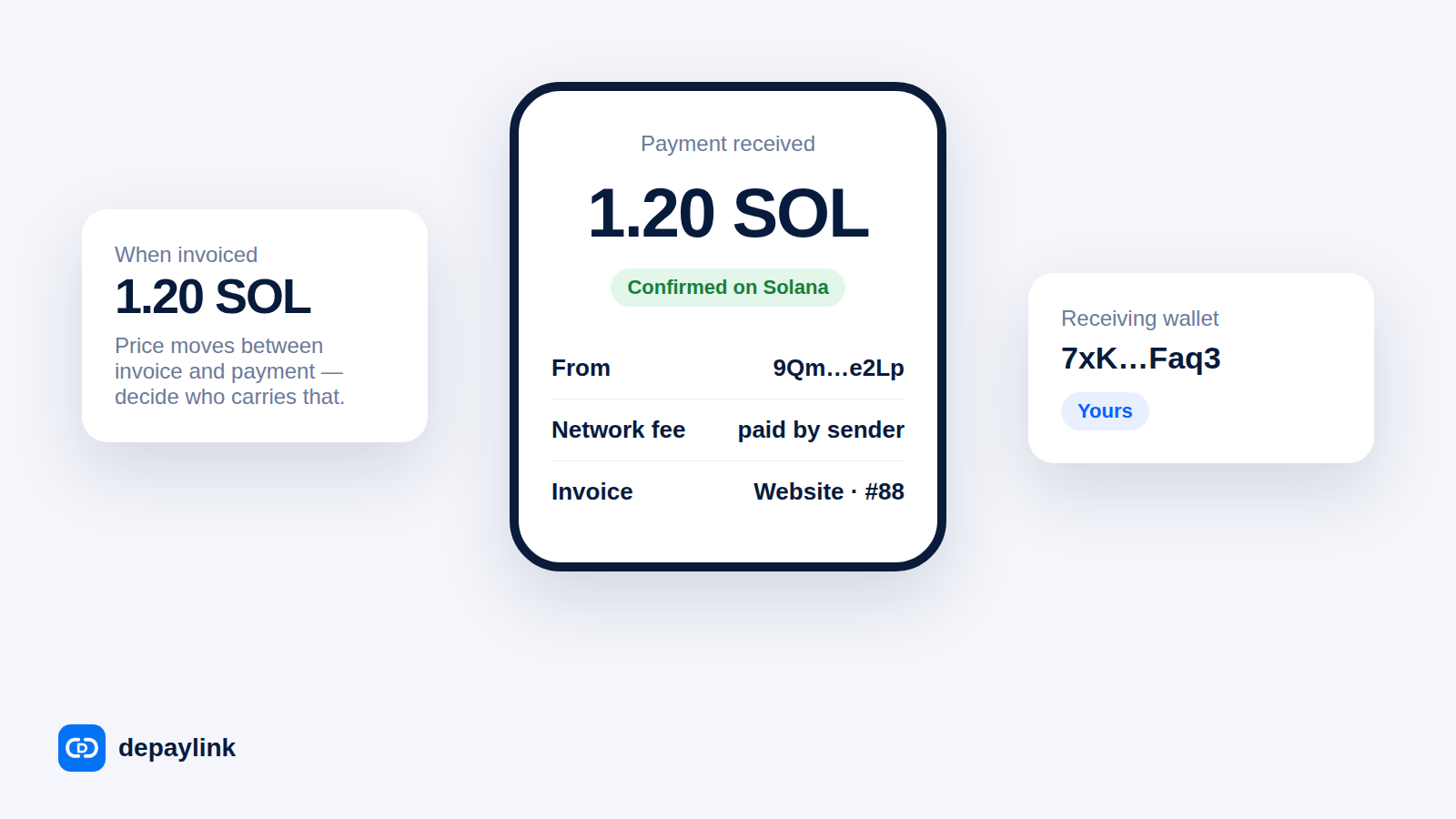
Every transaction costs a small network fee, and on Solana it's paid in SOL. This applies even when the customer is paying in USDC. The sender needs a little SOL in their wallet to cover it.
That's why a customer with USDC and no SOL can get stuck at the final step. It's worth mentioning when you send payment instructions.
Step 4: The transaction is confirmed
Once validators have processed it, the transaction is confirmed and recorded. On Solana this usually takes seconds, though the exact time depends on network conditions, so avoid promising a precise figure.
After confirmation, the transfer is final. There's no equivalent of a card chargeback, which is good for merchants (no payment disputes pulled back weeks later) but means refunds are a new payment you send yourself.
Step 5: You verify it
Every transaction gets a unique signature, effectively a receipt number. With it you can look up the payment on a block explorer and see:
Sender and receiver addresses
Token and amount
Time and status
As a merchant, check three things before delivering anything: right amount, right token, right destination wallet. A screenshot from the customer isn't proof; the on-chain record is.
SOL vs tokens on Solana
This is a common confusion:
SOL | USDC on Solana | |
|---|---|---|
What it is | Solana's native token | A stablecoin token that lives on Solana |
Used for fees | Yes | No |
Value | Moves with the market | Designed to track one US dollar |
When someone says "Solana payment," they could mean either. Be explicit about which one you're requesting.
What this means for a merchant
Payments arrive in your wallet directly, with no intermediary needed to release them.
You need to verify the on-chain record, not just trust a message.
Customers need a wallet, and a little SOL for fees.
Refunds are separate, deliberate payments.
Making it simpler
Doing all of this by hand means checking explorers and matching amounts. A payment-link product automates the repetitive part.
With depaylink, you create a payment link and share it. The customer pays in SOL or USDC on Solana, the payment goes directly to your own wallet (depaylink is non-custodial), and depaylink verifies the payment on-chain. You still get the benefits of a direct Solana payment without handling every verification yourself.
FAQ
How long does a Solana payment take? Transactions typically confirm within seconds, but timing depends on network conditions, so don't promise an exact figure to customers.
Who pays the network fee on Solana? The sender pays the fee, in SOL, regardless of whether they're sending SOL or a token such as USDC.
Can a Solana payment be cancelled? Not once it's confirmed. If a refund is needed, it's a separate payment from you back to the customer.
What is a transaction signature? It's the unique ID of a transaction. You can look it up on a block explorer to see the sender, receiver, token and amount.
How to Accept USDC Payments: What to Check Before Your First One