How to Accept SOL Payments From Customers
To accept SOL, you need a Solana wallet, a payment request that states the amount and address, and a way to confirm the transfer arrived. The part most guides skip is price: SOL's dollar value moves, so you must decide how that risk is handled between the moment you quote and the moment you are paid.
SOL is not the same as USDC on Solana
Both run on the Solana network and live in the same wallet, but they behave differently:
SOL is the network's native coin. Its dollar price changes.
USDC on Solana is a stablecoin token intended to track the US dollar.
Always tell the customer which one you are asking for. Sending USDC when you asked for SOL (or the reverse) is the most common mix-up.
How a SOL payment works
You give the customer your wallet address and an amount in SOL.
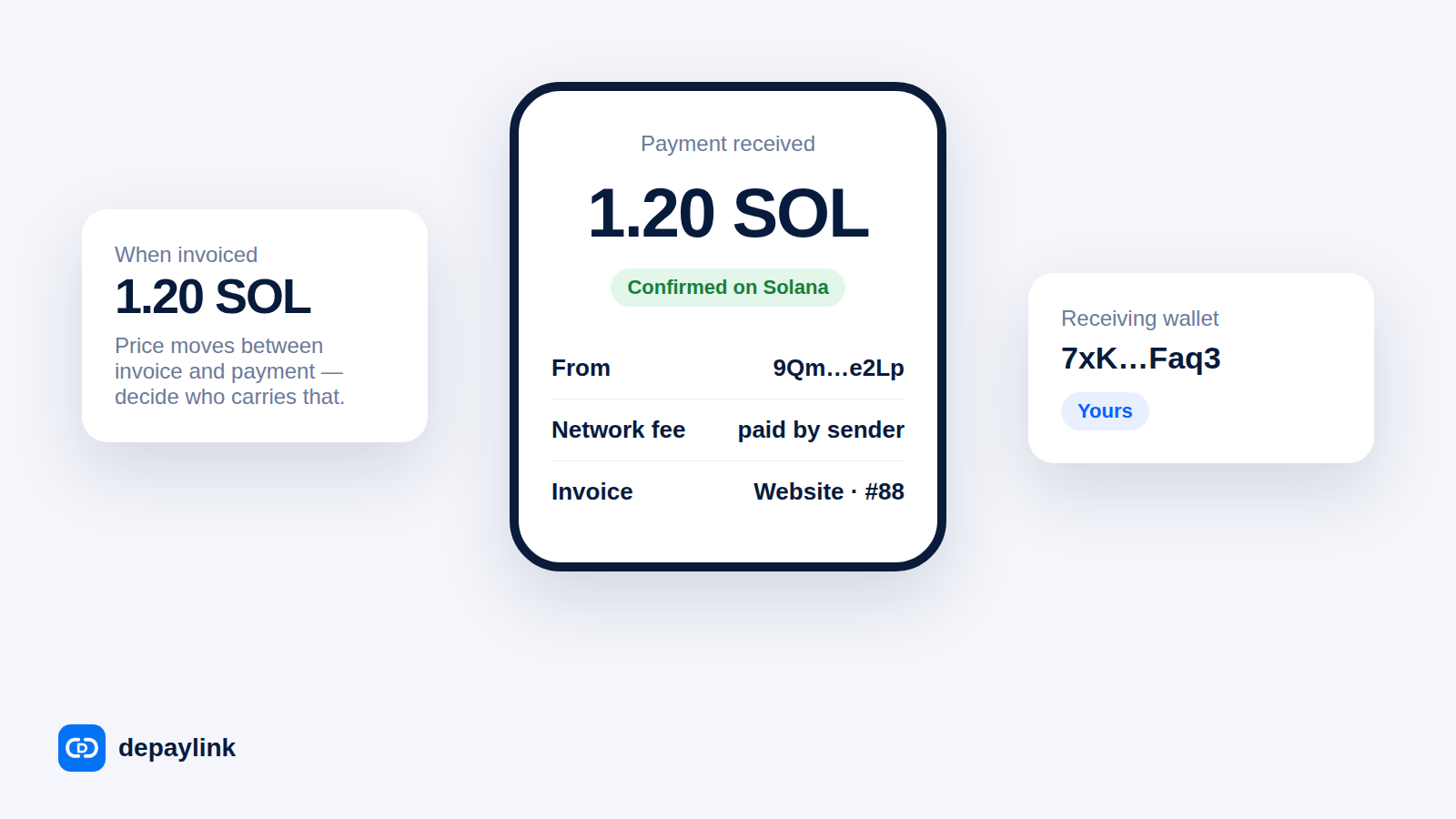
The customer sends the transfer from their wallet and pays a small network fee, typically paid by the sender.
The network processes the transaction, usually within seconds.
You (or your tooling) see the transaction and confirm the amount and recipient.
What "confirmed" means. Solana reports transactions at increasing confidence levels as more of the network agrees on them. For ordinary sales, wait until the transaction is confirmed; for large payments, many people wait for the strongest level, called finalized, before releasing goods.
Handling price movement
Suppose you quote a project at 1.2 SOL on Monday and the customer pays on Friday. The dollar value of that payment may be higher or lower than expected. Your options:
Approach | How it works | Trade-off |
|---|---|---|
Quote in SOL | Fixed SOL amount | You carry the price risk after payment; customer carries it before |
Quote in dollars, convert at payment | Amount in SOL recalculated at pay time | Needs a live rate; fair to both sides |
Quote in USDC instead | Fixed dollar value | Adds stablecoin issuer risk; removes price swings |
Short expiry on the request | Request valid for a set window | Customer may need to ask for a new one |
Whichever you choose, put it in writing on the invoice.
What the customer needs
A wallet with enough SOL for the payment plus the network fee.
The correct address and network — ideally via QR code, which avoids copy-paste mistakes.
A clear indication that the payment went through.
Make it easier with a payment link
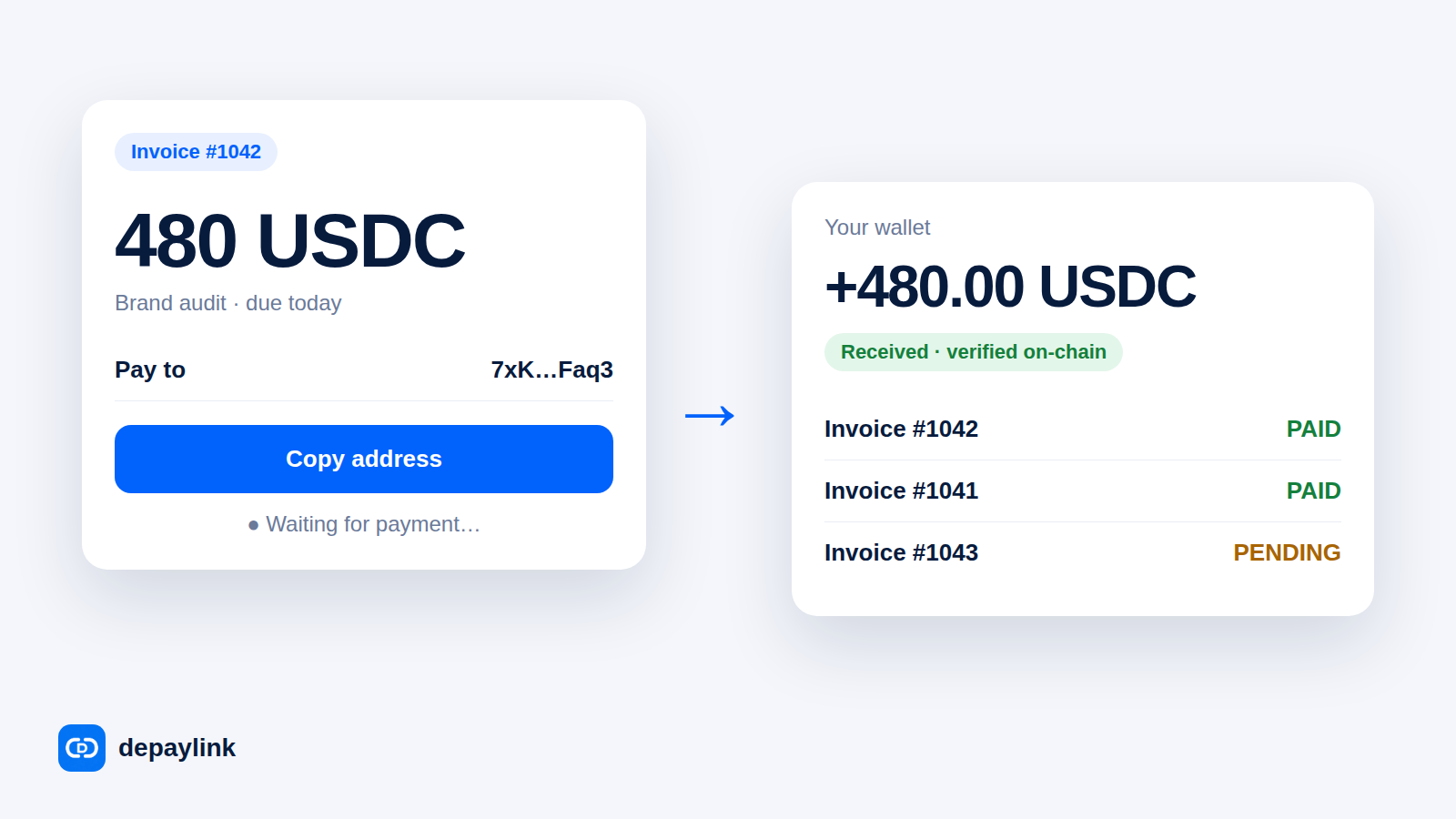
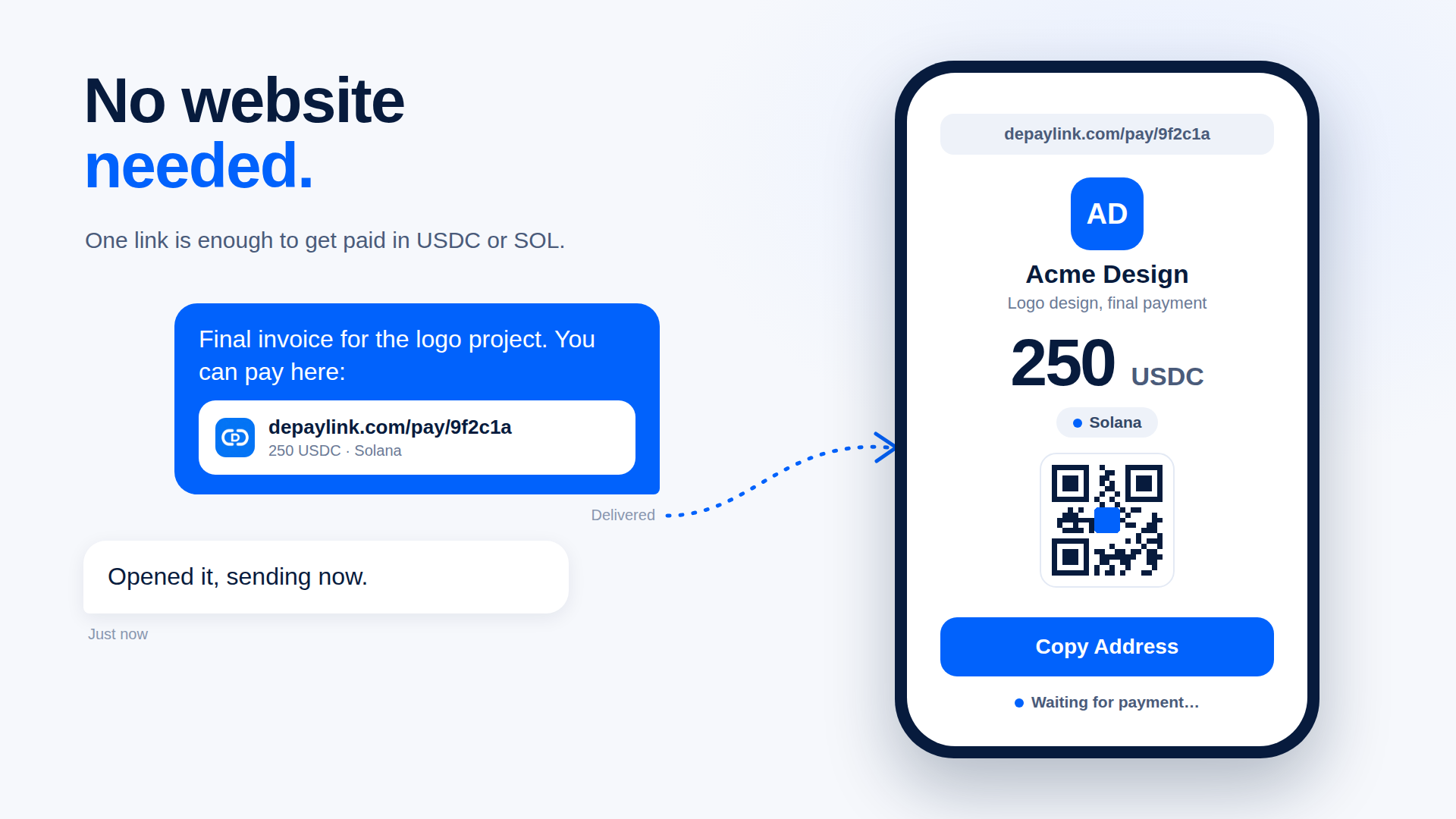
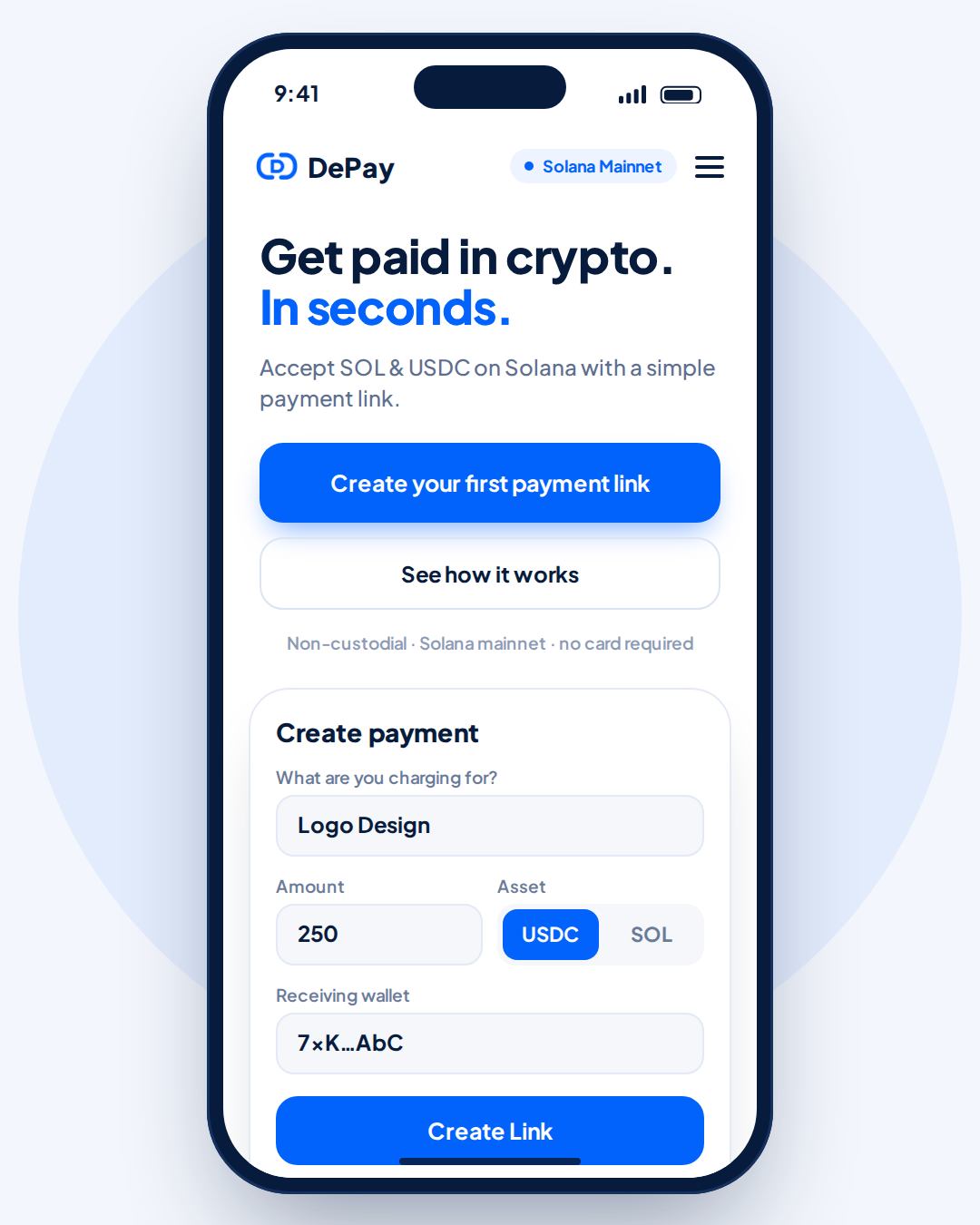
Sharing a bare wallet address means the customer has to guess the amount, retype it, and tell you afterward. A payment link carries all of that. With depaylink you create a link for an amount in SOL or USDC; the funds go directly to your wallet, the payer sees a payment page with the address and QR code, and the link flips to paid when the transfer is detected on-chain. The payer doesn't need to connect a wallet to the page.
Before you go live
Send yourself a small test payment end to end.
Back up your recovery phrase offline.
Decide who bears price changes and the refund policy.
Record every payment's date, amount and rate.
Tax and legal treatment of SOL varies by country; this is general information, not professional advice.
FAQ
Who pays the Solana network fee? The sender typically pays the fee for their transfer, in SOL — so they need a little more than the invoice amount.
How long does a SOL payment take? Usually seconds, though how long you wait before treating it as final is your choice.
Can I accept SOL and USDC together? Yes. They live in one wallet; just state which one each request is in.
What if the customer sends the wrong amount? Contact them and agree on a top-up or a refund. Clear requests with fixed amounts reduce this.