What Is a Crypto Payment Link and How Does It Work?
A crypto payment link is a web address that opens a ready-made payment request: the amount, the currency, the network and the receiving address are already filled in. You send the link; the payer opens it and pays. It does for crypto what a "pay now" link does for card invoices — without requiring a website or a custom checkout.
Why not just send a wallet address?
You can, and for a one-off payment between friends it is fine. For business, a bare address has problems:
It does not say how much to send.
It does not say which asset or which network.
It gives you no way to tell which invoice a payment belongs to.
The payer has to tell you afterward that they paid.
A payment link solves each of these by bundling the request into one page.
What happens when someone uses a link
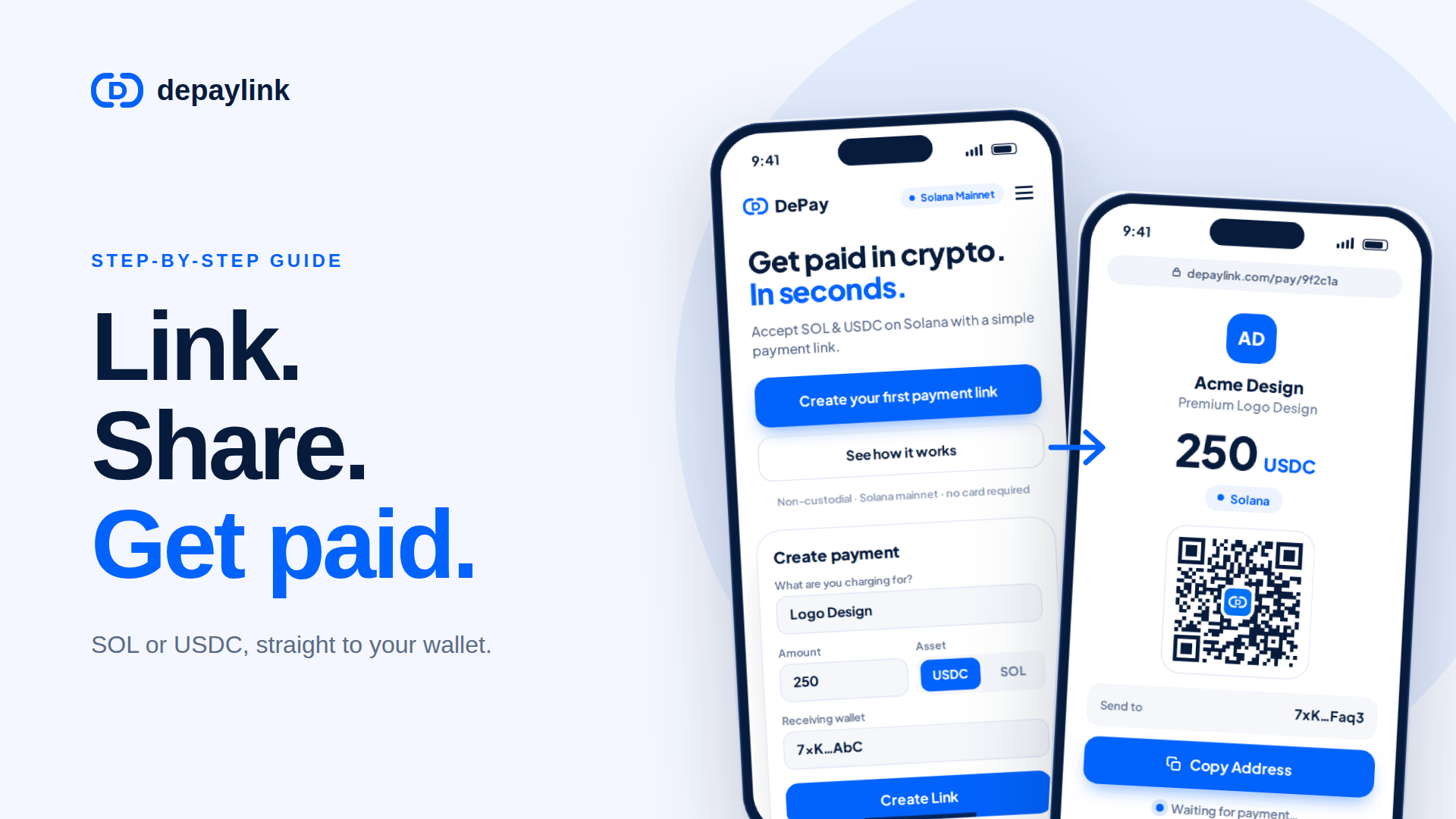
You create the link. You choose an amount, a currency (for example USDC or SOL), and the wallet that should receive the funds. You may add a name and description.
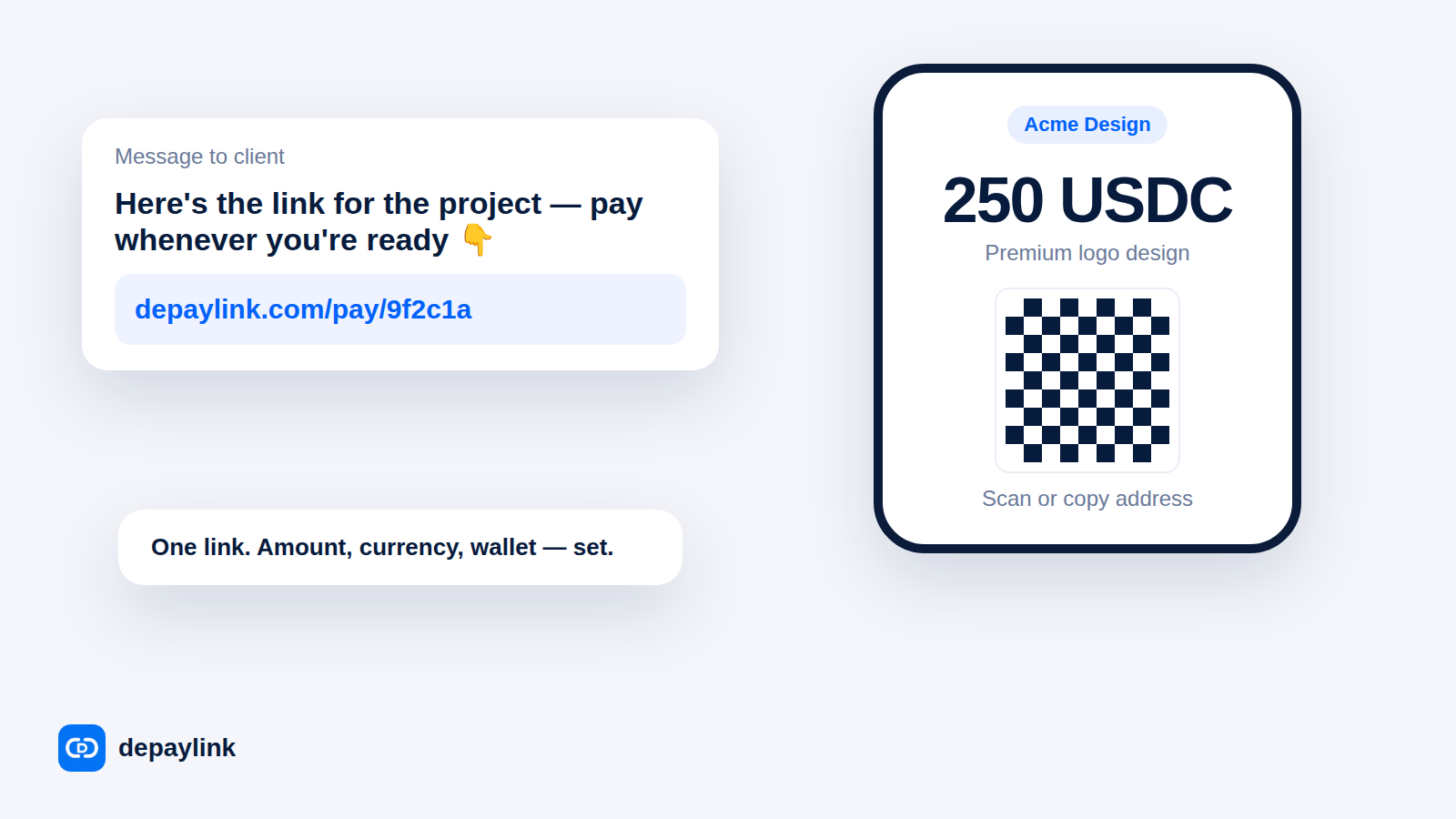
You share it. Paste it into an email, invoice, chat, social bio or QR code.
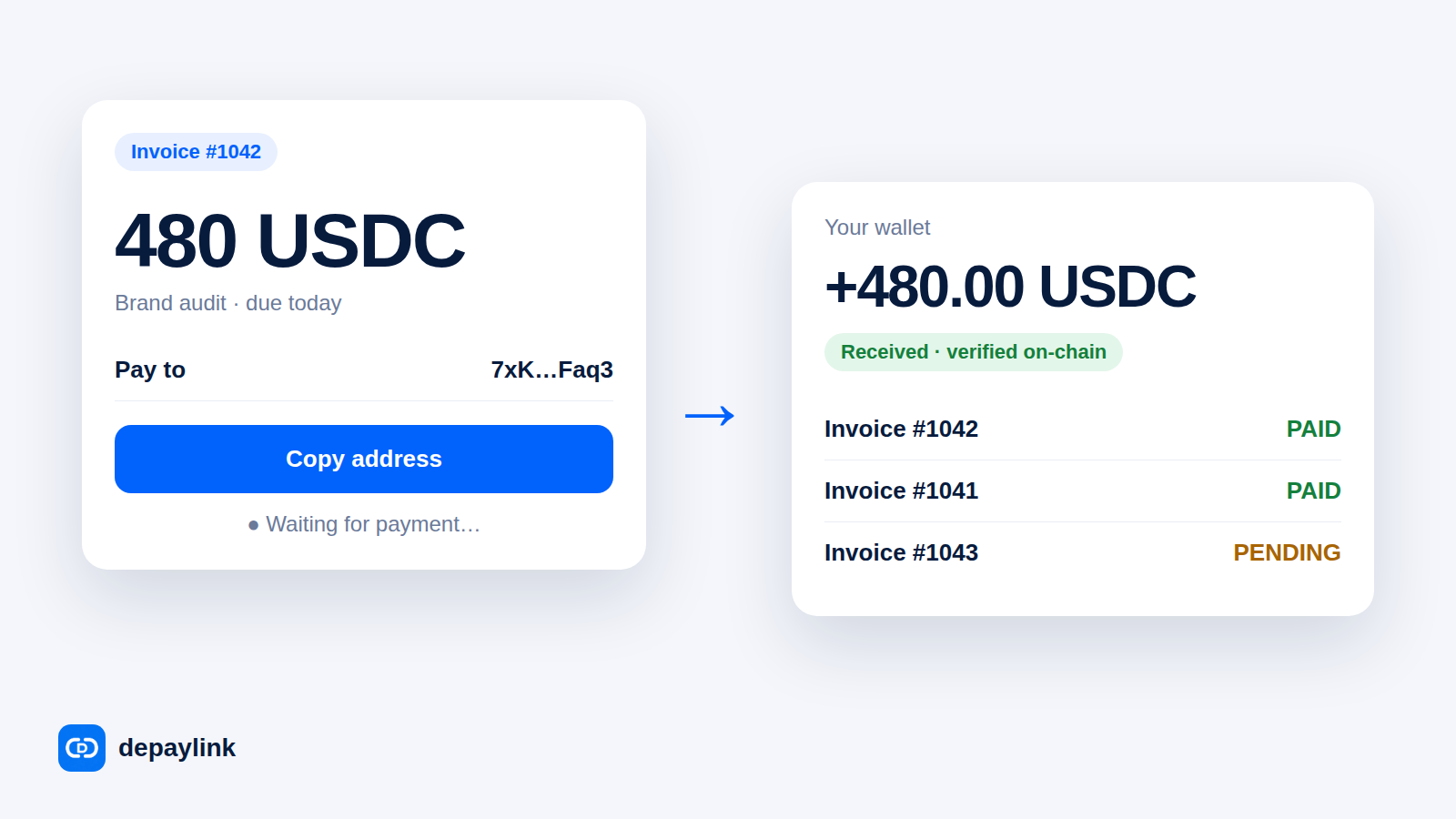
The payer opens it. They see who is asking, how much, in what currency, and where to send it — often as an address and QR code.
They pay from their own wallet. The transfer goes onto the blockchain.
The link updates. The provider watches the chain; once the matching transfer is confirmed, the link shows as paid.
What is inside a link
Element | Why it matters |
|---|---|
Amount | No guessing or typos |
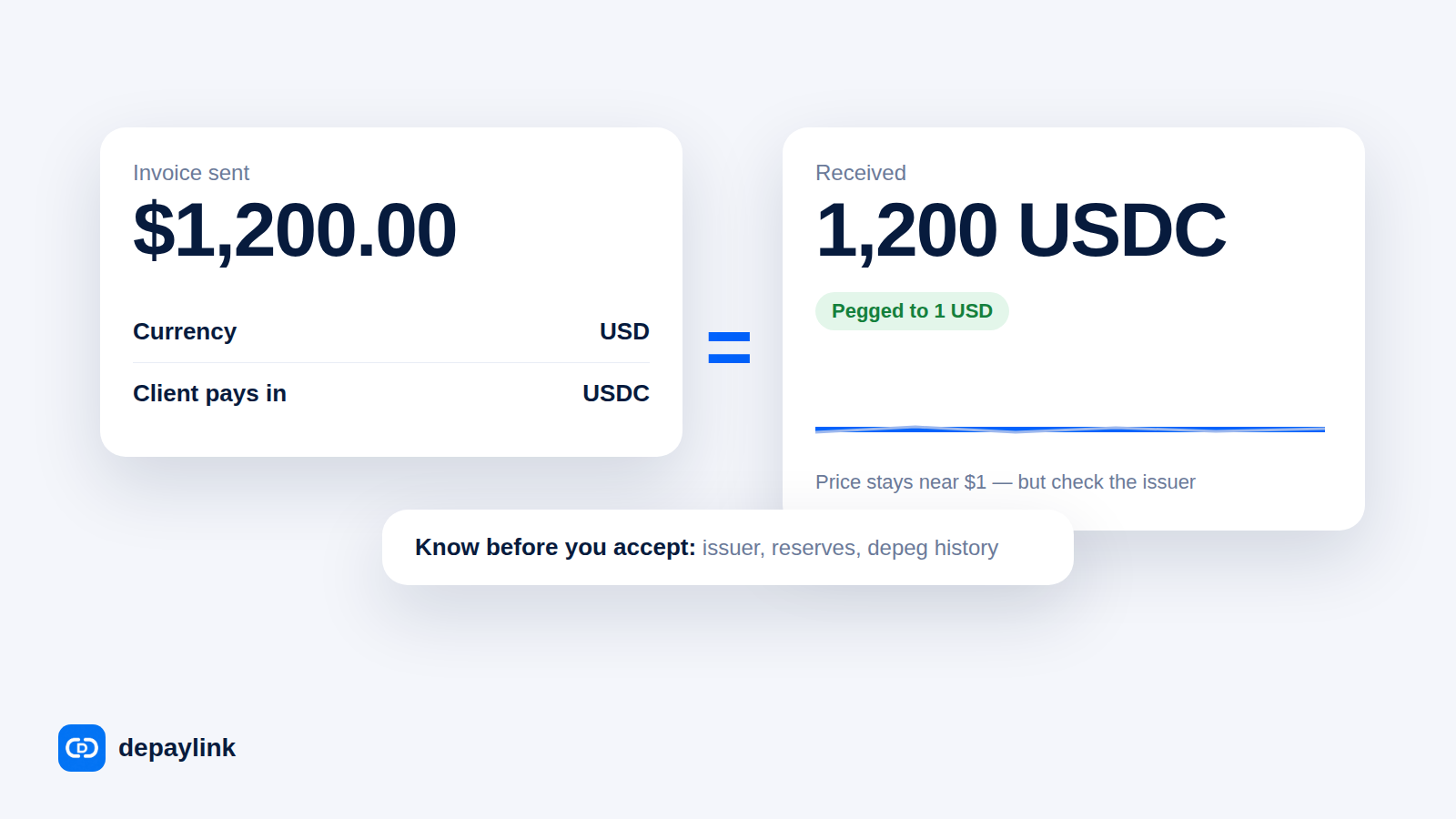
Currency and network | Prevents sending the wrong token or using the wrong network |
Receiving address | Funds go where you intend |
Label or description | You know what the payment was for |
Status | Pending vs paid, without checking the chain yourself |
Payment link vs checkout vs invoice
A checkout integration is built into a website or store and suits high volumes.
A traditional invoice is a document; payment happens elsewhere.
A payment link sits between: lightweight, shareable anywhere, and trackable.
Links are especially useful when you do not have a website, sell through chat or social media, or invoice clients one at a time.
Do payment links hold your money?
It depends on the provider, so check. With depaylink, the funds go to your wallet directly and depaylink does not hold them. The payer pays from their own wallet app and does not have to connect it to the page.
Things to check in any provider
Where do funds go — to you directly, or to an account the provider holds?
Which currencies and networks are supported?
How does it detect and confirm payments?
Can you brand the page so clients recognize you?
What does it cost?
When a link is the wrong tool
If you need card payments, complex subscriptions, or fully automated order fulfillment for thousands of orders, you will want a deeper integration. Payment links are for simple, direct payment requests — which is most freelancers and many small businesses.
FAQ
Do payers need an account? With depaylink, no account is needed to pay; they use their own wallet.
Can I reuse a link? That depends on the setup; a link for a fixed invoice is usually best used once so payments map cleanly to invoices.
Can I share a link as a QR code? Yes. A QR code makes in-person and printed payments easier.
Is a payment link safe to send? The link only lets someone pay you; it exposes no private keys. Always send it through channels the client trusts, to avoid look-alike scams.