How to Create a Crypto Payment Link (Step by Step)
To create a crypto payment link, you need three things: a wallet that can receive the funds, a clear description and amount for what you're charging, and a tool that turns those details into a link your customer can open. Everything else is sharing the link and checking that the money arrived.
This guide walks through each step using Solana, where you can request payment in SOL or USDC. The steps are the same whichever tool you use, and the examples show how depaylink handles each one.
What a payment link replaces
The default way to get paid in crypto is to send someone a wallet address. It works, but it leaves a lot to chance:
Sending a wallet address | Sending a payment link | |
|---|---|---|
Amount | Customer types it, and can get it wrong | Set by you in advance |
Asset and network | Customer has to know which token and chain | Shown on the page |
What it's for | Nothing attached | Description of the charge attached |
Confirmation | You check your wallet manually | Page shows a waiting and paid state |
Looks like | A 44-character string | A branded page with a QR code |
A 44-character address is easy to mistype and easy to send to the wrong network. A link puts the amount, the asset and the destination on one page, so your customer only has to pay.
Before you start
Have these ready:
A wallet you control. Any Solana wallet that gives you a receiving address.
A price. Decide the amount and whether you're charging in USDC or SOL.
Something to call the charge. "Logo design, 2 revisions" beats "Payment".
Step 1: Set up a wallet you control
Your payment link needs a destination, and that destination is your own wallet address. Pick a Solana wallet, create it, and write down the recovery phrase on paper, stored offline. Anyone with that phrase can move your funds, and nobody can recover it for you.
Copy your receiving address. You'll paste it in step 3.
One habit worth building early: use a wallet dedicated to business income, so payments are easy to find when you reconcile later.
Step 2: Choose USDC or SOL
This choice decides what your customer sends you.
USDC | SOL | |
|---|---|---|
What it is | A stablecoin designed to track the US dollar | The native token of Solana |
Price for the customer | $250 invoice stays a 250 USDC invoice | $250 invoice needs a conversion at today's rate |
Best for | Fixed prices, invoices, client work | Customers who already hold SOL and prefer it |
Price risk after you're paid | Low in normal conditions | You hold an asset whose price moves |
For fixed-price work, USDC is usually the simpler choice because the number on the invoice is the number you receive. Stablecoins can still carry risks, so don't treat USDC as a bank balance. If you want to accept both, create separate links.
Step 3: Create the link
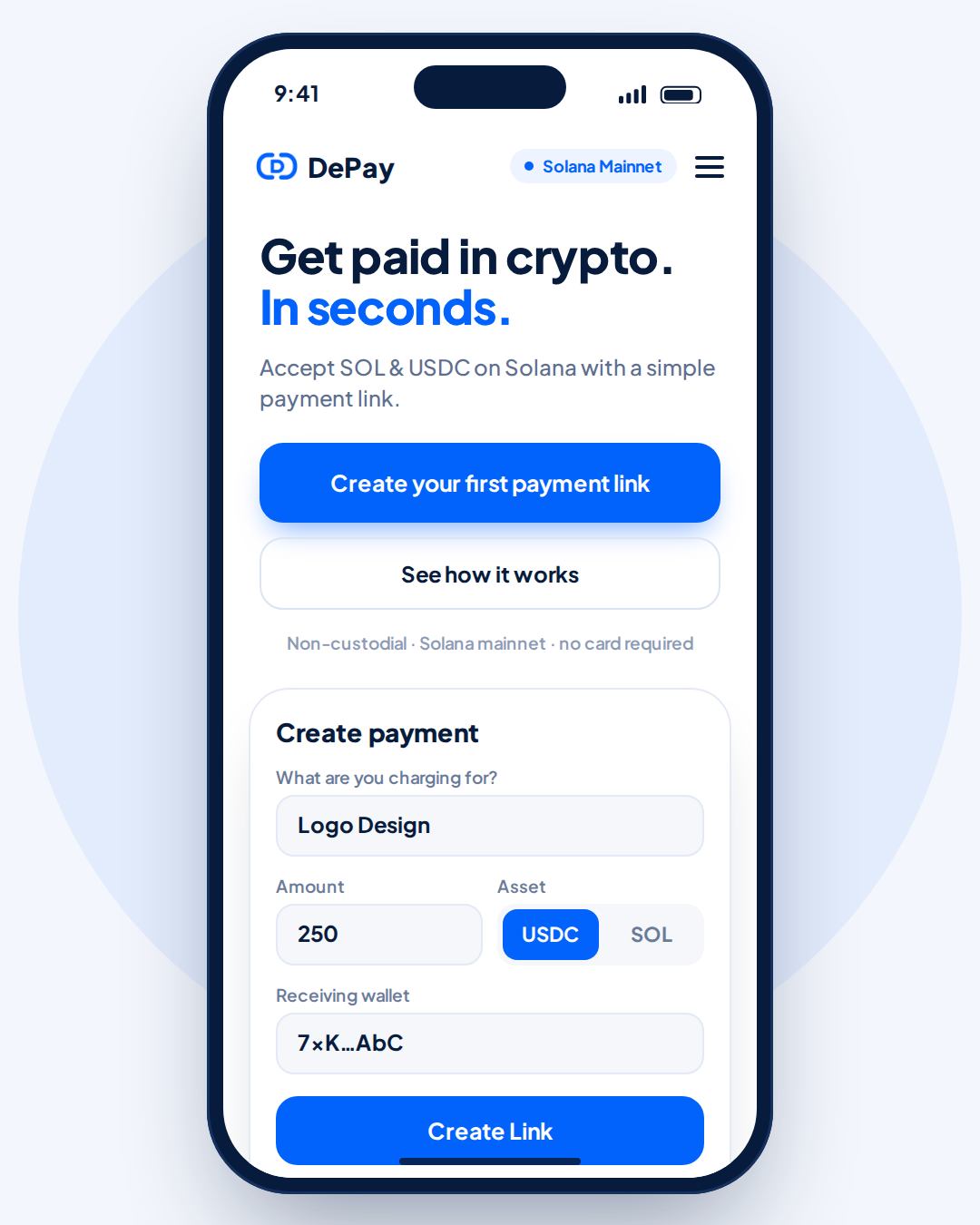
On depaylink's create-payment screen, there are four fields:
What are you charging for? The description your customer will see, such as "Logo Design".
Amount. The price, for example 250.
Asset. Switch between USDC and SOL.
Receiving wallet. Paste the address from step 1.
Then press Create Link. You get a shareable URL, and a QR code you can download as PNG or SVG.
Check the receiving wallet field twice. The payment goes to that address, and a transfer on a blockchain can't be reversed by anyone.
Step 4: Test it with a small payment
Before you send the link to a real customer, test it:
Create a link for a small amount.
Open it on your phone as if you were the customer.
Pay it from a different wallet.
Confirm the funds arrive in your receiving wallet and the link shows as paid.
It takes a few minutes and catches the most expensive mistake: a wrong address.
Step 5: Share the link or the QR code
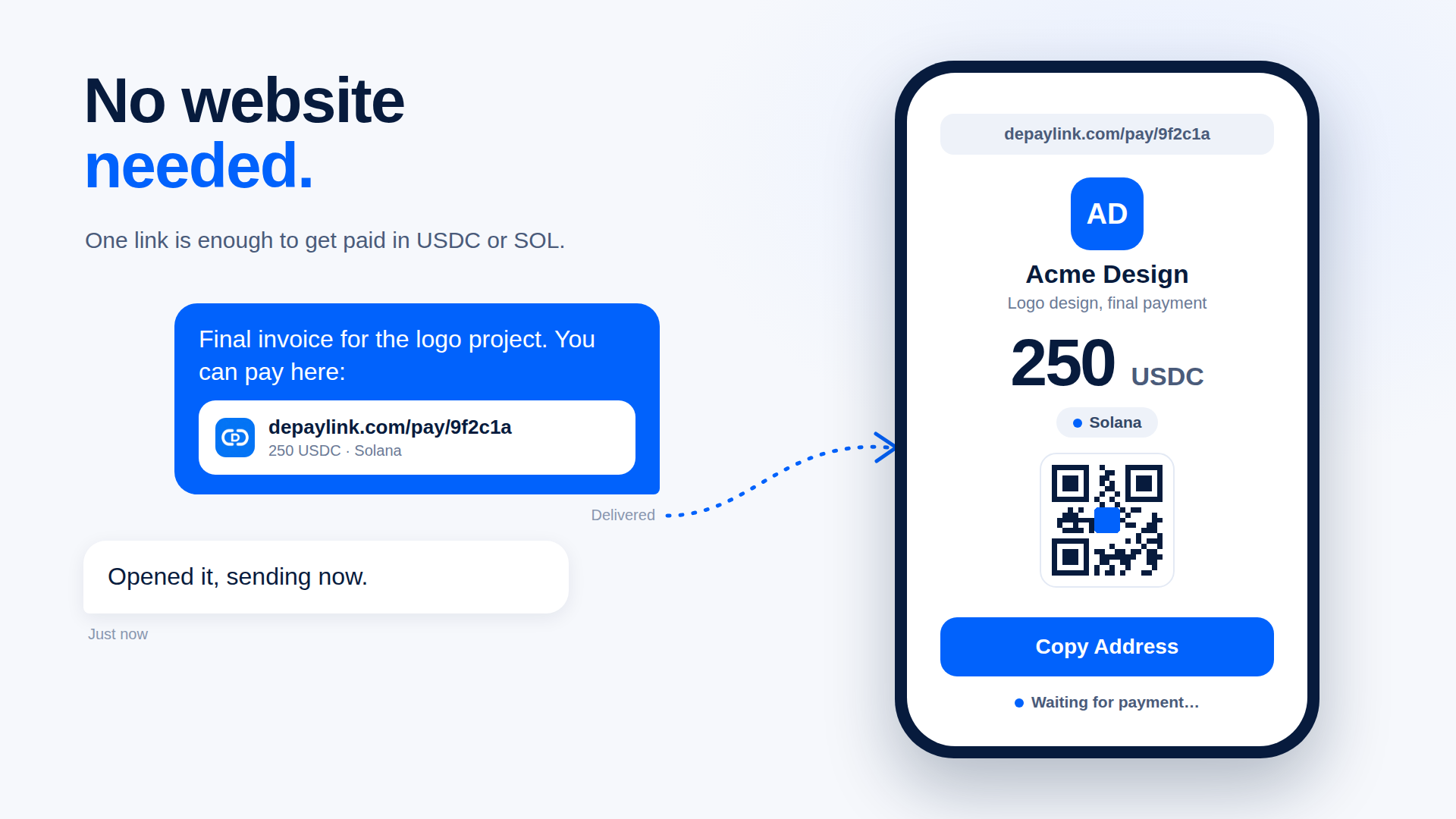
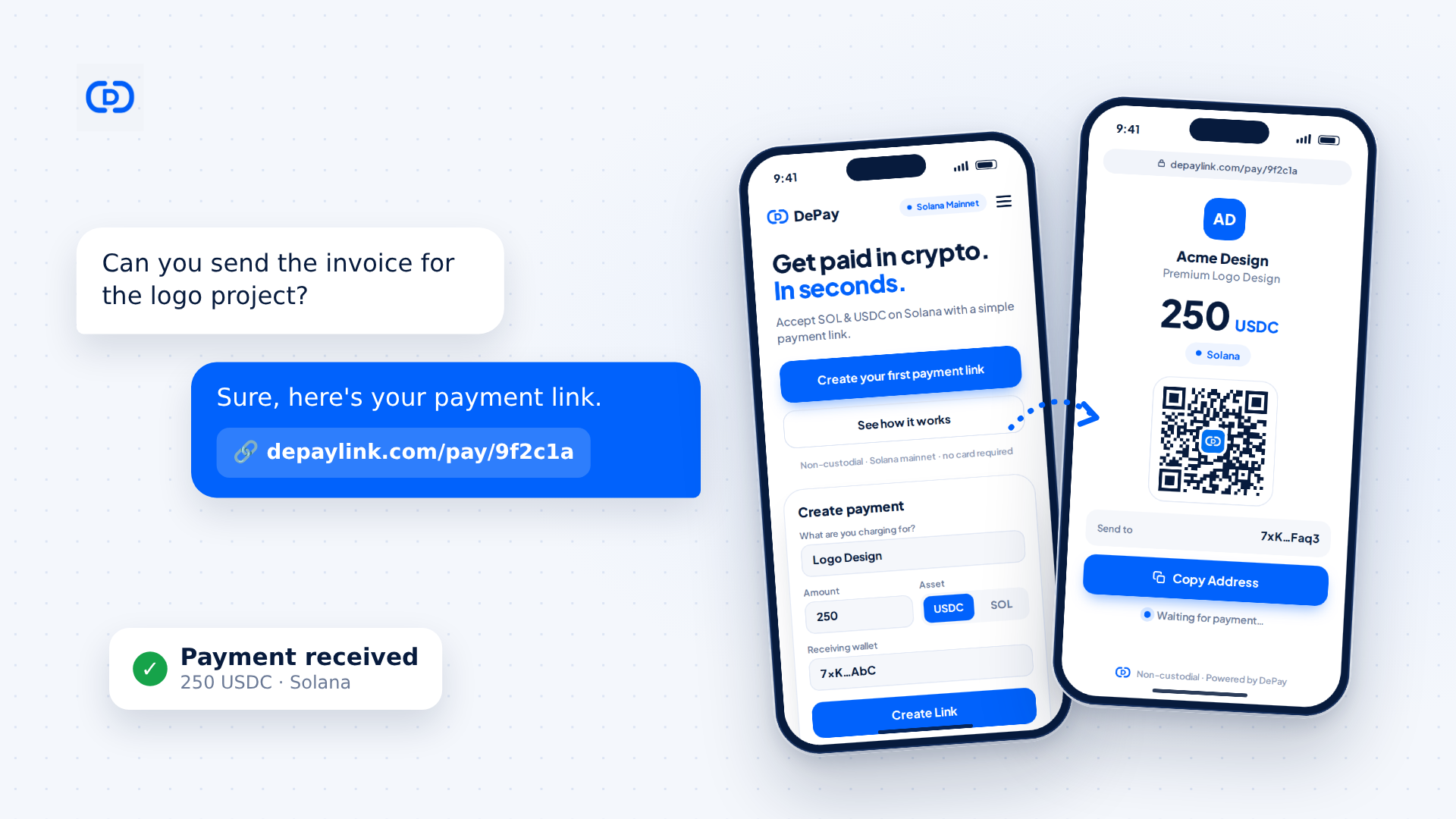
You can share the link anywhere you can paste text: email, a chat message, an invoice PDF, a DM, a bio. You don't need a website.
Use the QR code when the customer is in front of you or when the link will be printed: an invoice, a market stall, a business card, a table at an event. Download it as SVG if it will be printed, since SVG scales without getting blurry.
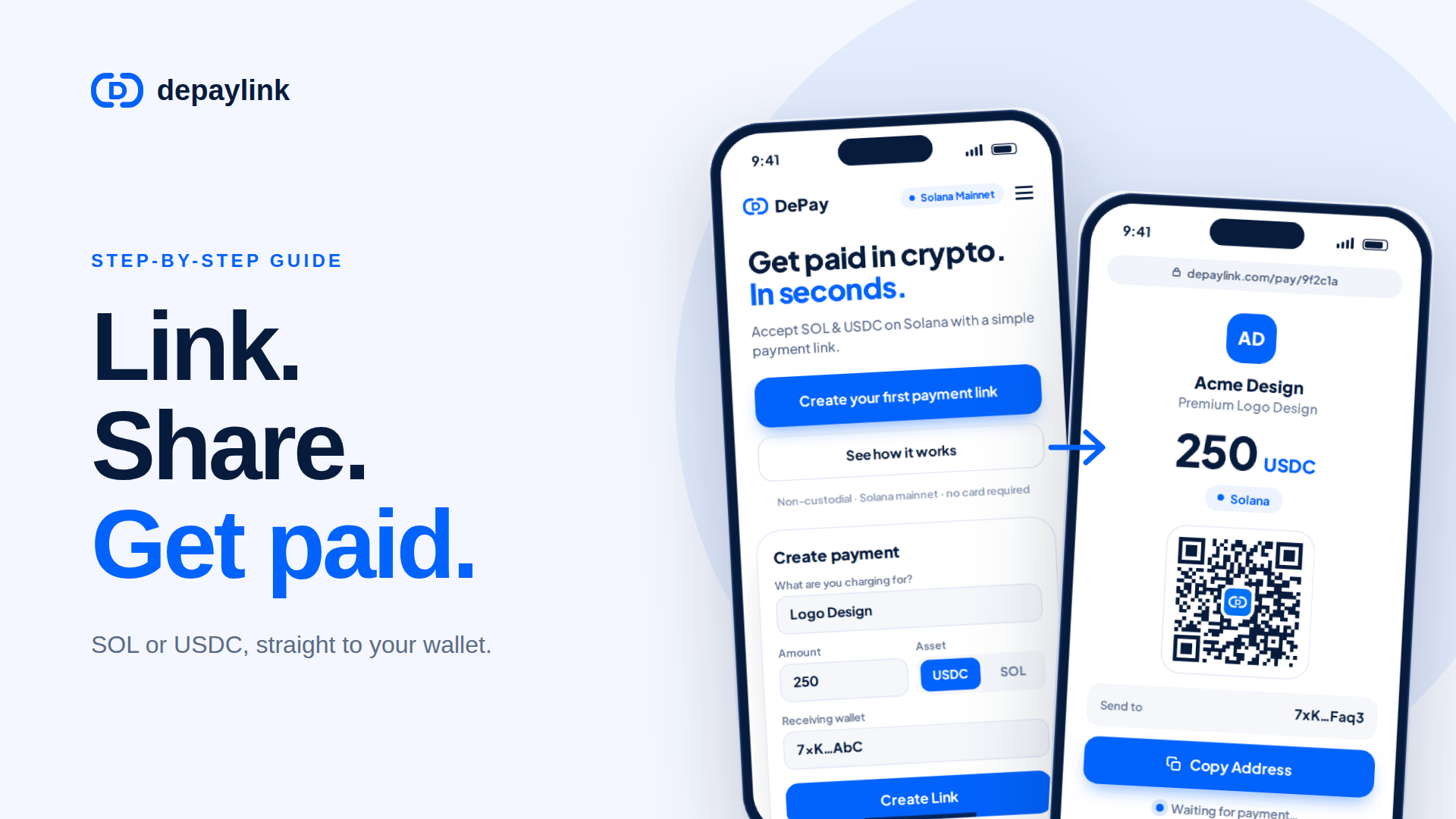
When your customer opens the link, they see your business name, what they're paying for, the amount, the network, a QR code, and the address to send to. They pay from their own wallet by scanning the code or copying the address.
Step 6: Confirm the payment
After you share the link, the payment page shows a waiting state until the transfer arrives. In depaylink's dashboard, each link then shows as pending or paid.
For anything large, also verify on-chain. Solana explorers let you paste your wallet address or a transaction signature and see the transfer: the amount, the asset, the sender and the time. The blockchain record is the source of truth, whichever dashboard you use.
Mistakes that cost people money
Wrong receiving address. Test with a small amount first.
Wrong network. The link states Solana. A customer sending the same token on a different network to a Solana address is a common way for funds to get stuck.
Pricing in SOL for a dollar quote. If your quote is in dollars, either use USDC or decide in advance what exchange rate you'll accept.
No description. A link called "Payment" makes bookkeeping painful. Describe the job.
No refund plan. Because the money lands directly in your wallet, a refund is a new transfer you send manually. Decide your refund policy before you need it.
Where depaylink fits
Everything above can be done by hand: share an address, specify the amount in an email, check your wallet. A payment-link tool removes the manual parts. depaylink supports SOL and USDC on Solana, generates the link and QR code, shows the customer a clean payment page, and doesn't require them to connect a wallet to the page. The payment goes to the address you set. Its product page lists no transaction fees, and the sender still pays the small Solana network fee on the transfer.
If you only collect a payment occasionally, sharing an address may be enough. If you invoice repeatedly, the link saves you from retyping amounts and chasing "did you get it?" messages.
Tax treatment of crypto income differs by country. This guide is general information, not tax or legal advice, so check the rules where you live.
FAQ
Do I need a website to use a payment link? No. The link opens a hosted payment page, so you can share it by message or email, or print the QR code.
Does my customer need to connect their wallet? Not to view the payment page. They send the amount from their own wallet app by scanning the QR code or copying the address.
Who pays the network fee? The sender pays the Solana network fee when they send the transfer. depaylink's product page lists no transaction fees.
Can I accept other cryptocurrencies? depaylink supports SOL and USDC on Solana.
What if a customer pays the wrong amount? The payment arrives in your wallet as sent. You'd settle the difference with a follow-up payment or a manual refund, which is why a fixed amount on the link helps.
Can a payment be reversed? Blockchain transfers can't be pulled back by a bank or processor. A refund is a new transfer from you.How to Get Paid in USDC as a Freelancer