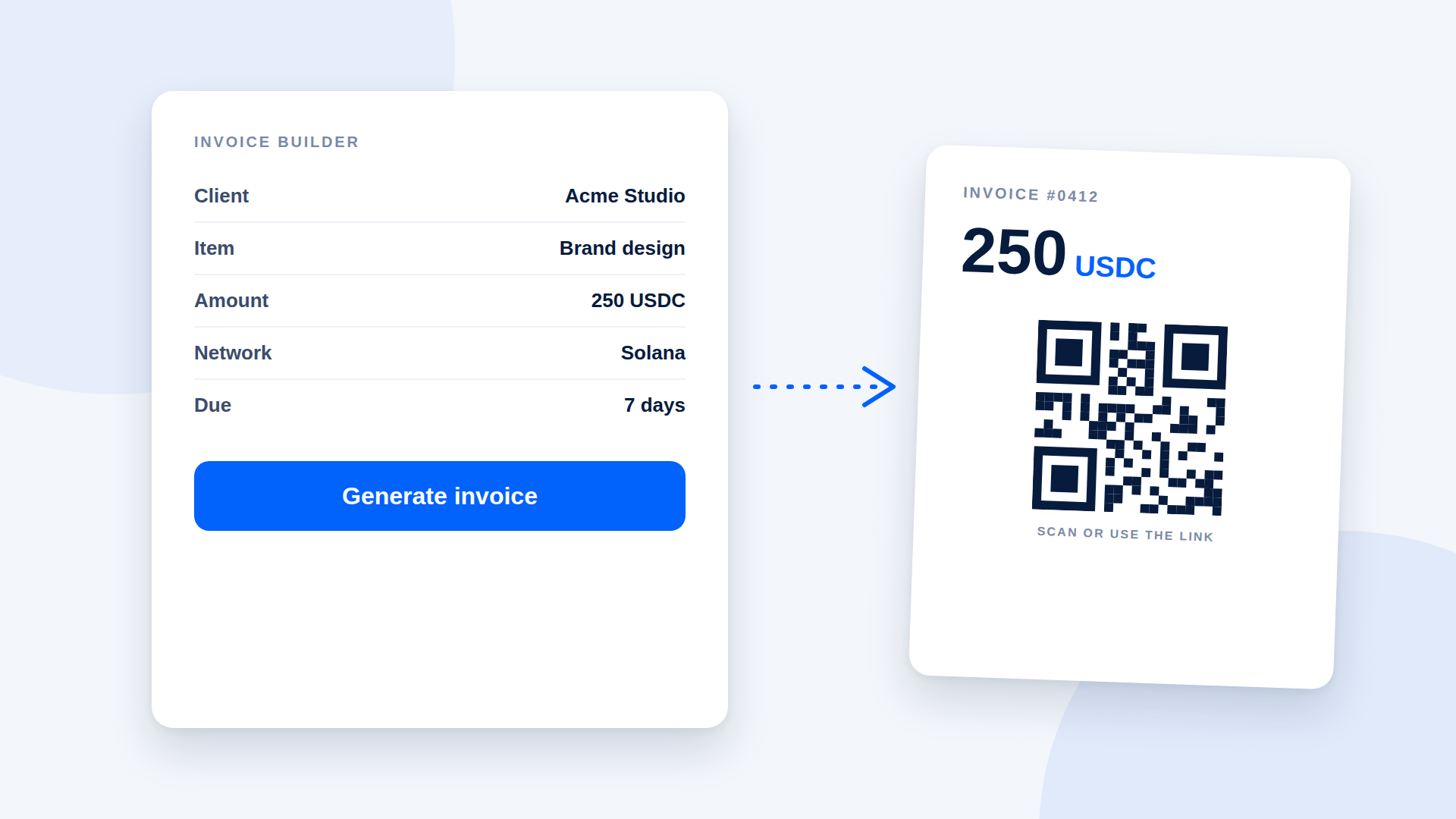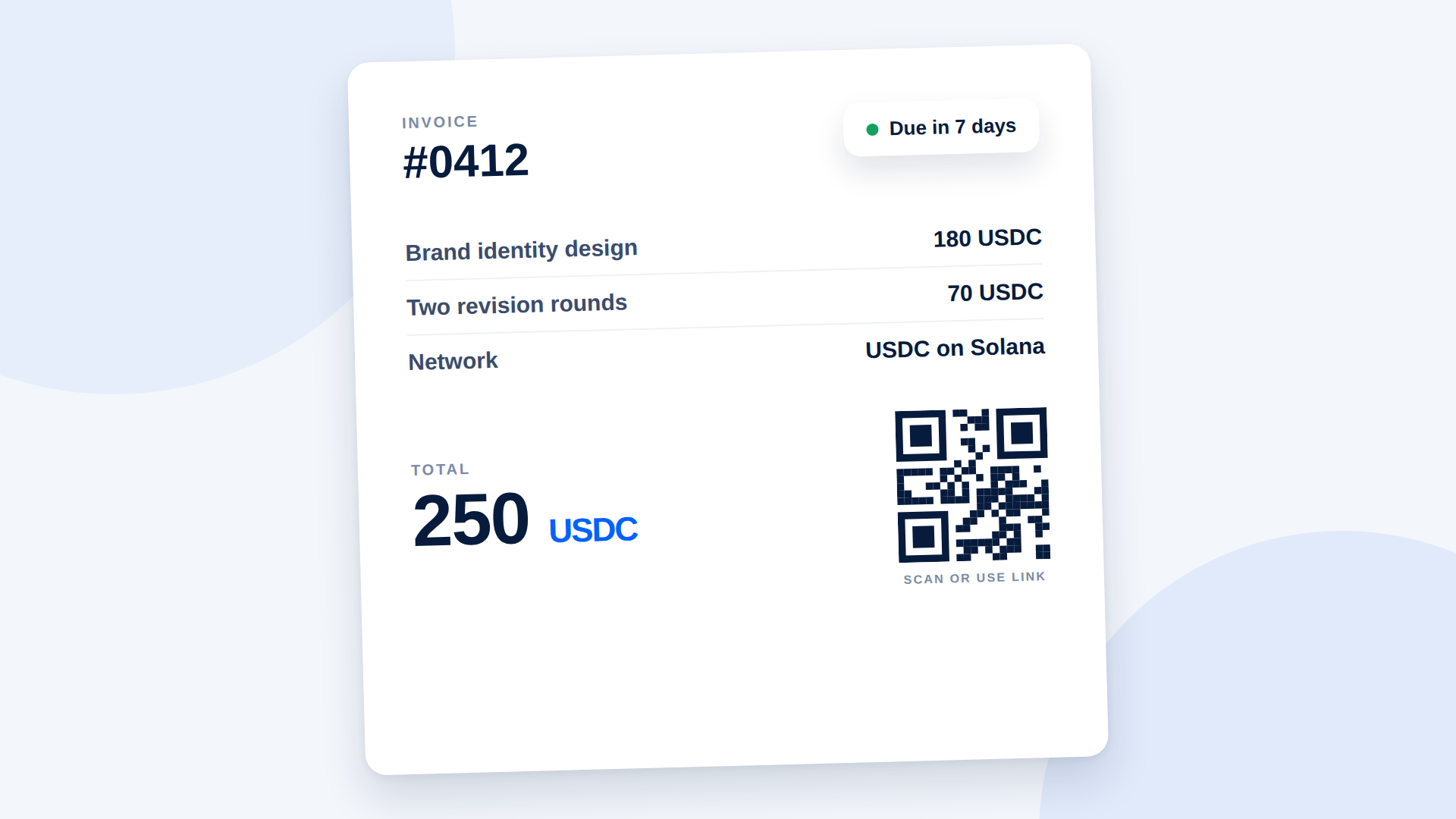
A crypto invoice is a normal invoice with extra payment details: the exact amount, the asset, the network and the destination. Get those right and the client can pay without a single follow-up question. Get them wrong and you will spend a week chasing a transfer that went to the wrong place.
What a crypto invoice needs
Everything on a regular invoice still applies: your details, the client's details, an invoice number, a date, a description of the work. Add these:
| Field | Why it matters | Example |
|---|---|---|
| Amount in the payment asset | Removes exchange-rate guesswork | 250 USDC |
| Asset and network | Prevents wrong-network payments | USDC on Solana |
| Payment destination | Where the funds go | Payment link or QR code |
| Reference | Lets you match the payment to the invoice | #0412 |
| Due date | Sets the expectation | 7 days from invoice date |
Price in a stable asset when you can
If you quote in dollars, invoice in USDC so the amount on the invoice is the amount you receive. Invoicing in SOL means the dollar value changes between the day you send the invoice and the day it is paid. If you do accept SOL, state how the amount was calculated and for how long it holds.
Use a link or QR code, not a pasted address
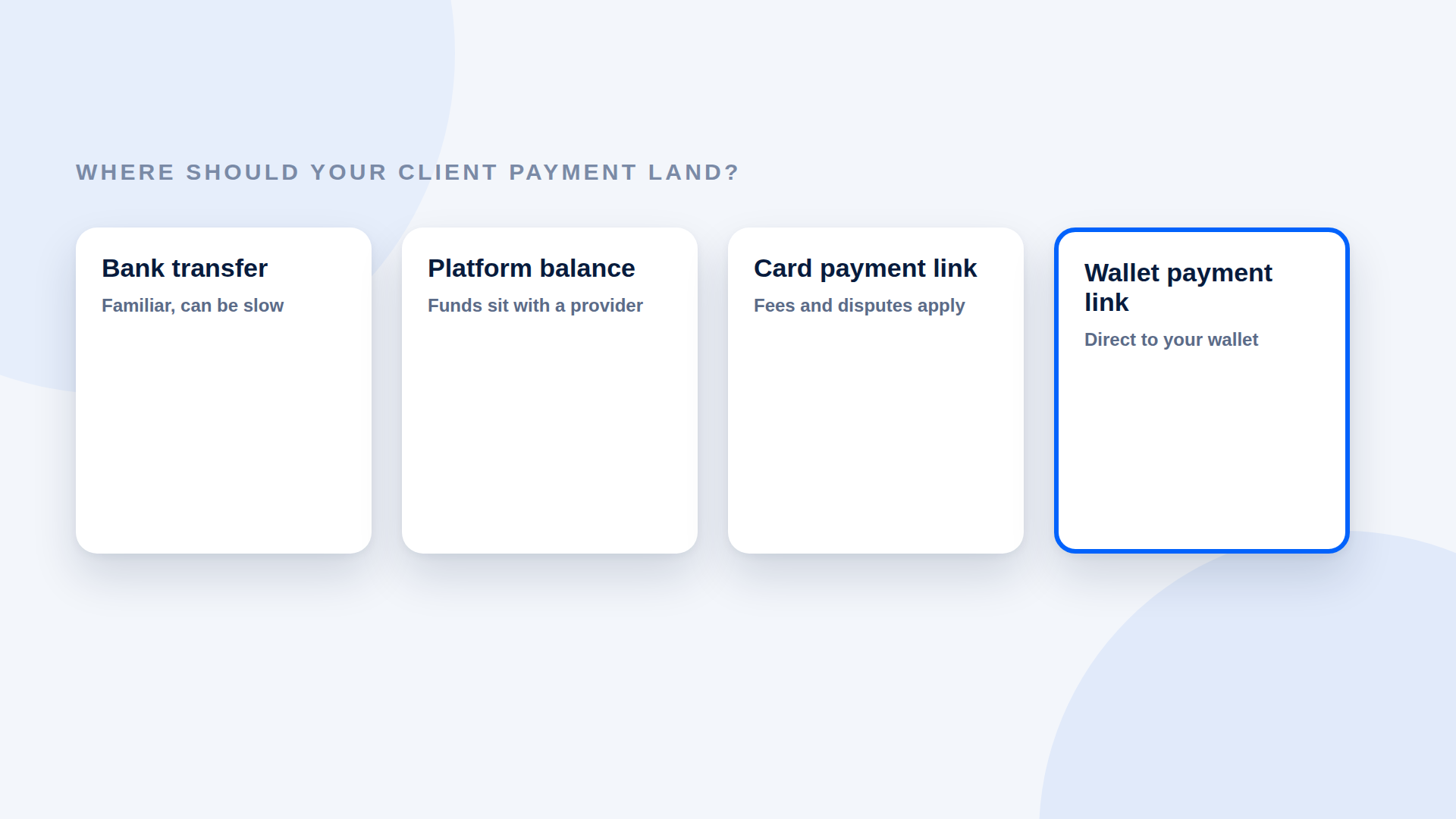
A wallet address is a long string, and a single wrong character sends funds somewhere else. A payment link or QR code carries the details for the client, so the only thing they do is open it and pay.
A template you can copy
Invoice #0412 Date: [date] · Due: [date] From: [Your name or business] To: [Client name or business]
Description Amount Brand identity design 180 USDC Two revision rounds 70 USDC Total 250 USDC Pay with: USDC on Solana only Payment link: [your link] Reference: #0412
Payments sent on any other network or in any other asset may not be recoverable. Please contact me before paying if you have questions.
Handling the awkward parts
Partial payments
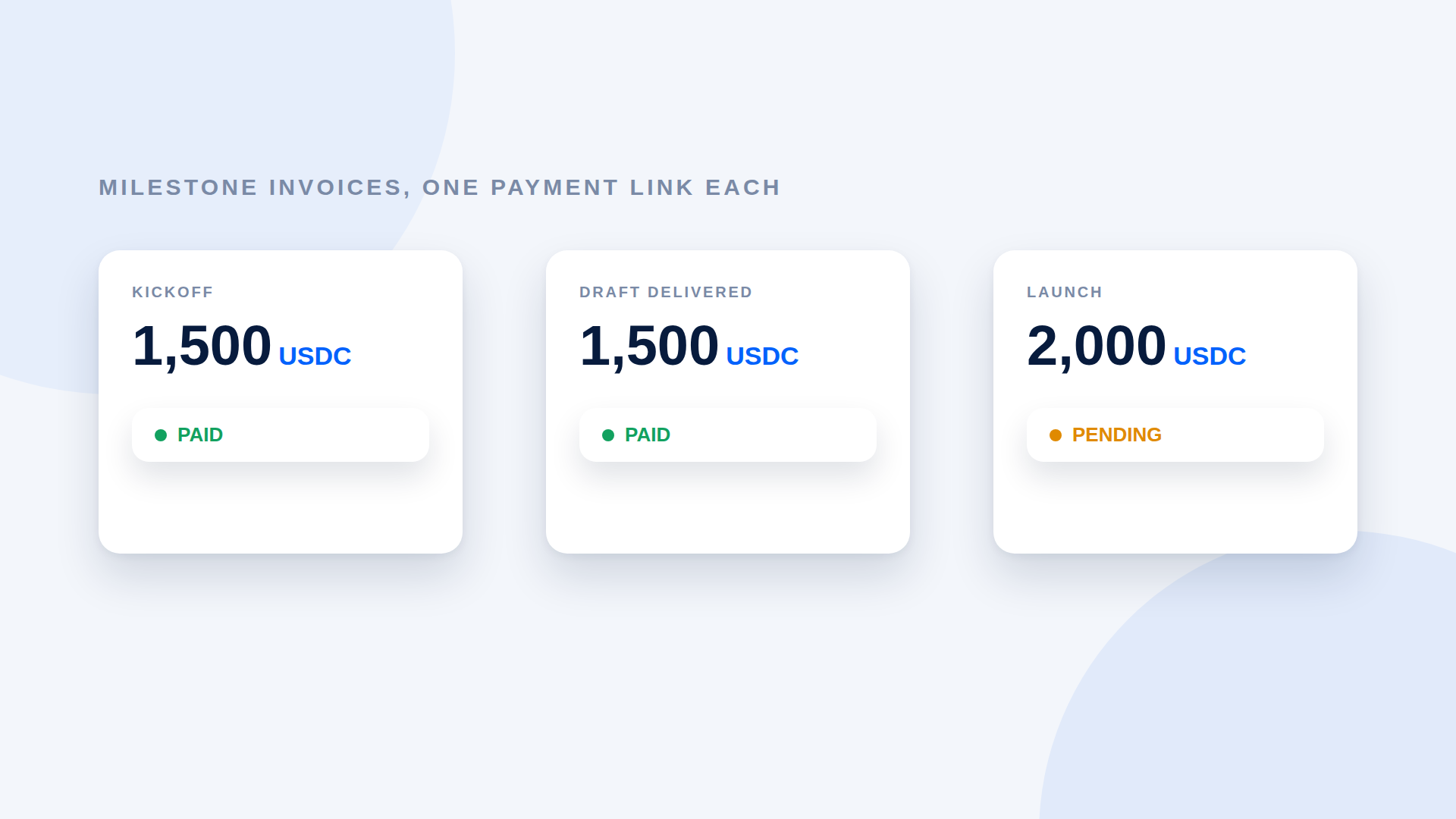
Decide upfront whether you accept them. If you do, create a separate link for each instalment, so each has a clear amount and status.
Late payments
State late terms on the invoice, just as you would for a bank transfer. Crypto does not change the contract, only the payment method.
Refunds and corrections
A completed transfer cannot be recalled. If you owe money back, send a new payment and note it against the original invoice.
Clients who are new to crypto
Offer a fallback such as a bank transfer, and explain briefly what they need: a wallet holding USDC on Solana and a little SOL for the network fee. Do not push someone into crypto to pay you.
Keep your own records
Save the invoice, the payment link, the transaction ID, the date, and the value in your local currency when you were paid. This is what an accountant will ask for.
Where DePayLink fits
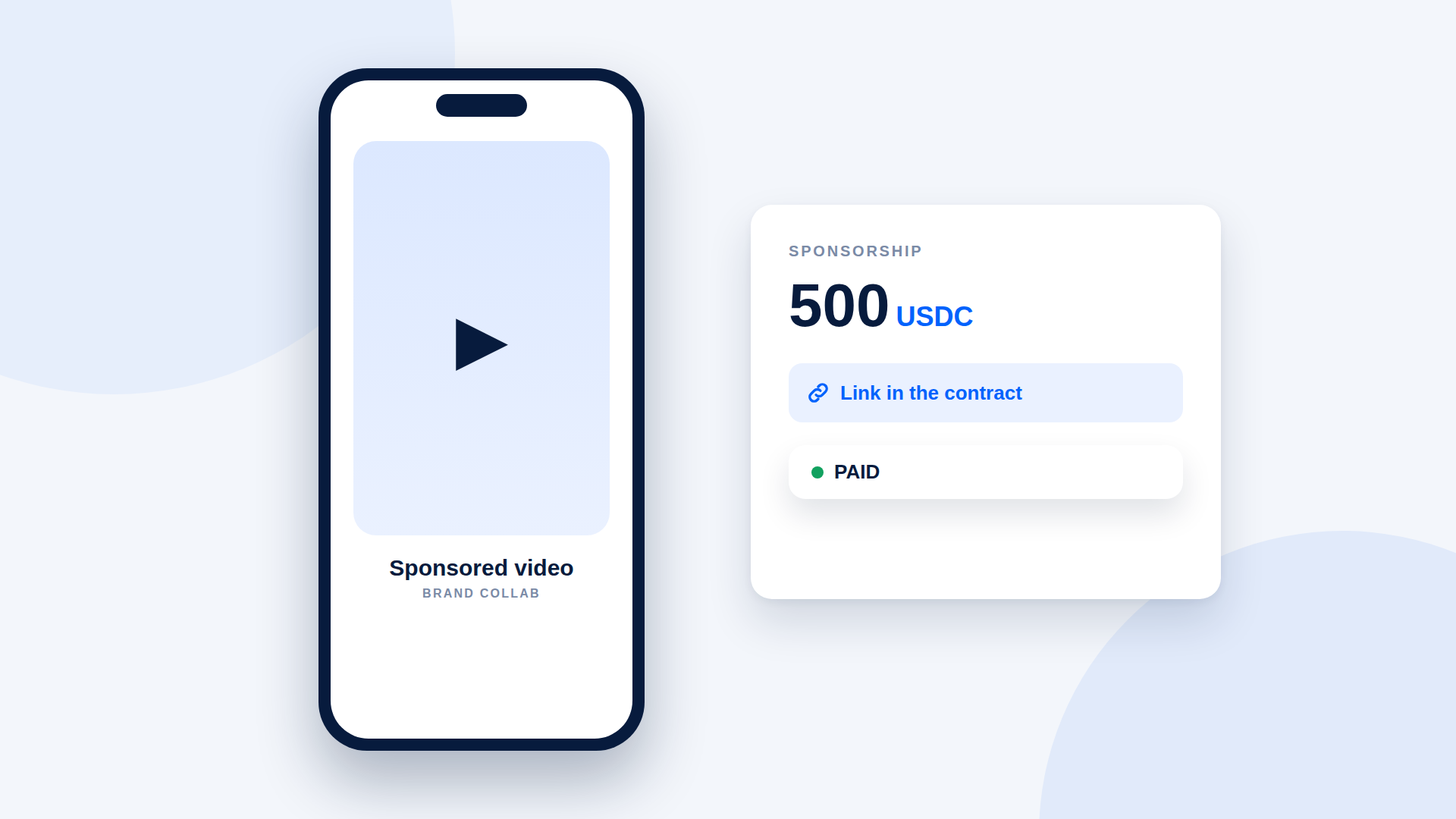
DePayLink creates the payment link you put on the invoice. You enter a description, the amount, USDC or SOL, and your wallet. The client opens the link, pays, and DePayLink verifies the transfer on Solana before marking it paid. Funds go directly to your wallet.
Frequently asked questions
Can I invoice in crypto and still show a dollar value?
Yes. Show the amount in USDC and, if your client wants it, the equivalent in their currency for reference.
Do I add VAT or sales tax to a crypto invoice?
Tax rules depend on your country and activity. Ask a local accountant.
What if the client pays the wrong amount?
Do not mark the invoice as paid. Ask for the difference or agree a refund.
Can I send the invoice as a PDF?
Yes. Place the payment link or QR code on it so the client can pay from the document.