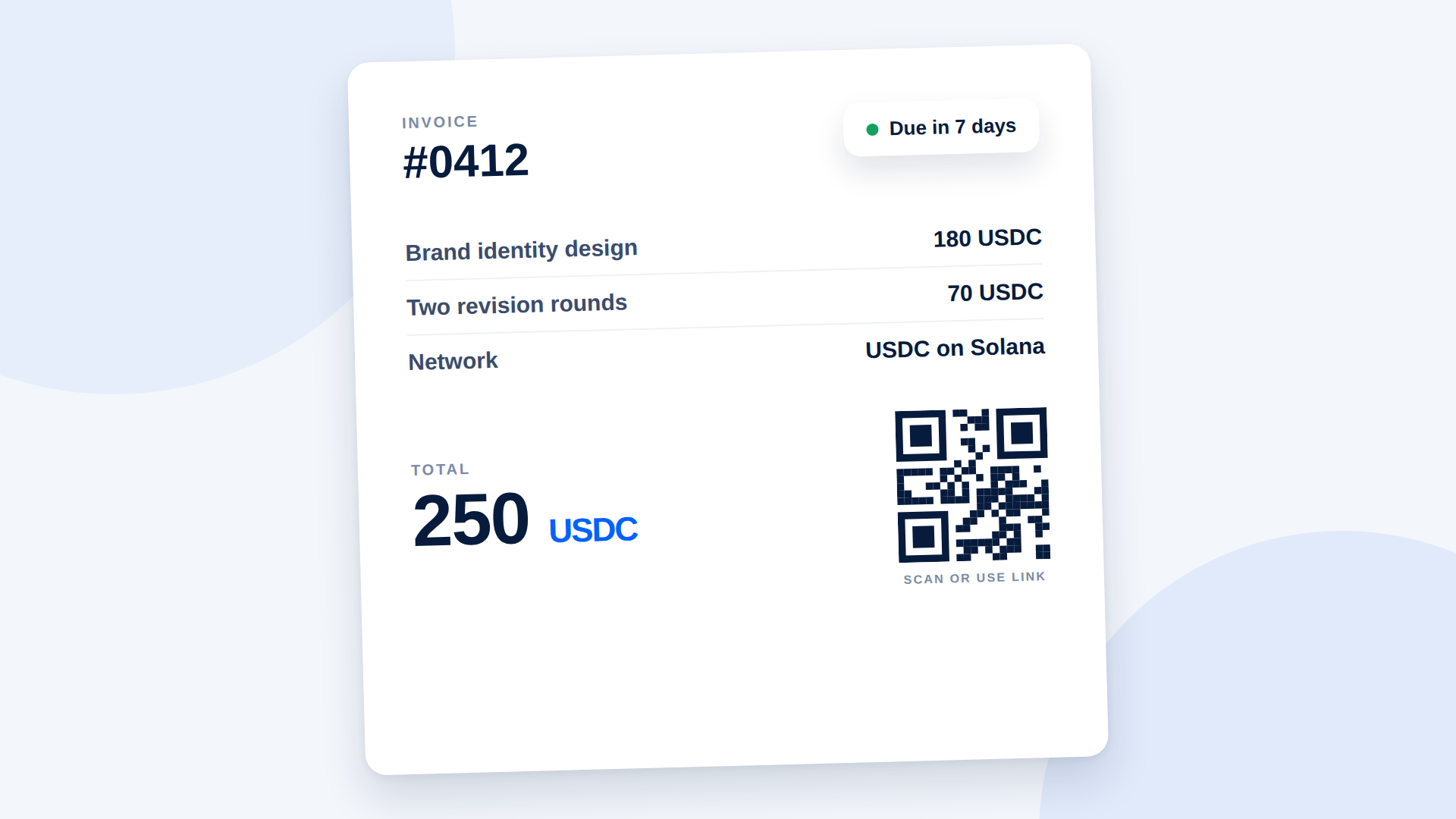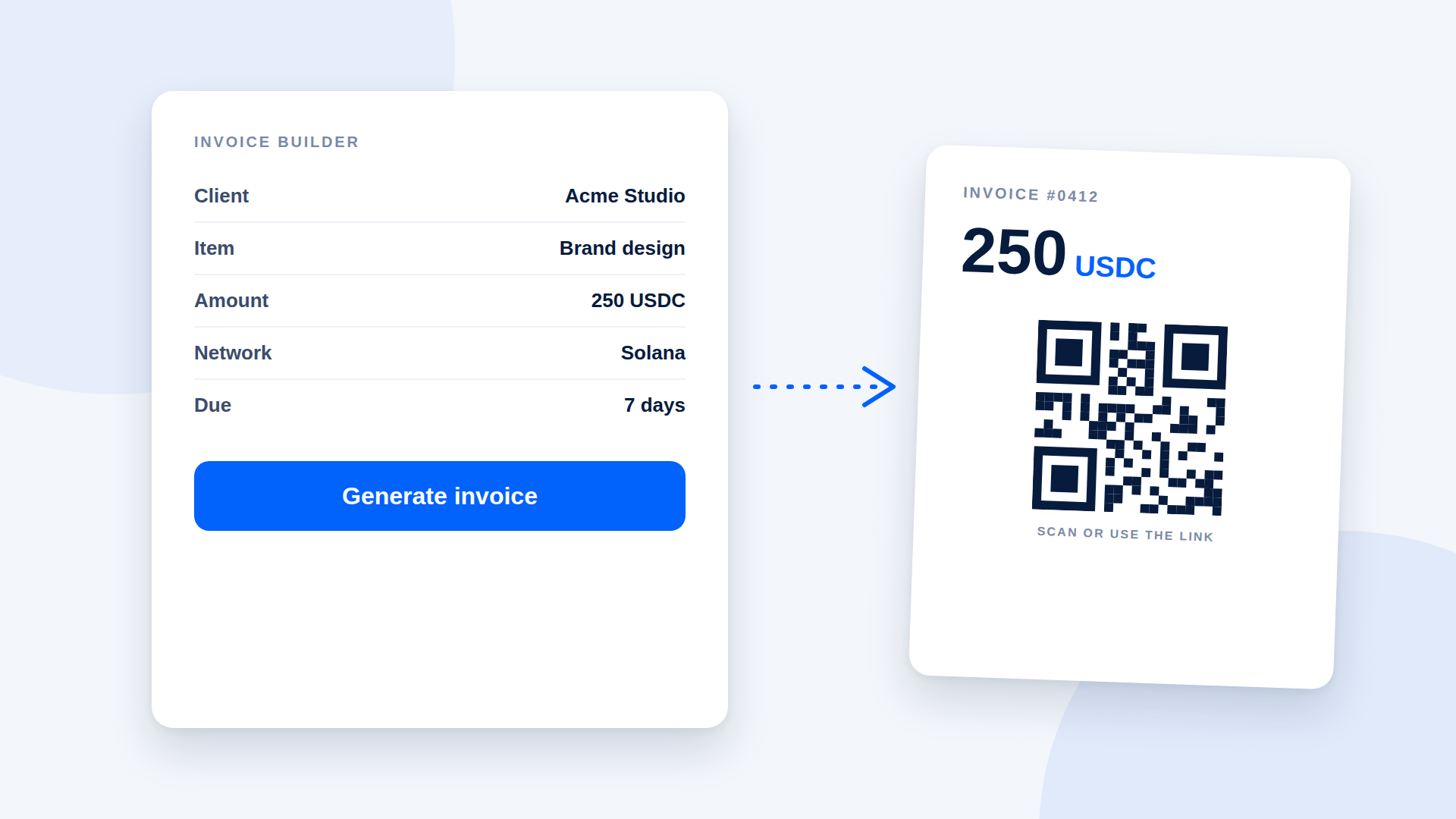
A good crypto invoice generator produces an invoice that tells the client exactly what to pay, in which asset, on which network and to where, ideally as a link or QR code they can act on. If a tool only gives you a pretty PDF with a long wallet address on it, you are still leaving room for mistakes.
What a crypto invoice generator should include
| Feature | Why it matters |
|---|---|
| Amount in the payment asset | Removes exchange-rate guesswork |
| Asset and network named | Prevents wrong-network payments |
| Payment link or QR code | Replaces copying a long address |
| Invoice number and reference | Lets you match payment to invoice |
| Due date and terms | Same as any invoice |
| Payment status | Shows paid or unpaid without checking manually |
The two ways to make a crypto invoice
Option A: an all-in-one invoice tool
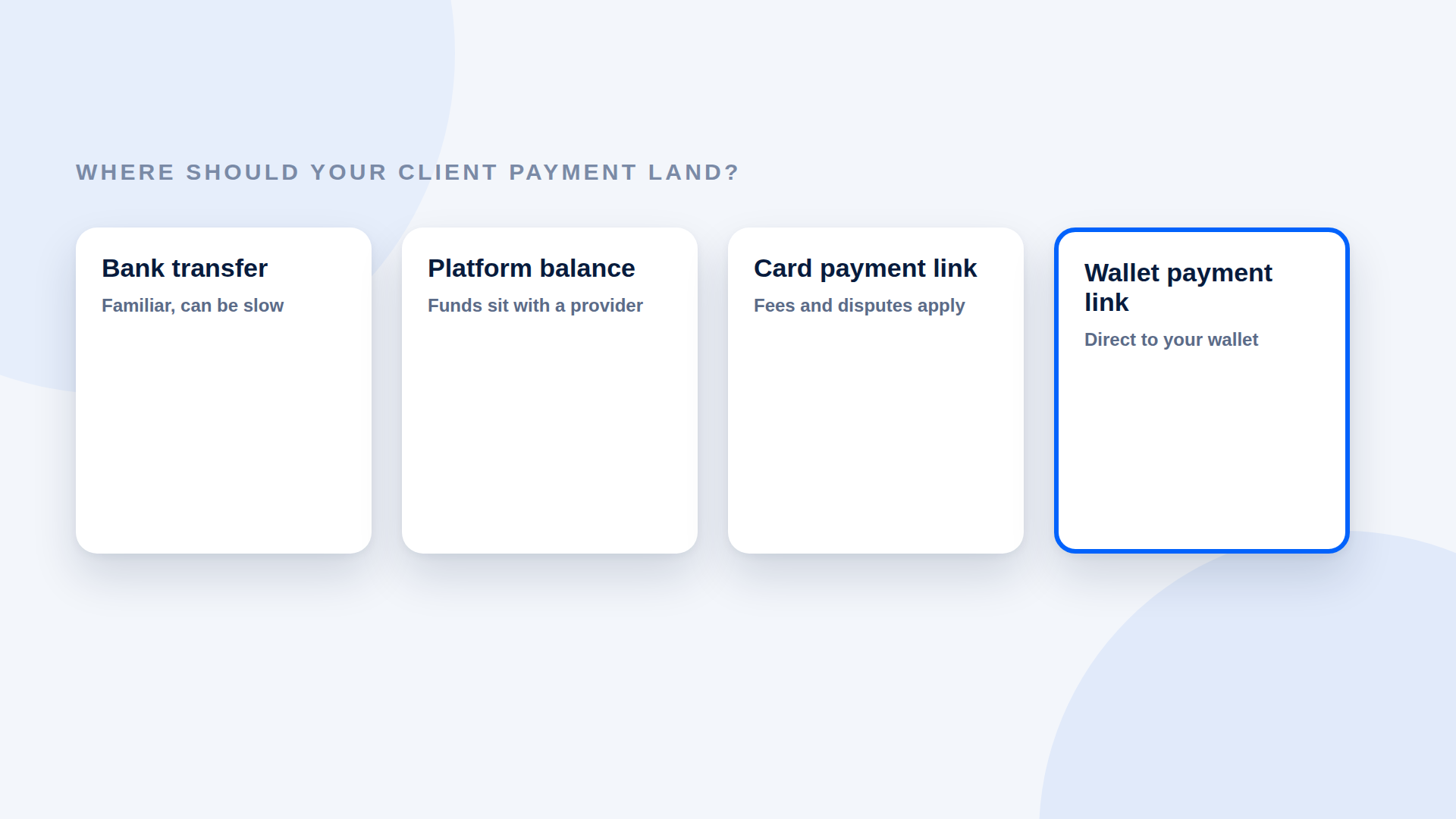
Some tools combine invoicing and crypto payments. They can send reminders and track status, but may require an account, ask for business verification, or hold funds before paying you out. Check each of those points.
Option B: your usual invoice plus a payment link
Make your invoice in whatever tool you already use. Create a payment link for the amount and paste it in, or add its QR code. This keeps your existing process and adds crypto as an option. It is the lightest way to start.
How to build the invoice (Option B)
- Create the payment link. Enter the description, the amount, USDC or SOL, and your wallet.
- Open your invoice template. Add your details, the client's details, an invoice number and a date.
- List the work and the total in the payment asset.
- Add the payment line: "Pay with USDC on Solana" plus the link, and a QR code if you have one.
- State the terms: due date and what happens if the payment is late.
- Send it, then watch the link's status.
Avoid these mistakes
- Pasting the address as plain text with no link or QR code
- Writing "USDC" without naming the network
- Showing the total only in local currency when you want to be paid in USDC
- Reusing a link from an earlier invoice
- Marking the invoice paid because the client sent a screenshot
Make it easy for clients who are new to crypto
Add a short line explaining that they need a Solana wallet with USDC and a little SOL for the network fee, and offer a bank-transfer alternative. The goal is to get paid, not to convert anyone.
Records
Keep the invoice, the link, the transaction reference and the date, with the value in your local currency at the time you were paid. Tax rules vary, so ask a local accountant.
Where depaylink fits
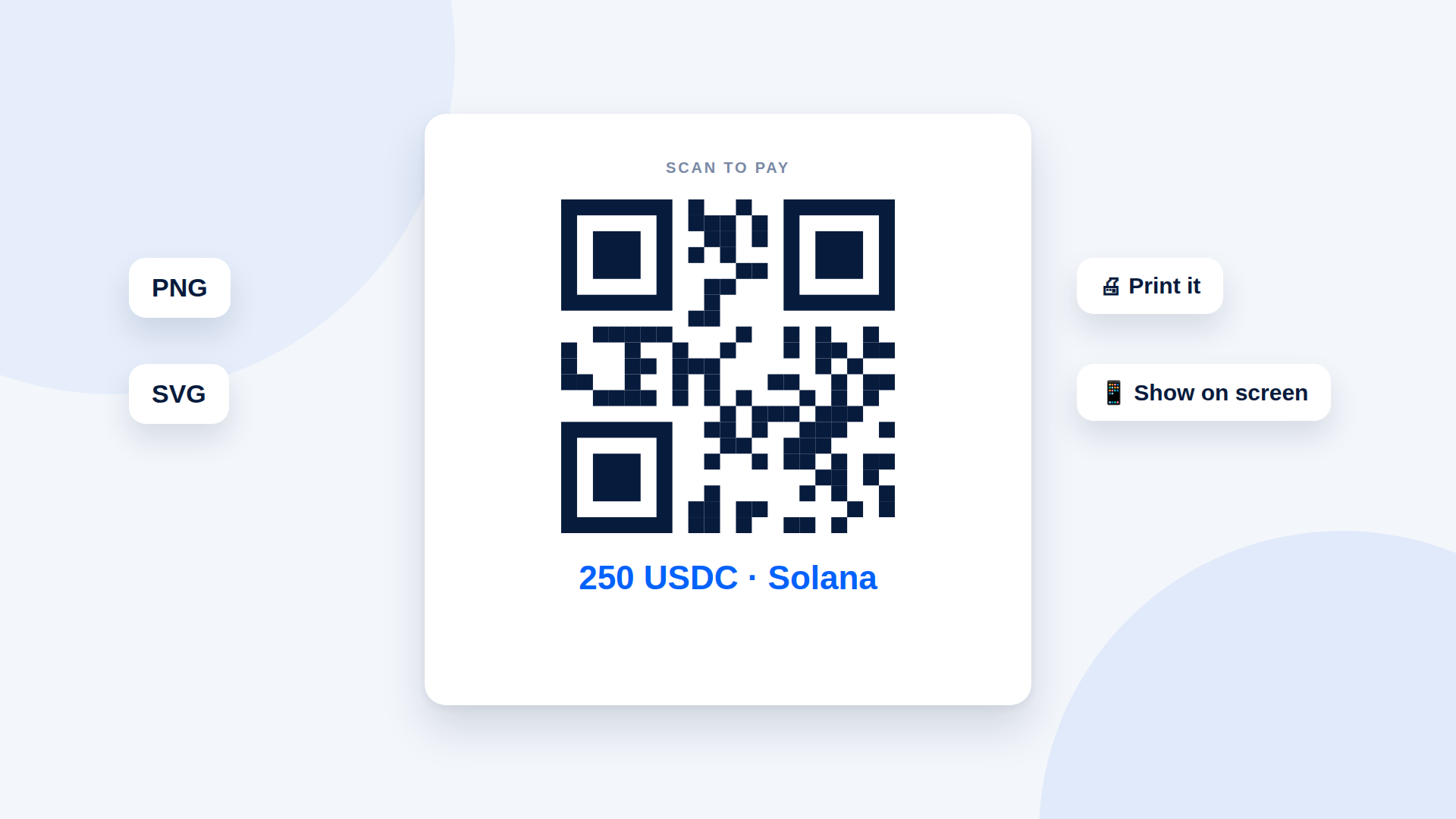
depaylink creates the payment link and QR code for your invoice. Enter the amount, asset and wallet, share the link, and depaylink verifies the payment on Solana before marking it paid. Funds go straight to your wallet. It does not generate the invoice document itself, so use it alongside the invoice tool you already have. The Free plan includes 5 links a month, and Pro adds PNG and SVG link QR codes, custom branding and custom payment pages.
Frequently asked questions
Is there a free crypto invoice generator?
Several tools offer free invoices. A free payment link can be added to any of them.
Can I put a QR code on a PDF invoice?
Yes. Export the QR code as an image and place it in your document.
Should I invoice in USDC or SOL?
USDC if you price in dollars. See the USDC vs SOL comparison.
Does the invoice need the wallet address on it?
Not if you use a link or QR code, though you can add the address for reference.
Related reading
- How to Invoice a Client in Crypto (With a Template)
- Crypto Payment QR Code Generator: How to Make One Customers Can Scan
- Payment links for freelancers
- Crypto Payment Link Generator: How to Create a Link in 4 Steps
- How to Get Paid in USDC as a Freelancer
- Crypto Payments for Agencies: Invoicing International Clients in USDC