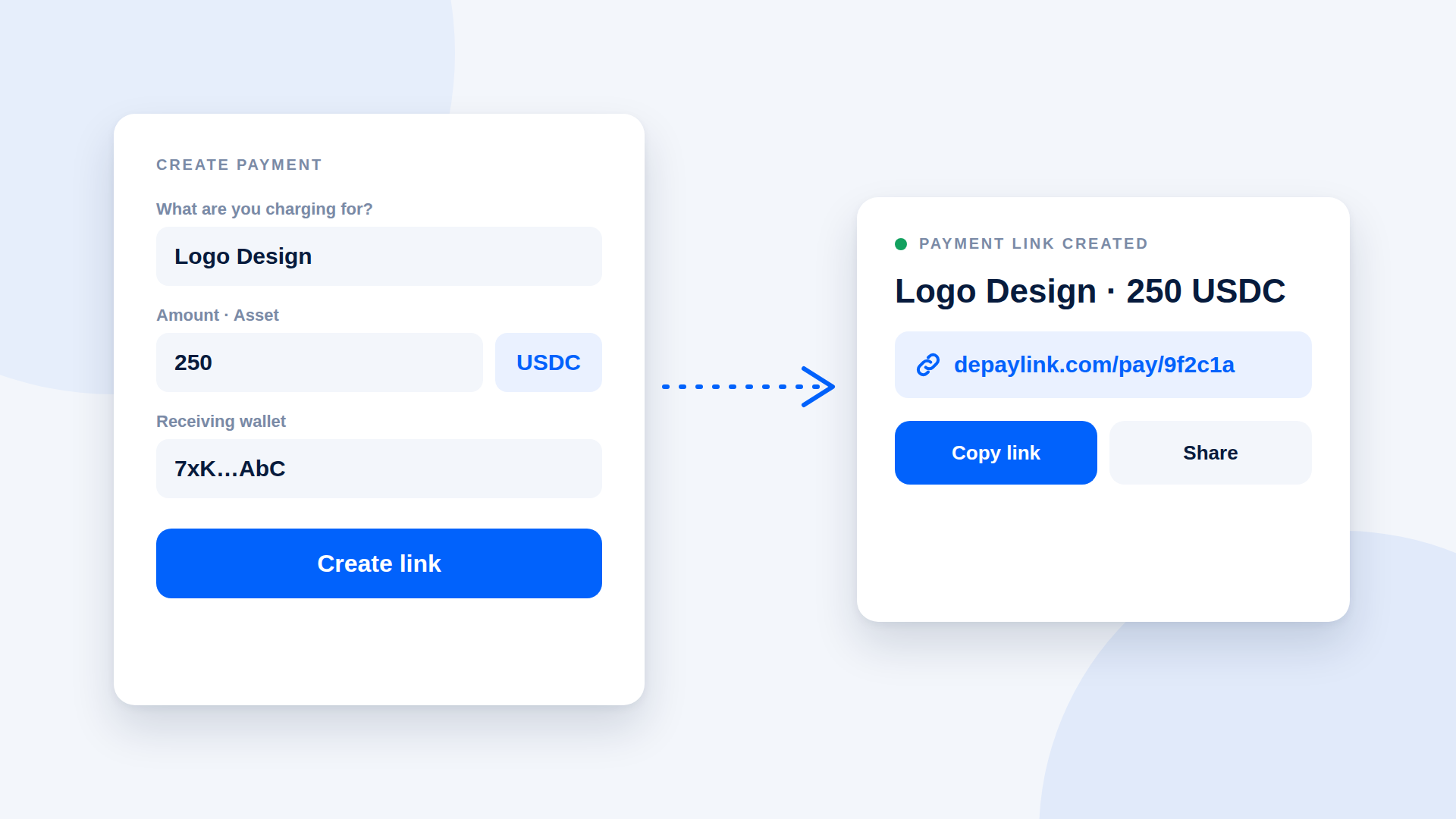
A crypto payment link generator turns a few inputs, usually an amount, an asset and a receiving wallet, into a URL your customer can open to pay you. You enter the details once, copy the link, and send it by email, chat or invoice. It usually takes a few minutes, with no website or developer involved.
What a generator actually does
At minimum it takes what you are charging for, the amount, the asset and network, and the wallet address that should receive the money. It produces a link that shows the payer those details on a simple payment page, and ideally a QR code. Better tools also track whether the payment arrived and mark the link as paid.
Create a link in 4 steps
- Enter the payment details. Add a short description ("Logo design"), the amount (250) and the asset (USDC or SOL).
- Add your receiving wallet. Paste the Solana address of a wallet you control. Check the first and last characters twice.
- Create the link. The tool gives you a URL and often a QR code.
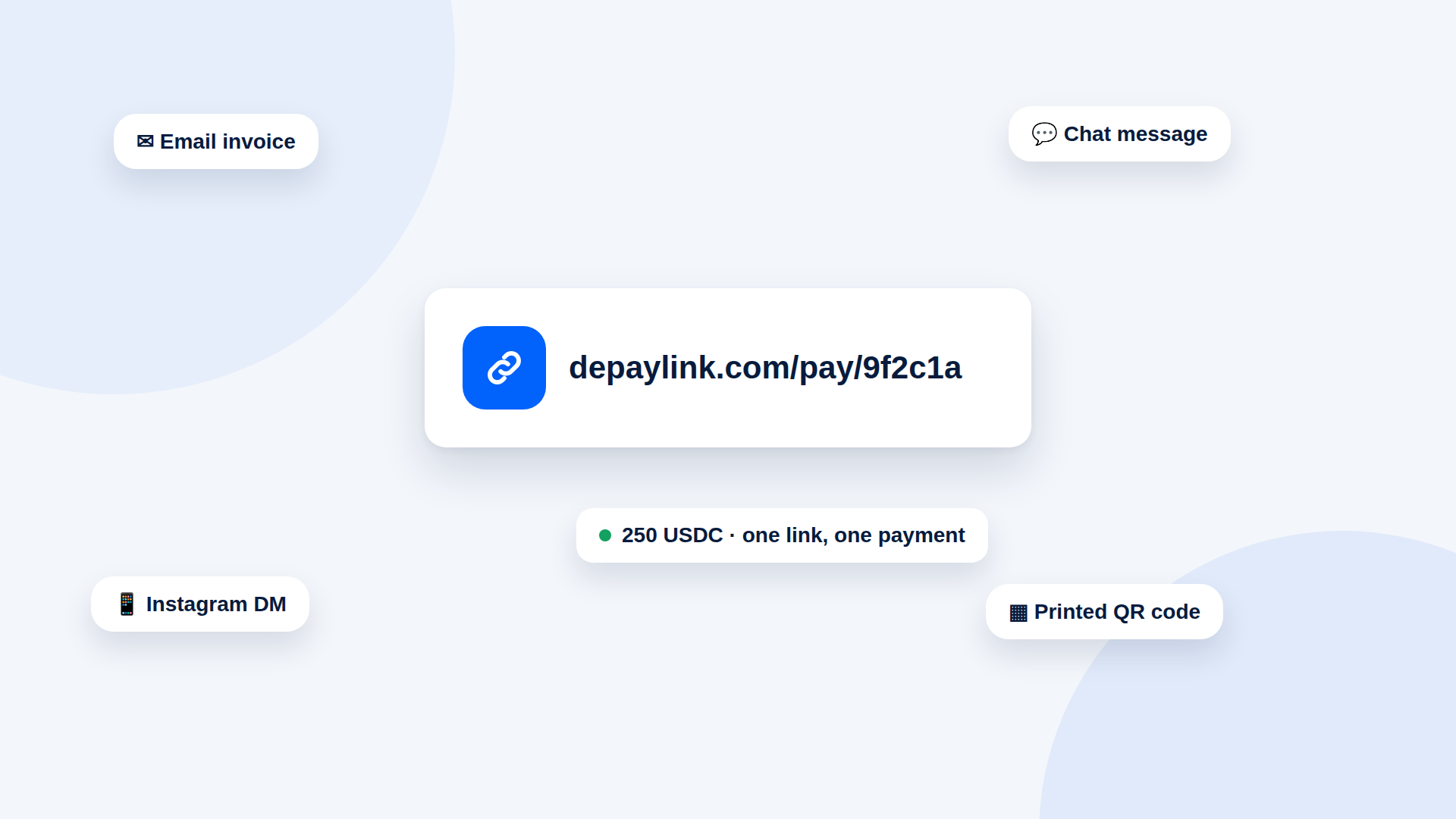
- Share it. Paste it into an invoice, an email or a message, or print the QR code.
Then watch for the status to change when the customer pays.
What to check before choosing a generator
| Question | Why it matters |
|---|---|
| Does money go straight to your wallet? | Some tools hold funds first. Direct-to-wallet means nobody sits between you and the payment. |
| Is verification automatic? | You want amount, asset and destination checked for you. |
| Do customers need an account or a wallet connection? | Fewer steps usually means fewer abandoned payments. |
| What does it cost? | Look for a percentage of each payment, a flat fee or a subscription, and read what network fees apply. |
| Can you get a QR code? | Useful for in-person payments and print. |
| Can you remove the tool's branding? | Matters if the link is customer-facing. |
Common mistakes
- Pasting the wrong wallet. Test with a small payment first.
- Not naming the network. USDC exists on several networks. Make sure the link and your message both say Solana.
- Reusing one link for different orders. Create a new link per payment so each shows its own status.
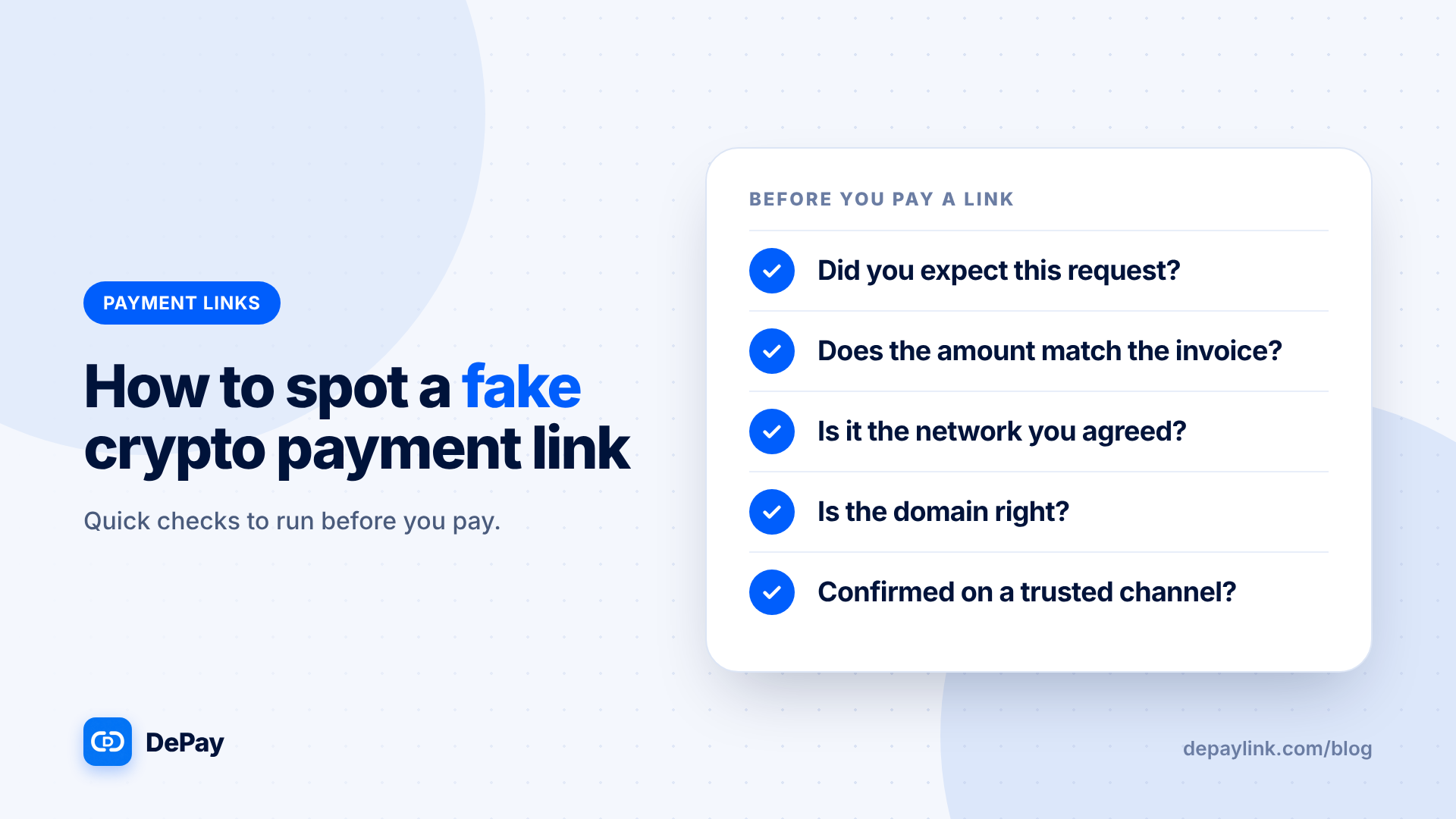
- Skipping the status check. Do not deliver on a screenshot; wait for the tool to show the payment as confirmed.
What a link does not do
A link collects a payment. It does not deliver your product, issue a tax invoice or provide dispute protection. Plan for those steps yourself.
Where depaylink fits
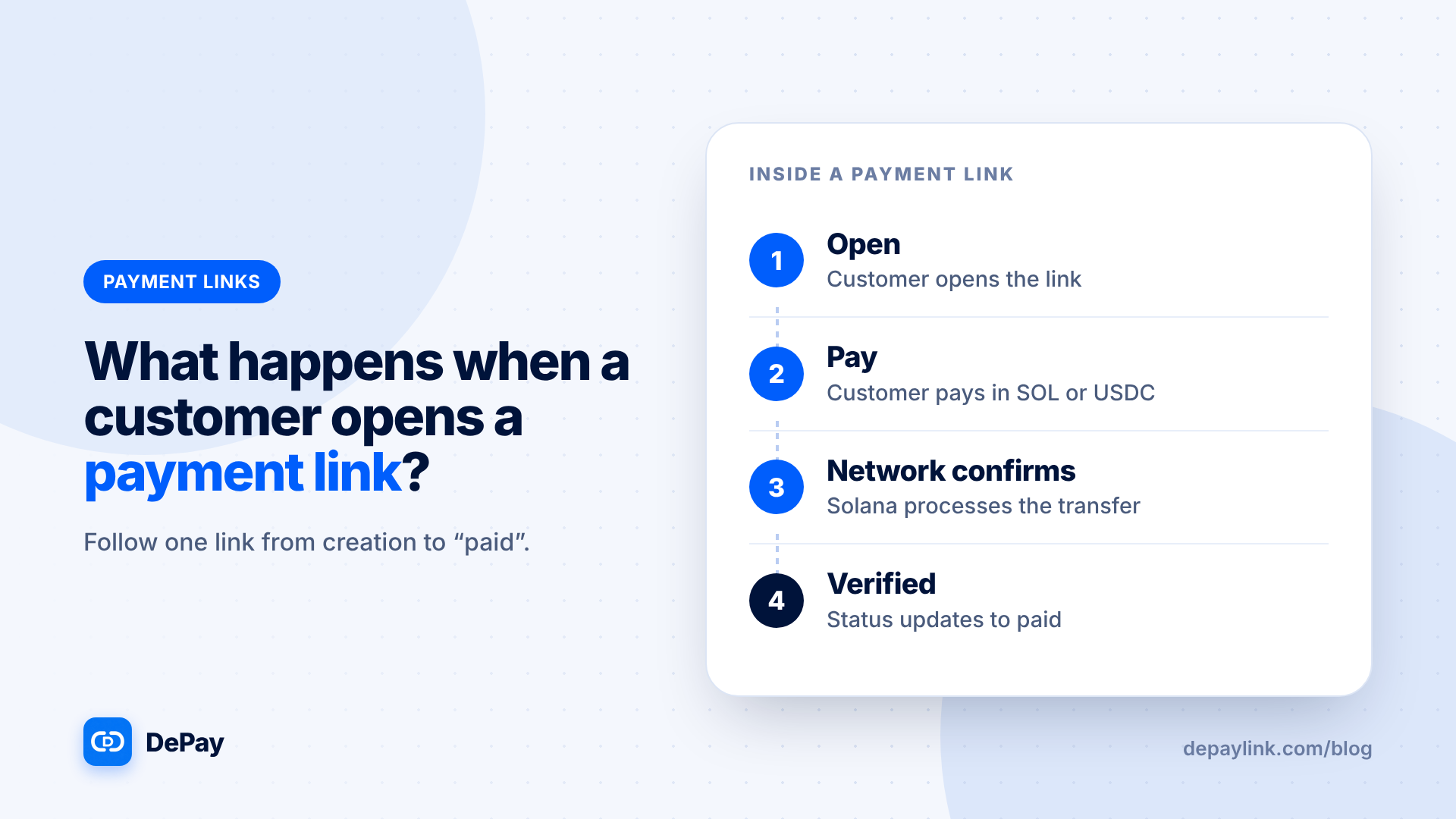
depaylink is a non-custodial payment-link generator for SOL and USDC on Solana. You enter what you are charging for, the amount, the asset and your wallet, then share the link or its QR code. Customers see a simple payment page without connecting a wallet, funds go directly to your wallet, and depaylink verifies amount, asset and destination on Solana before marking the payment as paid. The Free plan includes 5 payment links a month, and Pro removes the limit. Network fees may apply.
Frequently asked questions
Is there a free crypto payment link generator?
Yes. depaylink's Free plan includes 5 payment links a month with no credit card required.
Do my customers need a wallet?
They need a Solana wallet holding the right token to send the payment, but they do not have to connect it to the payment page.
Can I generate a QR code for the link?
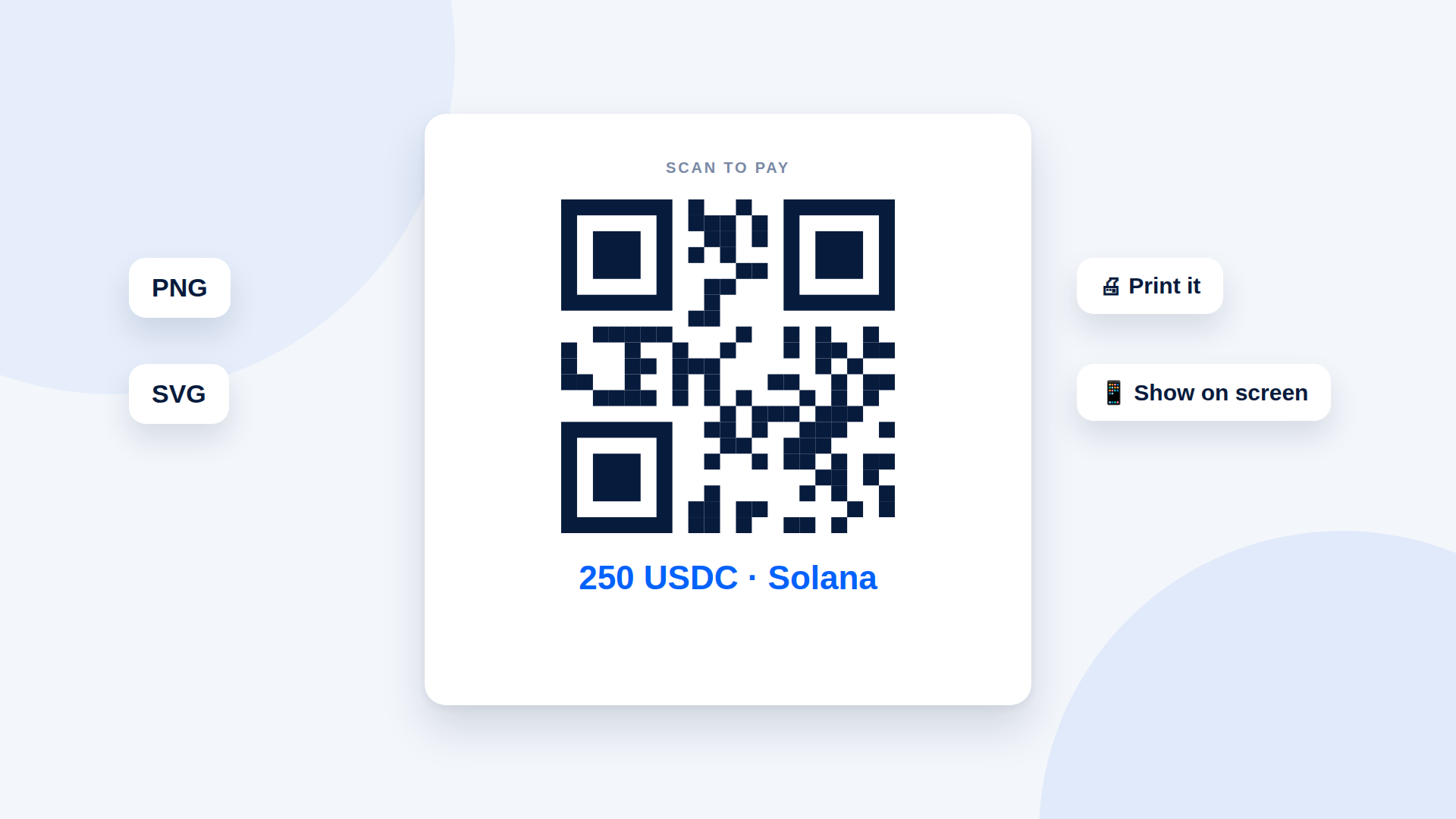
Yes. depaylink provides a basic QR on Free and PNG/SVG link QR codes with Pro.
Can I change the amount after creating a link?
Create a new link instead, so the amount and status stay clear.
Related reading
- What Is a Crypto Payment Link? (And How It Works)
- How to Set Up a Solana Wallet to Receive Payments
- What Is a Crypto Payment Link and How Does It Work?
- How to Choose a Crypto Payment Gateway: A Buyer's Checklist
- Crypto Payment QR Code Generator: How to Make One Customers Can Scan
- How to Accept USDC Payments Without a Website or Developer
- How to Invoice a Client in Crypto (With a Template)