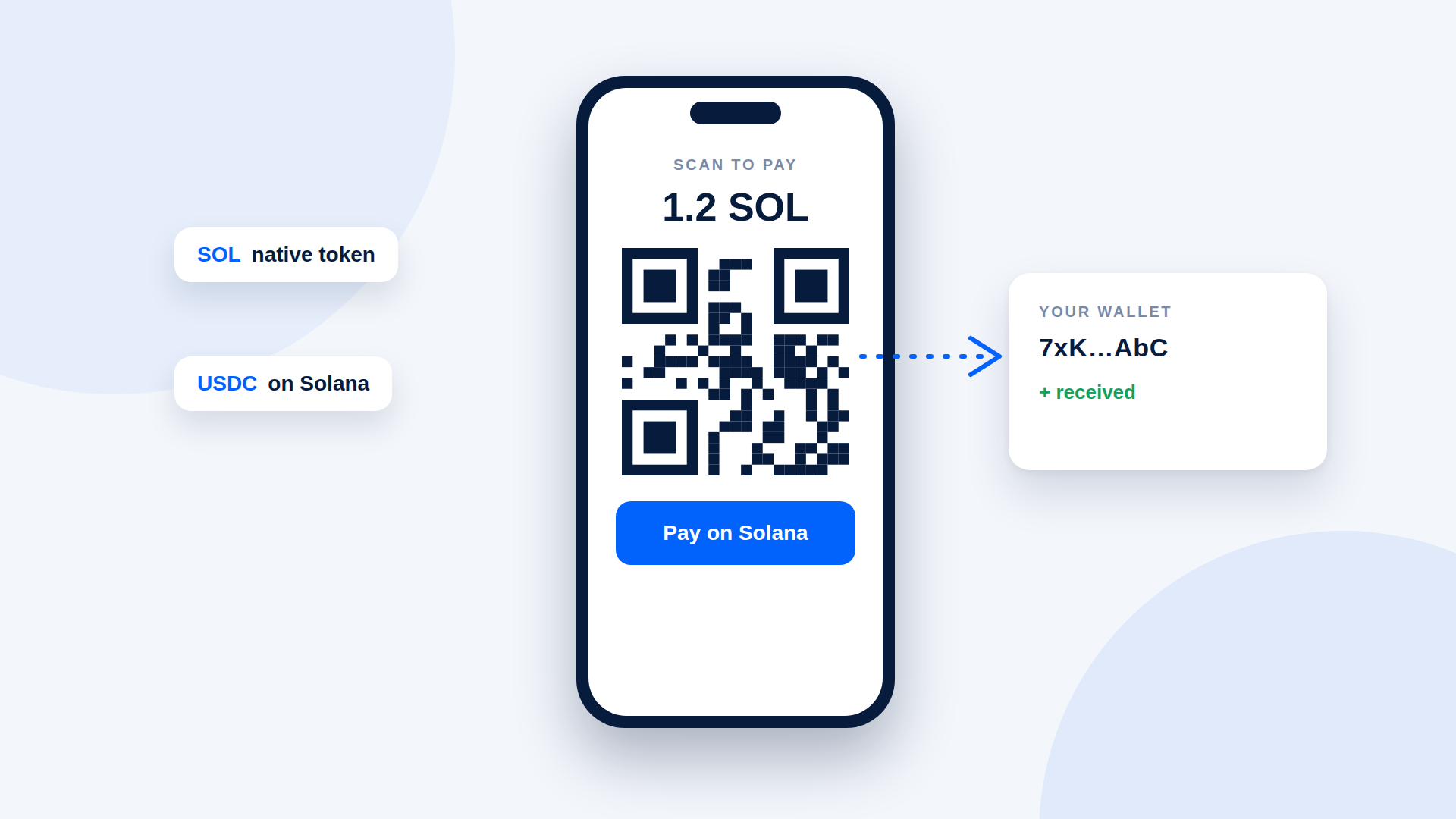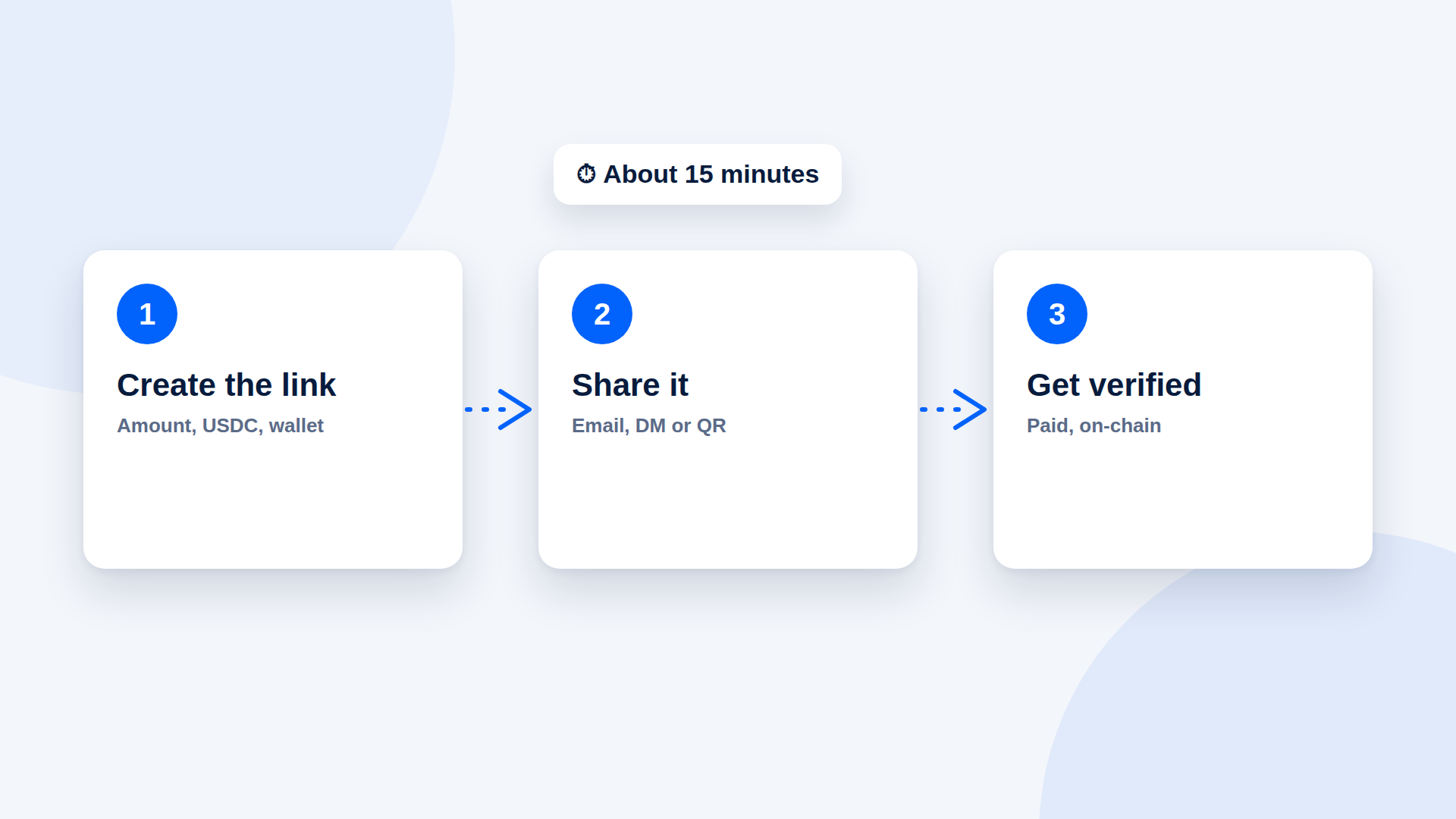
You can accept USDC with a Solana wallet and a payment link. There is no website to build and no code to write. The setup takes about 15 minutes if you already have a wallet, and a little longer if you need to create one.
What you need
- A Solana wallet you control
- A payment-link tool that supports USDC on Solana
- A way to send the link: email, chat, social DMs or a printed QR code
Step 1: Set up your wallet (5 minutes)
Create a wallet from an official source, write down the recovery phrase offline and copy your receive address. USDC arrives at the same Solana address as SOL. Do a small test transfer before you rely on it.
Step 2: Create a payment link (3 minutes)
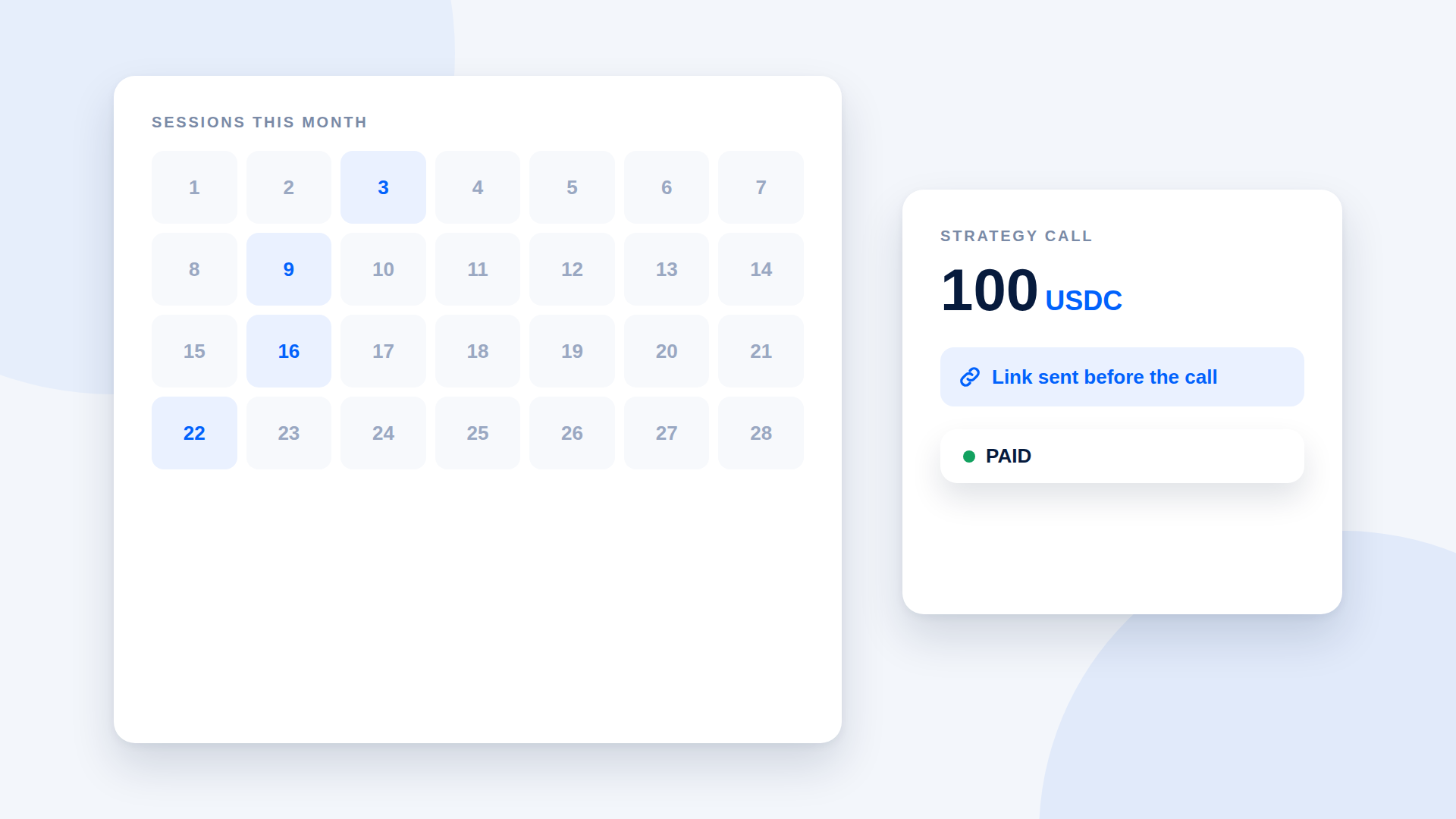
Enter what the payment is for, the amount, USDC as the asset, and paste your wallet address. Create the link. Use a description your customer will recognise.
Step 3: Share it (2 minutes)
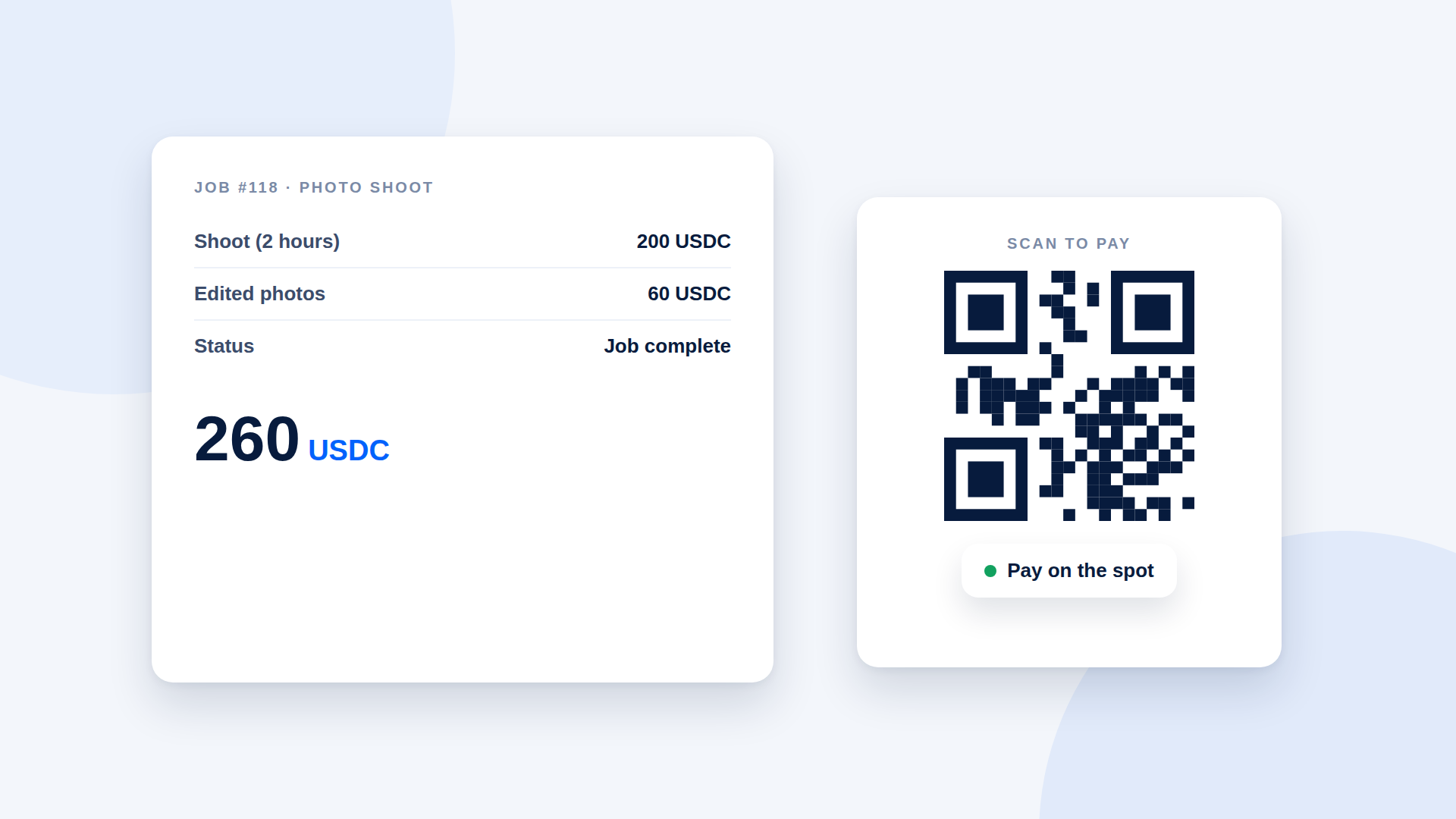
Paste the link into an email, a chat or an invoice. For in-person payments, show or print the QR code. Add one line saying the payment is in USDC on Solana.
Step 4: Verify before delivering (a minute or two)
Wait for the payment to show as confirmed. Check that the amount, asset and destination match what you asked for. Then deliver the product or service.
What to tell customers
Keep it short:
"You can pay in USDC on Solana using this link. You'll need a Solana wallet with USDC and a tiny amount of SOL for the network fee. If you'd prefer another way to pay, tell me."
Always offer a fallback, so a customer who has never used crypto is not stuck.
Mistakes that cost time
- Forgetting the network. Say "on Solana" every time.
- No SOL for fees. Customers need a little SOL even when paying in USDC.
- Sending the wrong link. One link per payment, labelled clearly.
- Delivering early. Wait for confirmation.
What this setup does not give you
No cart, no catalogue, no automatic fulfilment, and no built-in refunds. For a small business with a few orders at a time, that is fine. If your volume grows, you can add a heavier tool later.
Keep it safe
- Keep your recovery phrase offline and never share it.
- Test with a small payment first.
- Use a dedicated wallet for business income.
- Ask a local accountant how to record the income.
Where depaylink fits
depaylink creates USDC and SOL payment links on Solana. The customer opens the link without connecting a wallet, pays directly to your wallet, and depaylink verifies amount, asset and destination on-chain. The Free plan includes 5 links a month with no credit card. Network fees may apply.
Frequently asked questions
Can I accept USDC without a business account?
Yes. You need a wallet. Whether you need to register a business depends on your country.
Do customers need an account with me?
No. They only need a wallet holding USDC on Solana.
Can I accept USDC from an exchange?
Often yes, if the exchange lets customers withdraw USDC to an external Solana address.
How long does it take to be paid?
Solana transfers generally confirm quickly, but wait for your tool to show the payment as confirmed.