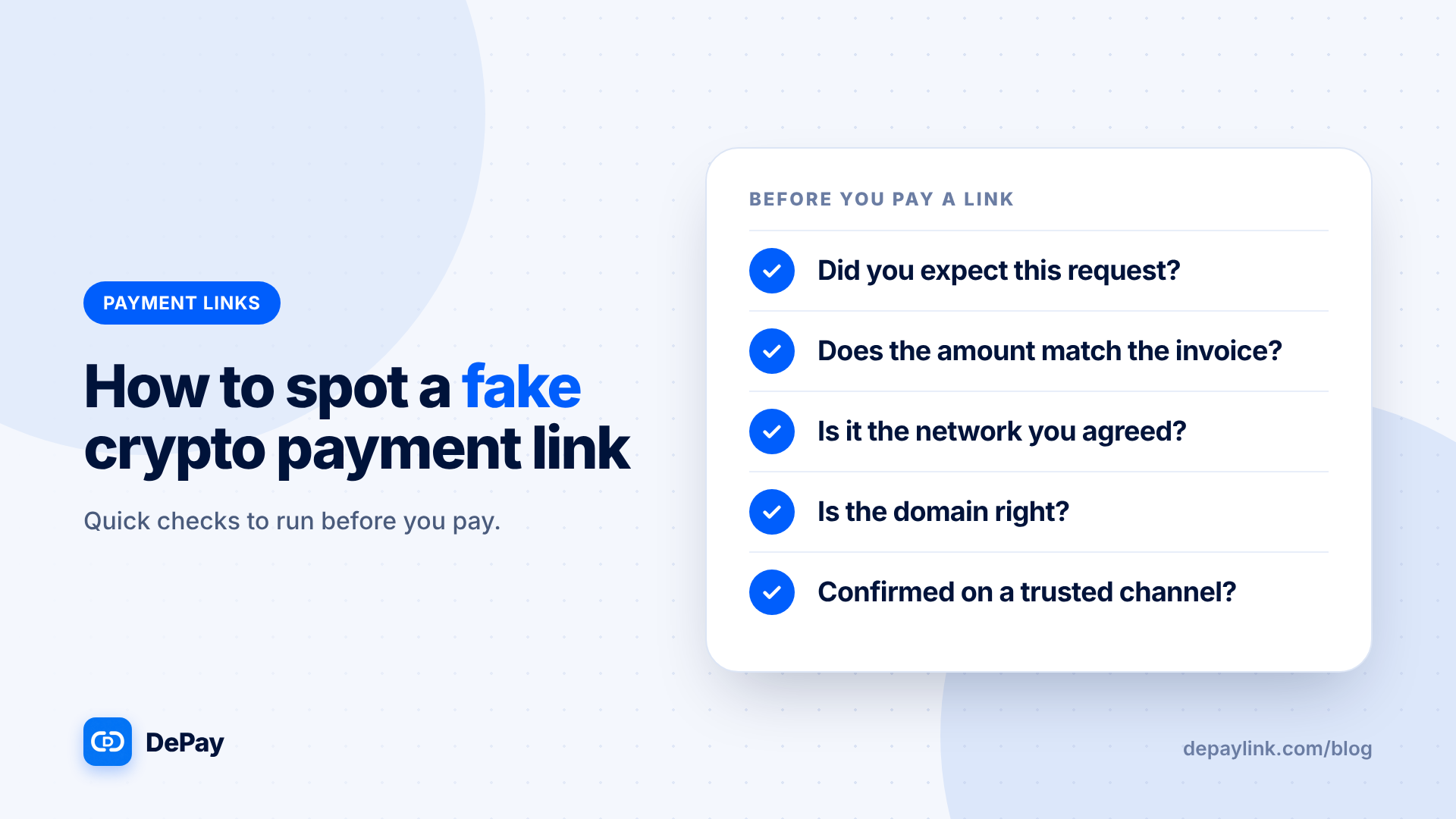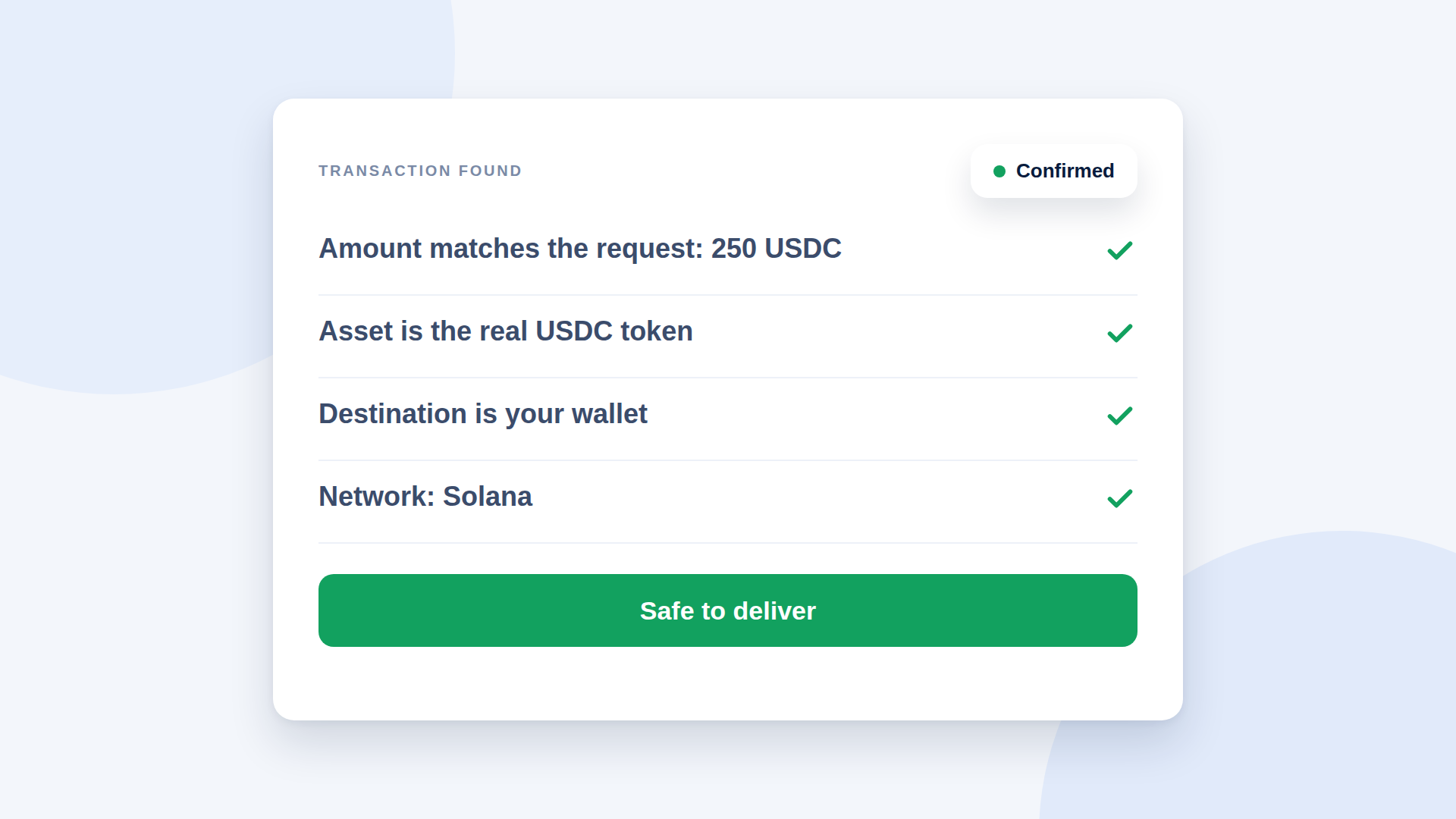
Before you deliver, check four things: the amount matches, the asset is the one you asked for, the destination is your wallet, and the transaction is confirmed on the right network. A screenshot proves none of these. Do the checks yourself, or use a tool that does them for you.
Why verification matters
A completed crypto transfer cannot be recalled by a processor, and screenshots are easy to fake. If you deliver on a false or incomplete payment, you usually cannot undo it. A few minutes of checking prevents most losses.
The four checks
1. Amount
Does the received amount equal the amount you requested, in the same asset? Small underpayments happen when a sender forgets the fee or edits the amount.
2. Asset
Is it the exact token you asked for? Lookalike tokens with similar names exist. For USDC, check you received the real token, not a copy with the same name. A tool that checks the token's identity helps.
3. Destination
Did the funds arrive at your address, and not another one that looks similar? Compare the start and end of the address, and be wary of anyone who asks you to use a different address mid-deal.
4. Network and confirmation
Is the transaction on the network you expected (for example Solana) and marked as confirmed or finalised? A transaction that has appeared but not confirmed is not the same as a settled payment.
Two ways to verify
With a payment tool
A tool that watches the blockchain can match each payment to its request and mark it as paid only when amount, asset and destination agree. Look for a clear status, not only a notification.
With a block explorer
You can look the transaction up on a public block explorer for the network. Search by the transaction ID or your address, then check the amount, token, sender, receiver and status. This takes longer and requires you to know what to look for, but it is a good independent check.
What to do with odd results
| Situation | Action |
|---|---|
| Amount is short | Do not deliver; ask for the difference |
| Wrong token | Do not treat it as payment; agree a refund or a new payment |
| Wrong network | Check recoverability with the sender before promising anything |
| Pending status | Wait for confirmation |
| Sender sends only a screenshot | Wait for the verified status |
Scam patterns to know
- A fake payment screenshot or confirmation email
- A lookalike token sent instead of the real one
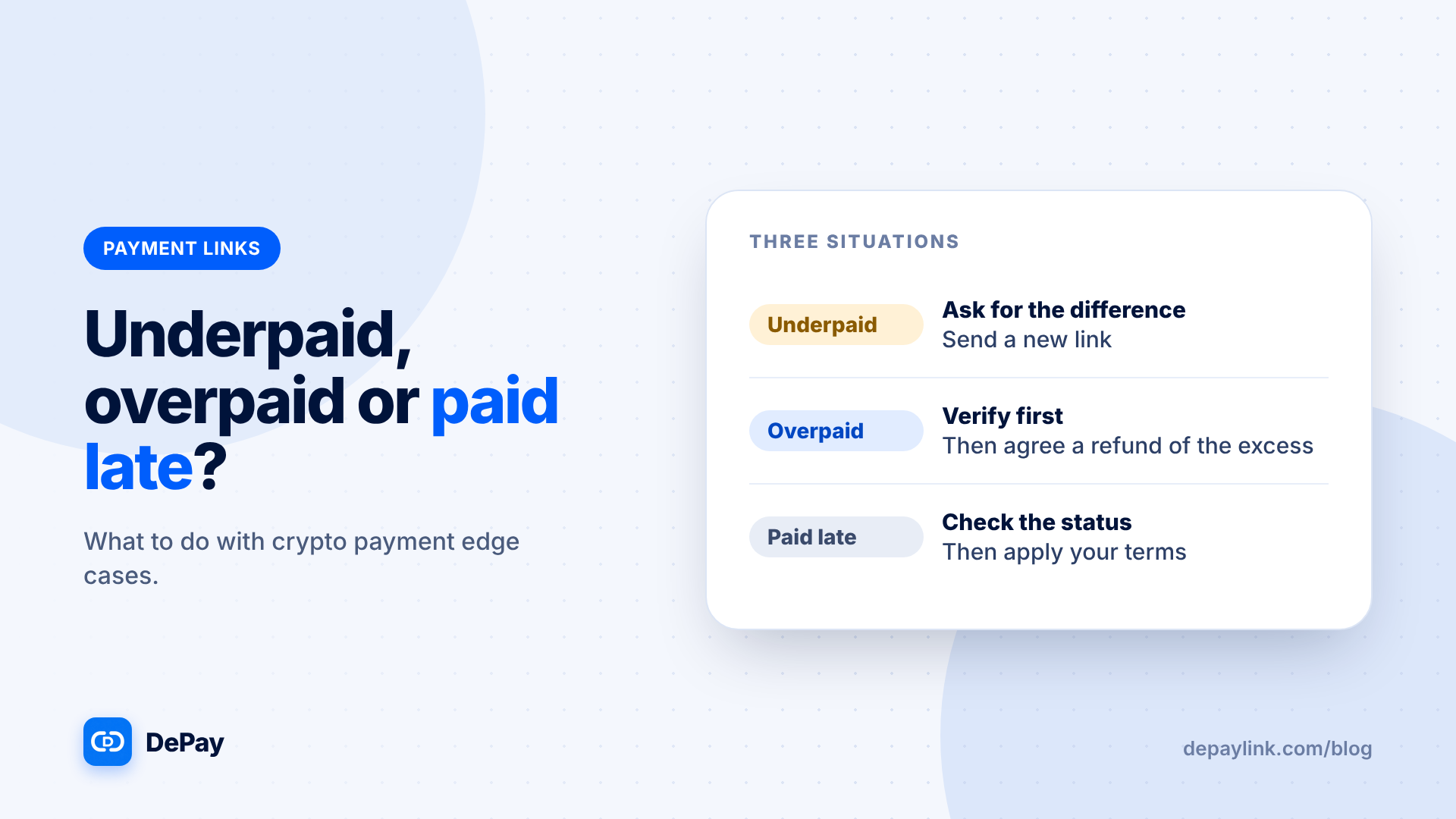
- Overpayment followed by a request for a refund of the difference
- A request to send funds back to a different address
None of these work if you only treat a verified on-chain payment as real.
Make it a habit
Write a one-line rule for yourself or your team: "No delivery until the status shows verified." Keep the transaction ID with the order.
Where depaylink fits
depaylink watches Solana and verifies each payment independently. Amount, asset and destination must match before the link is marked as PAID, and the status is shown on the payment page and in your dashboard. Funds go directly to your wallet, so depaylink never holds them. You can still cross-check any payment on a block explorer.
Frequently asked questions
Is a screenshot proof of payment?
No. Screenshots can be faked. Check the transaction itself.
How long should I wait for confirmation?
Until your tool or the network shows the transaction as confirmed.
What if someone sends a different token?
Do not treat it as payment. Agree a refund or a corrected payment.
Do I need a block explorer?
Not if your tool verifies payments, but it is useful as an independent check.
Related reading
- Payment verification
- How Crypto Payments Work: From Customer Wallet to Your Wallet
- Crypto Payment Refunds: How to Write a Refund Policy That Works
- How to Accept Crypto Payments From Instagram and Social Media Customers
- Is USDC Safe to Accept as Payment? What Businesses Should Check
- How to Choose a Crypto Payment Gateway: A Buyer's Checklist