How Crypto Payments Work: From Customer Wallet to Your Wallet
A crypto payment is a transfer of tokens from the payer's wallet address to the receiver's wallet address, recorded on a public blockchain. There is no card network in the middle and no bank approving the transaction. Someone signs the transfer, the network records it, and the receiver (or a tool watching for it) checks that the right amount arrived.
That is the short version. The details matter, especially if you plan to accept payments from customers.
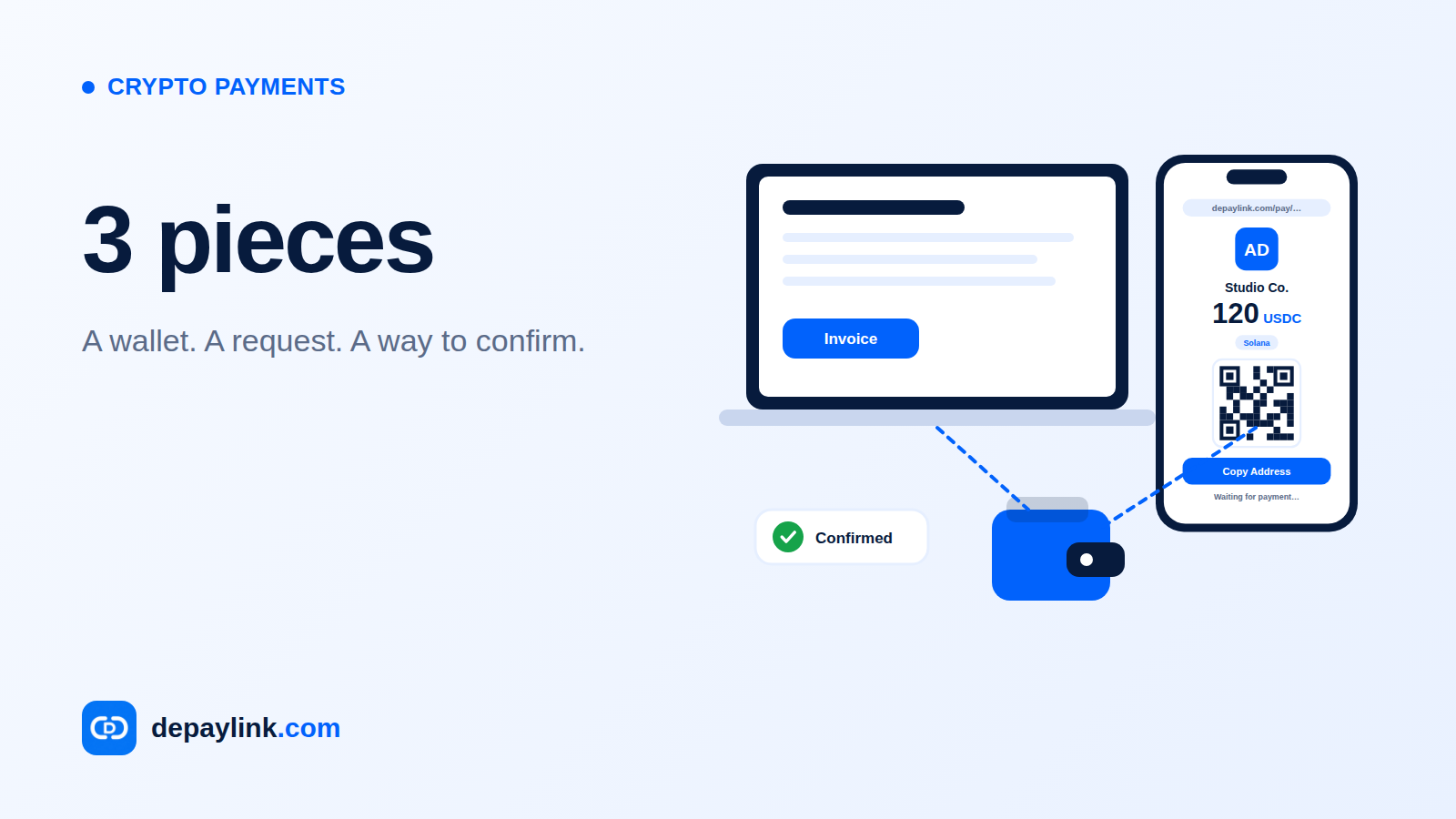
The three pieces every payment needs
A wallet. Software or hardware that holds the private keys controlling funds. Whoever holds the keys controls the funds.
An address. A long string of characters that identifies where funds should go. It works like an account number you can share publicly. Sharing your address does not give anyone access to your money.
A transaction. The signed instruction "move this amount of this token from address A to address B." Once the network accepts it, it appears on the blockchain where anyone can look it up.
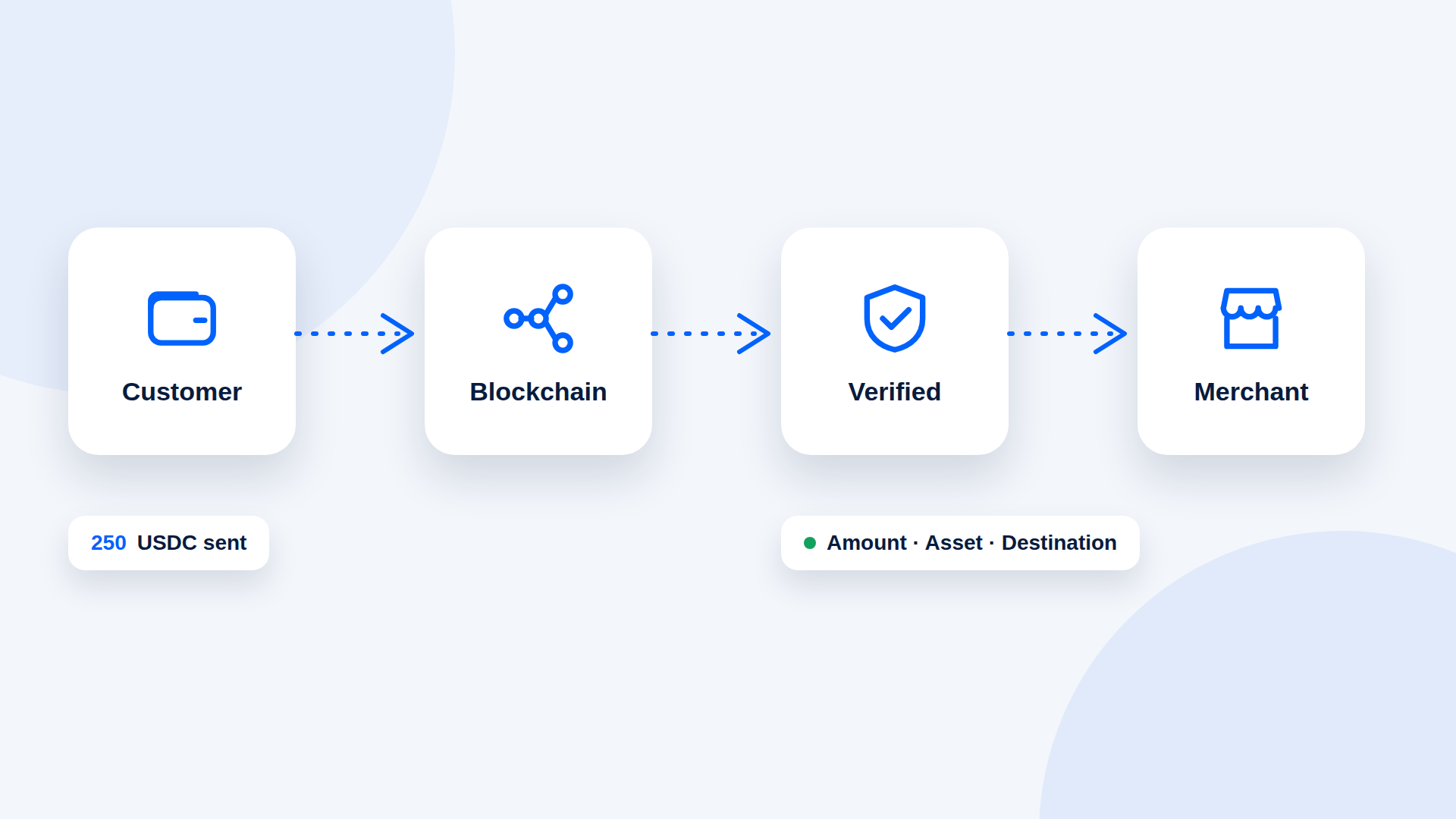
One payment, step by step
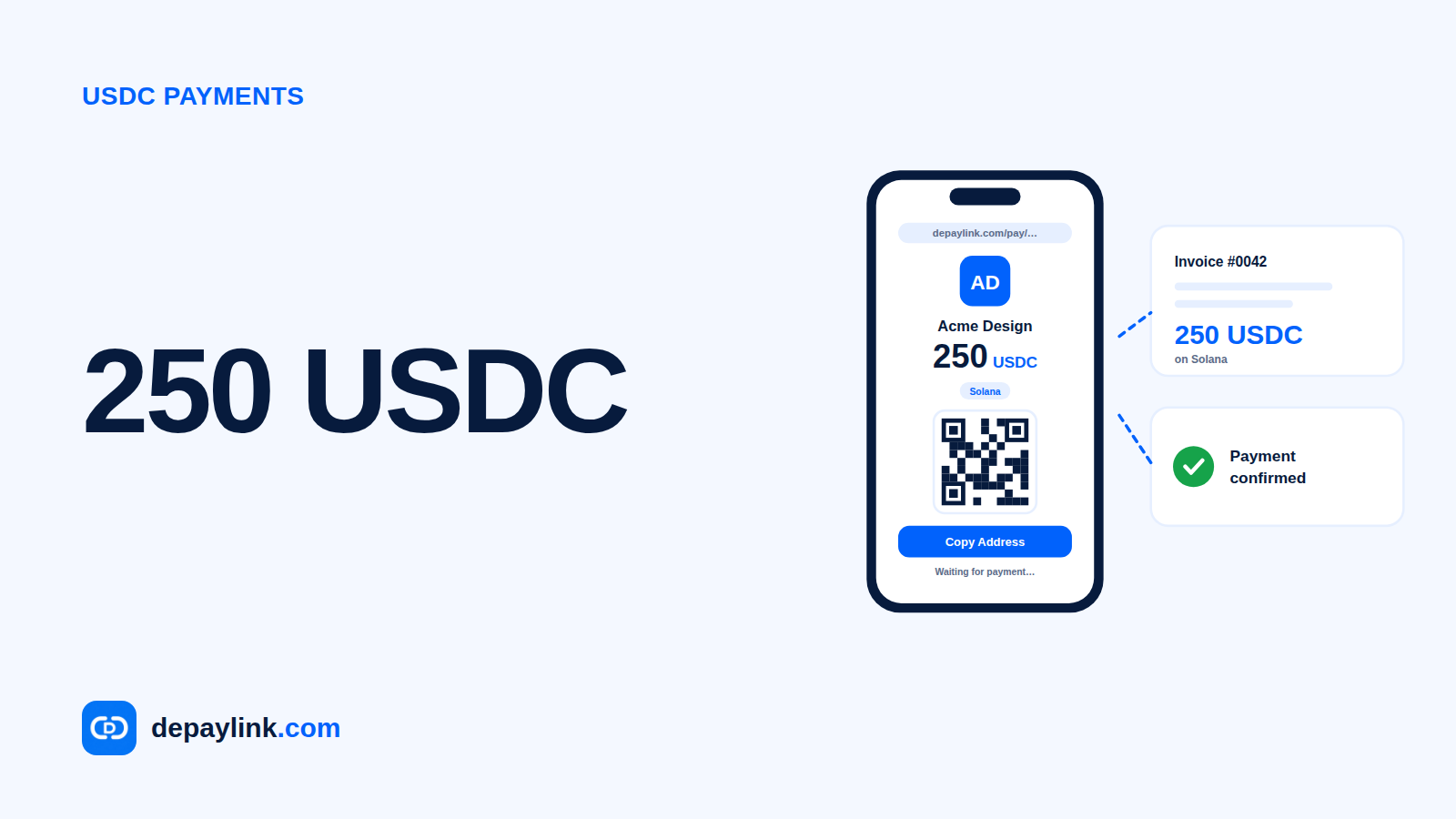
Say a customer owes you 100 USDC on Solana.
You share a payment request: an amount, the asset (USDC), the network (Solana) and your address, usually as a link or a QR code.
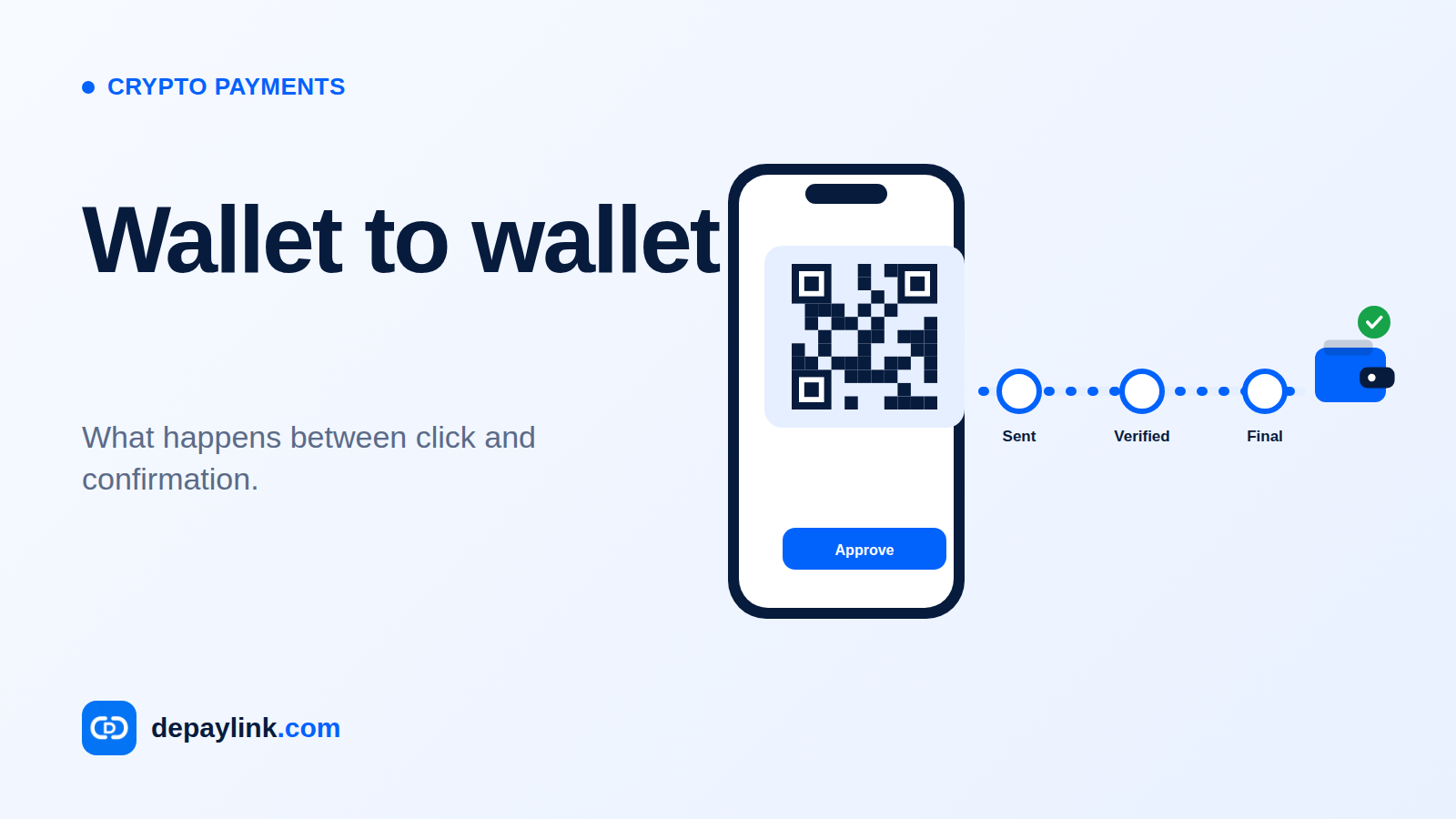
The customer opens their wallet and enters or scans those details.
They approve the transfer. Their wallet signs the transaction with their private key.
The network processes it. Validators check the transaction is valid and add it to the chain. On Solana this generally takes a short time.
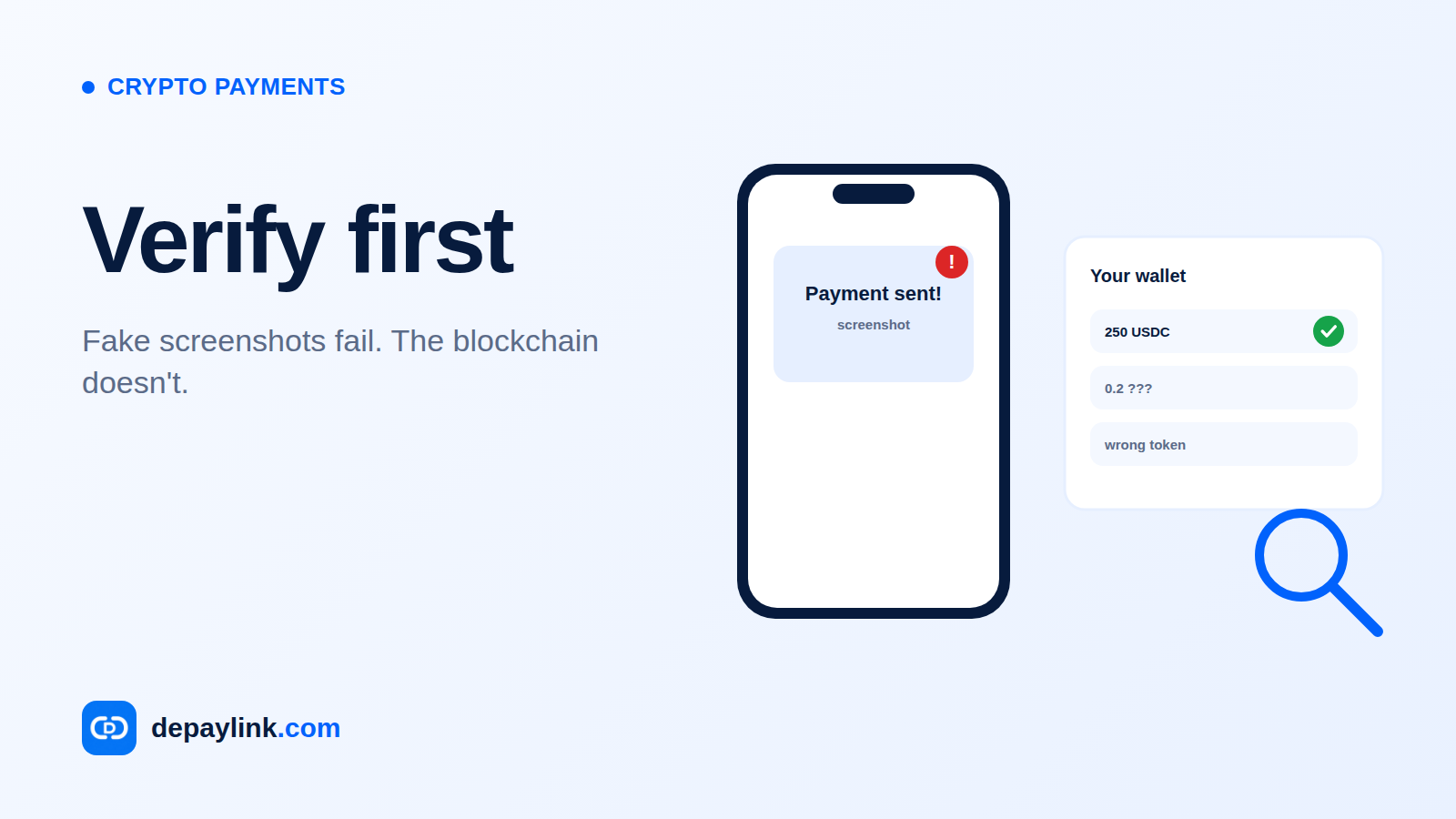
You verify it. You look for a transaction to your address with the right amount and asset. Confirm all three before you deliver anything.
What "confirmation" means
A transaction is not final the instant it is sent. Networks have a short window where a transaction is submitted but not yet settled. Different blockchains handle this differently, and a tool that verifies payments should wait until the network treats the transfer as confirmed. If you verify by hand, use a block explorer and check the status, not just whether a transaction appears.
Who pays the fee?
Sending a transaction costs a network fee, paid by the sender in the network's native token. On Solana that token is SOL, so a customer paying in USDC still needs a little SOL in their wallet to cover the fee. Fees are set by the network, not by the merchant, and they change with network conditions.
How it differs from paying by card
Card payment | Crypto payment | |
|---|---|---|
Who sits in the middle | Card network, issuing bank, processor | Blockchain network (wallet-to-wallet) |
Can the payer dispute it? | Typically yes, through chargebacks | No built-in dispute mechanism; reversals need the receiver's cooperation |
What you need to receive | A merchant account or processor | A wallet address |
Who controls the funds in between | The processor | Nobody, if non-custodial |
The practical consequence: with crypto, you check before you deliver. A completed transfer is not something you can pull back, and neither can the customer. Refunds are a new payment that you send.
Custodial vs non-custodial
Some payment services receive customer funds first and pay you out later. That is custodial: they hold the money for a period. A non-custodial tool never holds the funds. The customer pays directly to your wallet, and the tool only observes the blockchain to tell you whether the payment arrived. Neither model is automatically better, but you should know which one you are using, because it affects who can freeze, delay or lose funds.
Common ways a payment goes wrong
Wrong network. The same token can exist on several networks. Funds sent on the wrong one may be unrecoverable.
Wrong amount. Underpayments happen when the sender forgets the fee or edits the amount.
Wrong token. A payment in SOL when you asked for USDC has a different value and needs a separate decision.
Mistyped address. Copying beats typing. A link or QR code avoids it.
Where depaylink fits
depaylink is a non-custodial payment-link tool for SOL and USDC on Solana. You enter the amount, asset and your wallet, then share the link. The customer sends funds straight to your wallet, and depaylink checks the transfer on-chain, matching amount, asset and destination, before it marks the payment as paid.
FAQ
Do I need a bank account to receive crypto payments? No. You need a wallet. You will likely want a way to convert to local currency later if you need to spend it that way, and that usually involves an exchange or another service.
Is a crypto payment instant? It is usually much faster than a bank transfer, but speed depends on the network. Wait for confirmation, not just the appearance of a transaction.
Can a crypto payment be reversed? Not by a processor. The receiver can send funds back as a new transaction, but that is a separate payment.
Do customers need an account with the merchant? Not for the payment itself. They need a wallet holding the right token and enough of the network token for the fee.
USDC Payments Explained: How to Send, Receive and Verify USDCWhat Are Crypto Payments and How Do They Work?Crypto Payment Scams: How to Avoid Fake Payments and Fake ConfirmationsHow to Accept Crypto Payments for Your BusinessHow to Record USDC Payments for Your Accountant (or in QuickBooks)USDC on Solana vs Other Networks: How to Avoid Wrong-Network Mistakes