How to Record USDC Payments for Your Accountant (or in QuickBooks)
USDC makes bookkeeping easier than most crypto because it is designed to stay near $1, so the number you invoice is usually the number you receive. It does not remove the need for records. Your accountant still needs the same handful of things for every payment: when it arrived, what it was worth, who sent it, what it paid for, and proof that it reached you.
This guide covers the fields to keep, a simple way to set USDC up in QuickBooks, and the monthly routine that keeps a crypto-accepting business auditable.
The fields your accountant needs for every payment
Keep one row per payment, with:
- Date received — the day the payment confirmed, not the day you invoiced.
- Amount in USDC — exactly what landed in your wallet.
- Value in USD on that date — what that USDC was worth when you received it.
- Who paid — customer name and invoice number.
- What it paid for — the service or product, so it lands in the right income category.
- Transaction signature and explorer link — the public proof the money arrived.
- Receiving wallet address — which of your wallets it went to.
- Fees — Solana network fees are usually a fraction of a cent, while exchange or conversion fees can be larger.
With those eight fields, almost any accountant can work with your records, in almost any accounting tool.
Why the value on the day matters
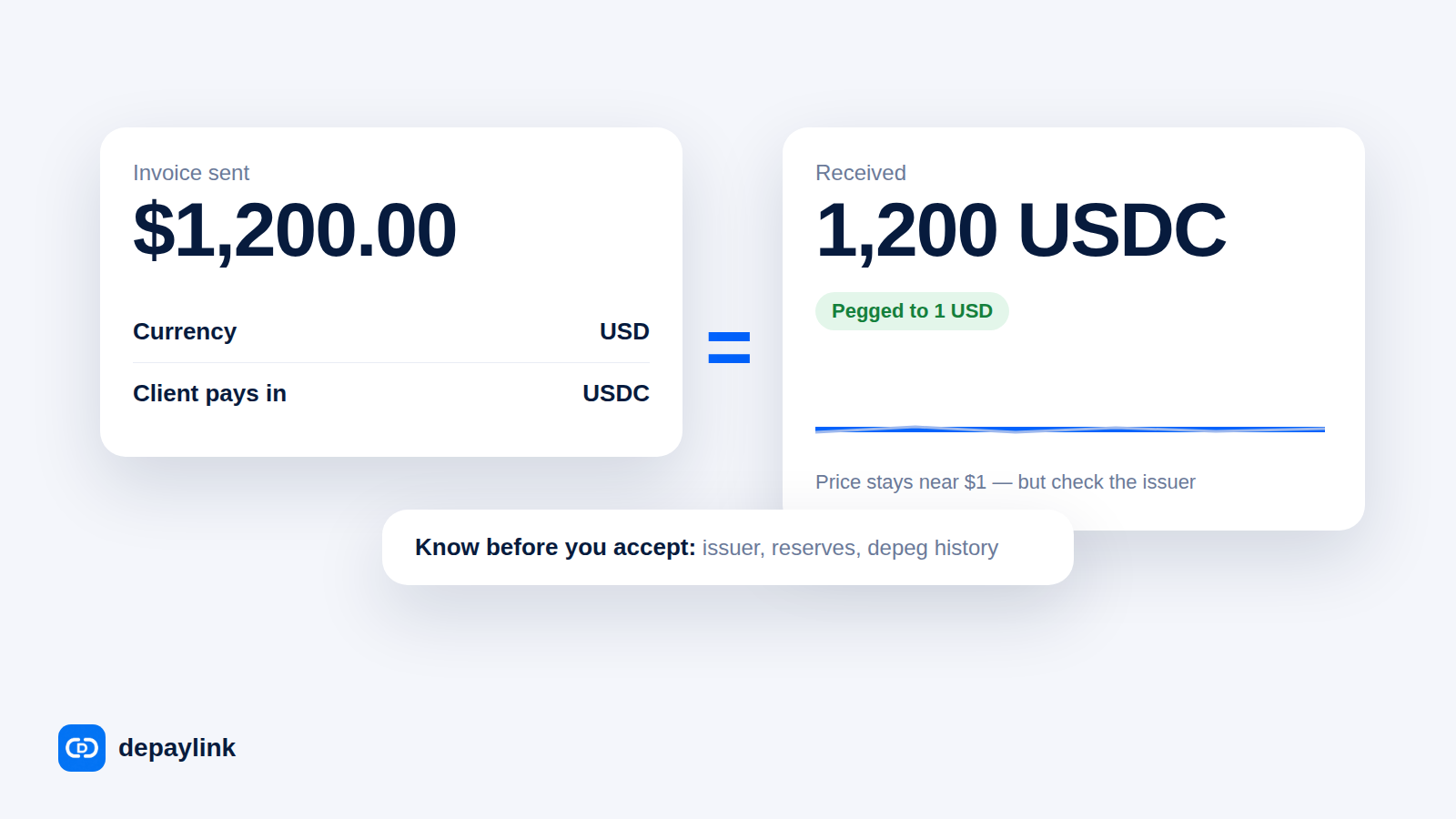
USDC is designed to equal one US dollar and usually trades within a whisker of that. It is not a dollar deposit, though: it is a token that can trade slightly above or below $1, and you may receive it at a different moment than you convert it.
So record the value on the date received, and leave it there. Do not restate old rows at today's rate. If you later move USDC into a bank account through an exchange, that conversion is a second event with its own date, rate and fee — record both.
Tax treatment of crypto income also differs by country. In the United States, for example, the tax authority treats cryptocurrency — including stablecoins such as USDC — as property rather than cash, which affects how a conversion is reported. Confirm the rules where you live before you build your chart of accounts.
Recording USDC in QuickBooks
QuickBooks has no standard import for Solana wallets, and account names and menus differ between versions and countries. The setup below is the one most accountants recognise, because it keeps crypto separate from cash and reconciles monthly. Check it with yours before you enter a full month.
- Create a dedicated account for the wallet. Add an account named something like USDC Wallet, so crypto balances never mix with your bank account.
- Record each payment as income in that account. One entry per payment: date received, USD value, customer, invoice number, and a note with the transaction signature.
- Record conversions as a transfer. When money moves from the wallet into your bank, book it as a transfer out of USDC Wallet into the bank account, and enter the fee separately so it is visible and deductible.
- Match entries to invoices. Each income entry should point at one invoice, so unpaid invoices stay visibly unpaid.
- Reconcile at month end. Compare three lists: your spreadsheet, your wallet's transactions for the month, and your bank deposits. Anything that does not match gets resolved before the books close.
If you would rather not build this yourself, some third-party tools connect wallets and exchanges to QuickBooks. Whether one fits your setup is a question for your accountant rather than a decision to make alone.
How a payment link makes the records easier
Most of those fields are tedious to rebuild when a client sends a raw wallet address and a screenshot, and almost automatic when payments arrive through a link.
With DePayLink, each link is named after an invoice, states the exact amount and currency, and pays straight into your own wallet — DePayLink never holds the money and takes no transaction fee. When a payment arrives, the link's record keeps the amount requested, the amount actually received, the confirmation time, the transaction signature and a direct link to the explorer entry. Those are the fields your spreadsheet and your accountant need, so you are copying rather than reconstructing. See how to create a crypto payment link and how to invoice a client in USDC on Solana.
Separate links per invoice also solve the hardest bookkeeping problem: knowing which payment belongs to which job.
A monthly routine that takes twenty minutes
- Copy every paid link from the month into your spreadsheet: date, USDC, USD value, customer, invoice, signature.
- Fill in the USD value for any row still missing one.
- Add the month's conversions and fees.
- Check the totals against your wallet activity and your bank deposits.
- Send the file to your accountant with the explorer links intact, so any row can be checked in seconds.
Common mistakes
- Recording the invoiced amount instead of the received amount. Record what actually arrived; chase shortfalls separately.
- One lump-sum "crypto income" line. It hides which client paid and makes partial payments impossible to trace.
- Dropping the fees. Conversion fees are often the largest cost of taking crypto, and they are usually an expense worth recording.
- No proof attached. A screenshot is not a record; a transaction signature is.
- Throwing away old wallet history. Keep wallet exports and explorer links for as long as you keep other financial records.
- Waiting until year end. Reconstructing a year of wallet activity costs far more than a monthly twenty-minute pass.
FAQ
Do I have to convert USDC into dollars for my books?
No. You can hold USDC and still record its USD value on the date received. Just keep both figures so the row can be checked later.
Can QuickBooks read my Solana wallet automatically?
There is no standard built-in import for Solana wallets. Most people keep a spreadsheet of payments and enter them by hand, or use a third-party connector after checking with their accountant.
What if a client pays one invoice in two parts?
Record each arrival on its own date, both pointing at the same invoice. The invoice stays open until the parts add up.
How long should I keep these records?
It depends on where you live, so ask your accountant. In practice, keep payment records, wallet exports and explorer links at least as long as your other financial paperwork.
Is USDC treated the same as cash?
Not everywhere. Many tax authorities, including the IRS in the United States, treat stablecoins as cryptocurrency — that is, property — rather than cash. Your accountant should confirm how it is reported where you are.