How to Pay a Crypto Payment Link: A Step-by-Step Guide for Customers
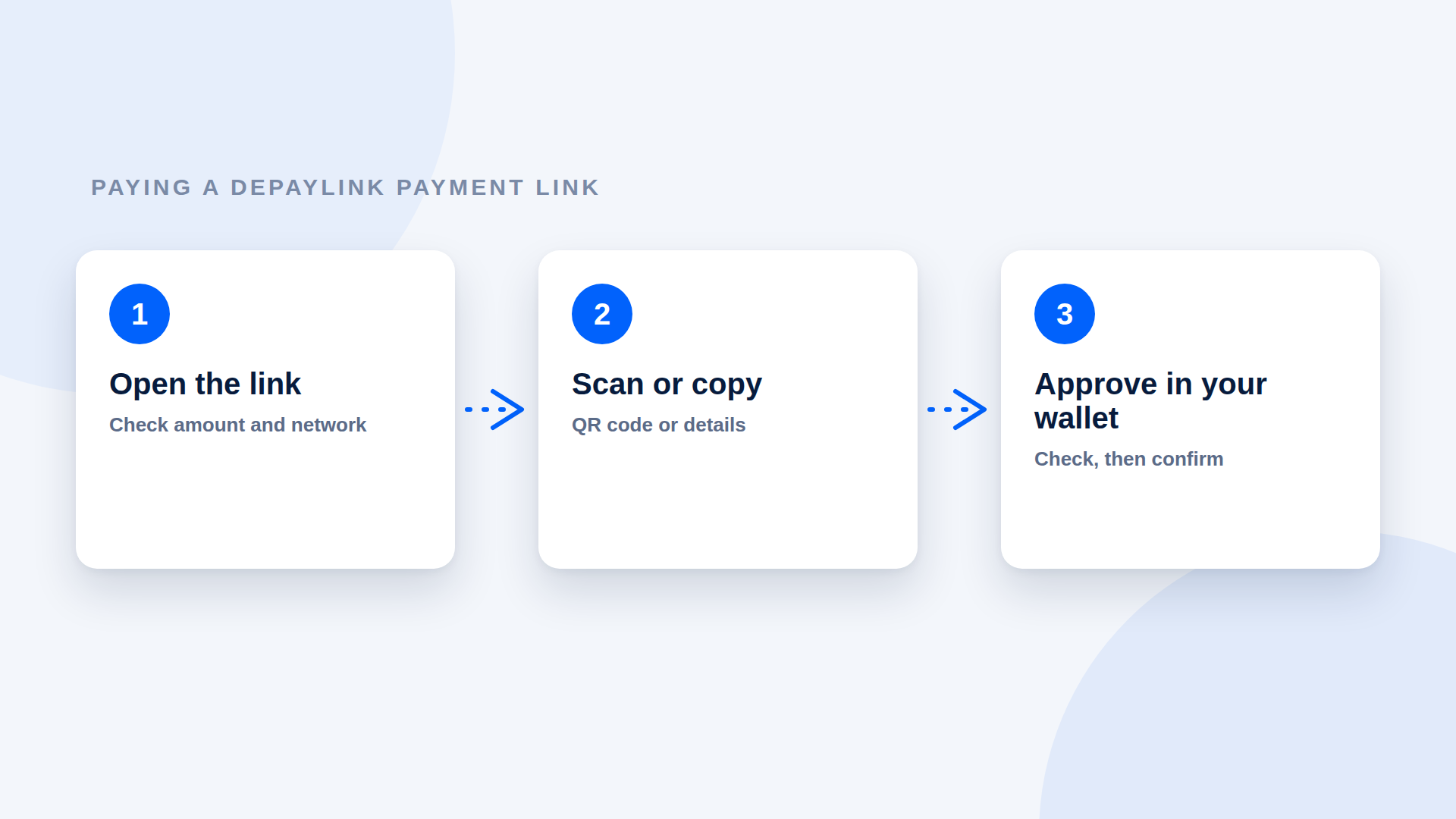
To pay a crypto payment link, open it, check the amount and network, scan the QR code or copy the details into a Solana wallet, then approve the transfer. If you already hold the right token and a little SOL for the network fee, it takes a couple of minutes. This guide walks through each step, what to check before you approve and what to do if something goes wrong.
What you need before you start
You need | Why |
|---|---|
A Solana wallet | To hold funds and approve the payment |
The requested asset (for example USDC) | The amount on the link is due in this asset |
A small amount of SOL | Solana network fees are paid in SOL, even when you send USDC |
The payment link | From the person or business you are paying |
If you do not have a wallet or USDC yet, allow extra time. Buying the asset and moving it to your wallet is usually the slowest part, and the seller may be happy to accept a bank transfer instead.
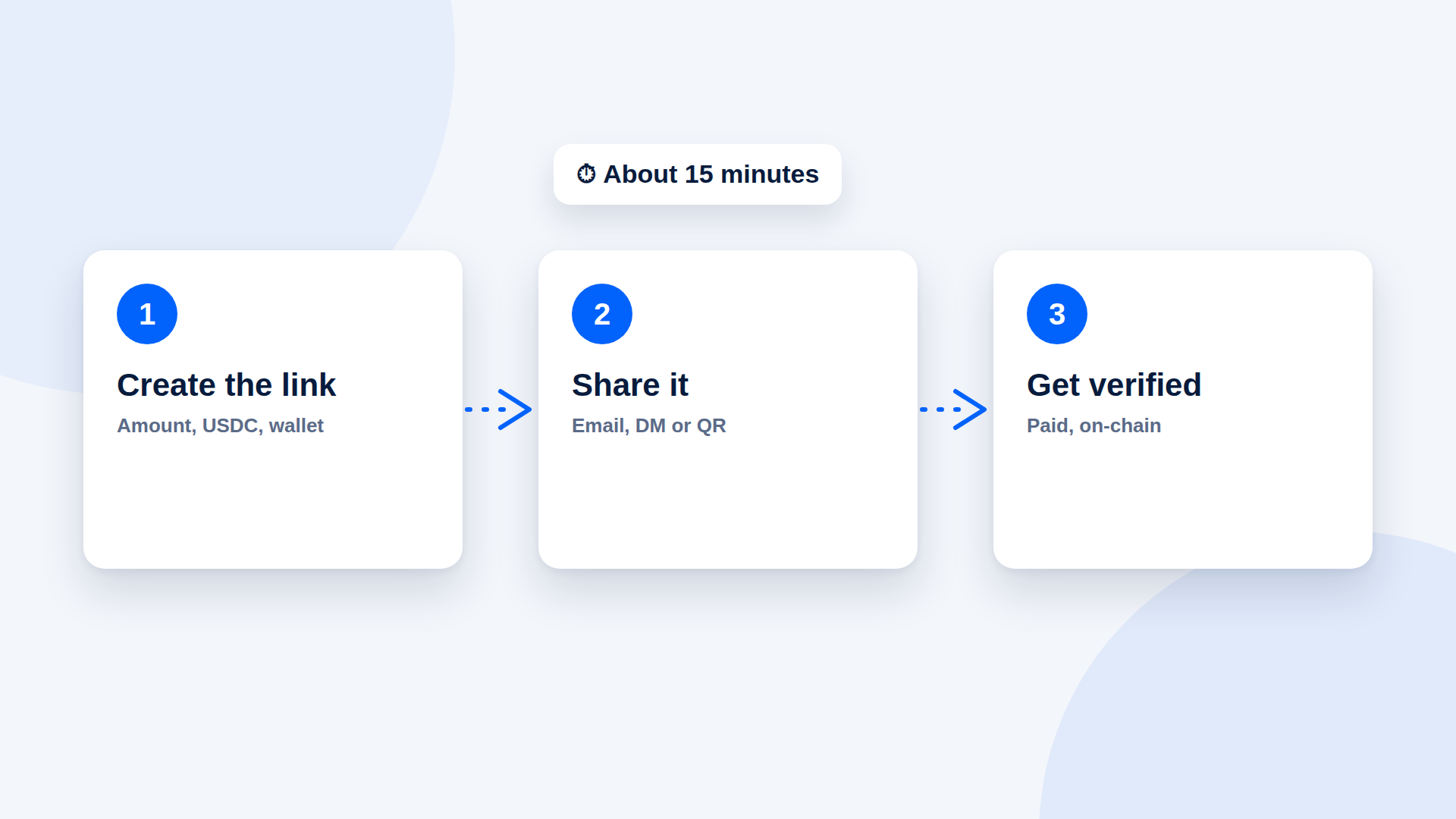
Pay in three steps
Step 1: Open the link and read it
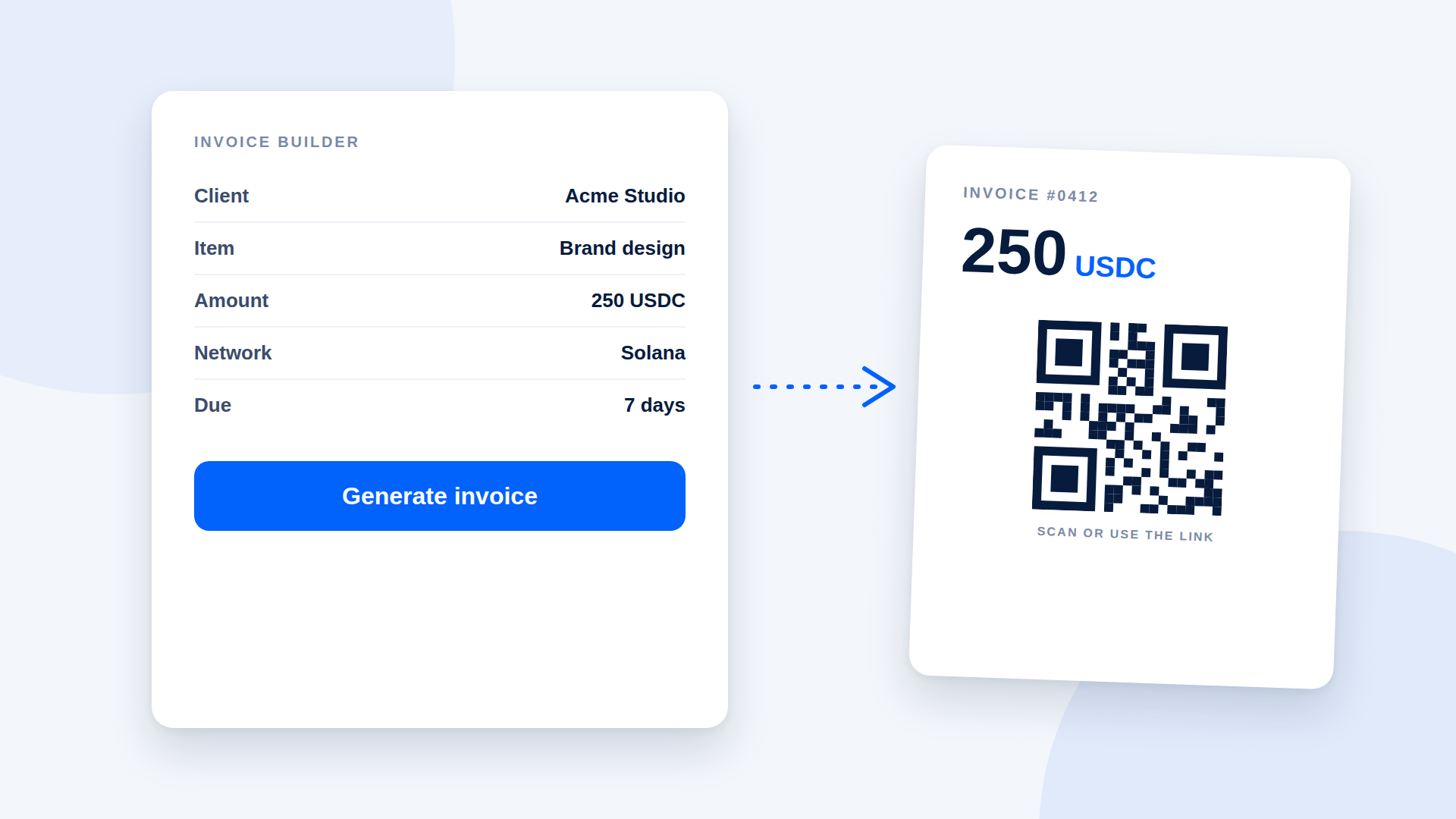
The page shows what the payment is for, the amount, the asset and the network. Check that these match what you agreed, such as "250 USDC on Solana" for invoice #0412.
Step 2: Scan or copy
On a computer: scan the QR code with your phone's wallet, or copy the details into your wallet.
On your phone: copy the details into your wallet, or open the QR code on another screen and scan it.
You do not need to connect your wallet to the payment page.
Step 3: Approve in your wallet
Your wallet shows the transfer before you confirm it. Check the details one more time, then approve. When the network confirms the transfer, the payment page should show the payment as complete.
What to check before you approve
Check | What you should see |
|---|---|
Amount | The exact amount on the link |
Asset | The same token the link asks for, such as USDC |
Network | Solana |
Destination | An address that matches the one shown on the payment page (compare the first and last characters) |
Sender wallet | The wallet you intended to pay from |
If anything does not match, stop and ask the person who sent the link.
Paying from an exchange
Some exchanges let you withdraw to an external wallet address. If you pay this way, withdraw to the address shown on the payment page, on the Solana network, and the exact amount. Exchanges may add checks or delays, and some charge a withdrawal fee, so the seller may receive slightly less if you do not account for it. Ask whether they need the full amount to arrive.
If the payment fails
Problem | Likely cause | What to try |
|---|---|---|
Wallet will not send | No SOL for the network fee | Add a small amount of SOL and retry |
"Insufficient funds" | Not enough of the requested asset | Add funds, including any fee |
Payment page still shows unpaid | Transaction pending, wrong network, wrong token or short amount | Check the transaction in your wallet or an explorer and tell the seller |
You sent the wrong token or network | Mix-up when copying details | Contact the seller straight away; recovery is not guaranteed |
Link looks wrong or different | Possible fake | Do not pay; contact the seller another way |
Staying safe
Only pay links sent by someone you know or a business you trust, and confirm unexpected links through another channel.
Never share your recovery phrase with anyone. A payment never needs it.
Do not approve transactions you do not understand.
Be wary of anyone who asks you to send more than the amount or to pay a different address.
Keep a record of the transaction ID in case you need to show the payment.
What happens next
Once the payment is confirmed, the seller delivers or starts the work. Crypto payments cannot be reversed by a processor, so a refund means the seller sending a new payment. If you might need one, read the seller's refund policy before you pay.
A short message you can send
If you are the one sending the link, this saves questions:
"Please pay with USDC on Solana using this link. You'll need a Solana wallet with the amount and a little SOL for the network fee. Bank transfer is fine too if you prefer."
Where depaylink fits
depaylink is a non-custodial payment-link tool for SOL and USDC on Solana. You enter the amount, the asset and your wallet, then share the link or its QR code. The customer pays directly to your wallet without connecting a wallet to the page, and depaylink verifies amount, asset and destination on-chain before marking the payment as paid. The payment page is what your customer sees when they open your link; this guide is written so you can share it with them.
FAQ
Do I need to connect my wallet to the payment page? On depaylink you do not; you can scan the QR code or copy the details into your wallet.
Why do I need SOL if I am paying in USDC? Solana network fees are paid in SOL.
How long does it take? Often a short time once you approve, but wait for the page or your wallet to show the payment as confirmed.
Can I get a refund? Crypto payments are not reversible by a processor. Refunds are new payments from the seller, so check their policy first.
How to Accept Crypto Payments From Instagram and Social Media CustomersHow to Accept USDC Payments Without a Website or DeveloperBest Way to Accept Crypto Payments Online: 5 Options ComparedCrypto Invoice Generator: What to Look For (and a Simple Way to Make One)Crypto Payment Bookkeeping for Small Businesses: What to RecordCrypto Payment Gateway vs Payment Link: Which Do You Need?Crypto Payment Link Generator: How to Create a Link in 4 StepsCrypto Payment Processing Fees: What You Actually PayHow to Accept Crypto Payments as a Coach or ConsultantHow to Accept Crypto Payments for Local Services (Photographers, Tutors, Repairs)