Record each crypto payment as you would any income: the date, who paid, what it was for, the amount received and its value in your local currency at the time. Keep the invoice and the payment reference together. Do that consistently and your accountant has what they need, whatever the local rules are.
This article is about record-keeping, not tax advice. Accounting and tax treatment differ by country and change over time, so ask a qualified local professional.
The fields to record
| Field | Why it matters |
|---|---|
| Date and time received | Fixes the value and the accounting period |
| Customer or client | Links the payment to the sale |
| Invoice or order reference | Lets you match payment to invoice |
| Asset and network | USDC on Solana, SOL and so on |
| Amount received | In the asset |
| Value in local currency at receipt | Needed for most reporting |
| Transaction ID | Proves the payment on-chain |
| Wallet that received it | Helps if you use more than one |
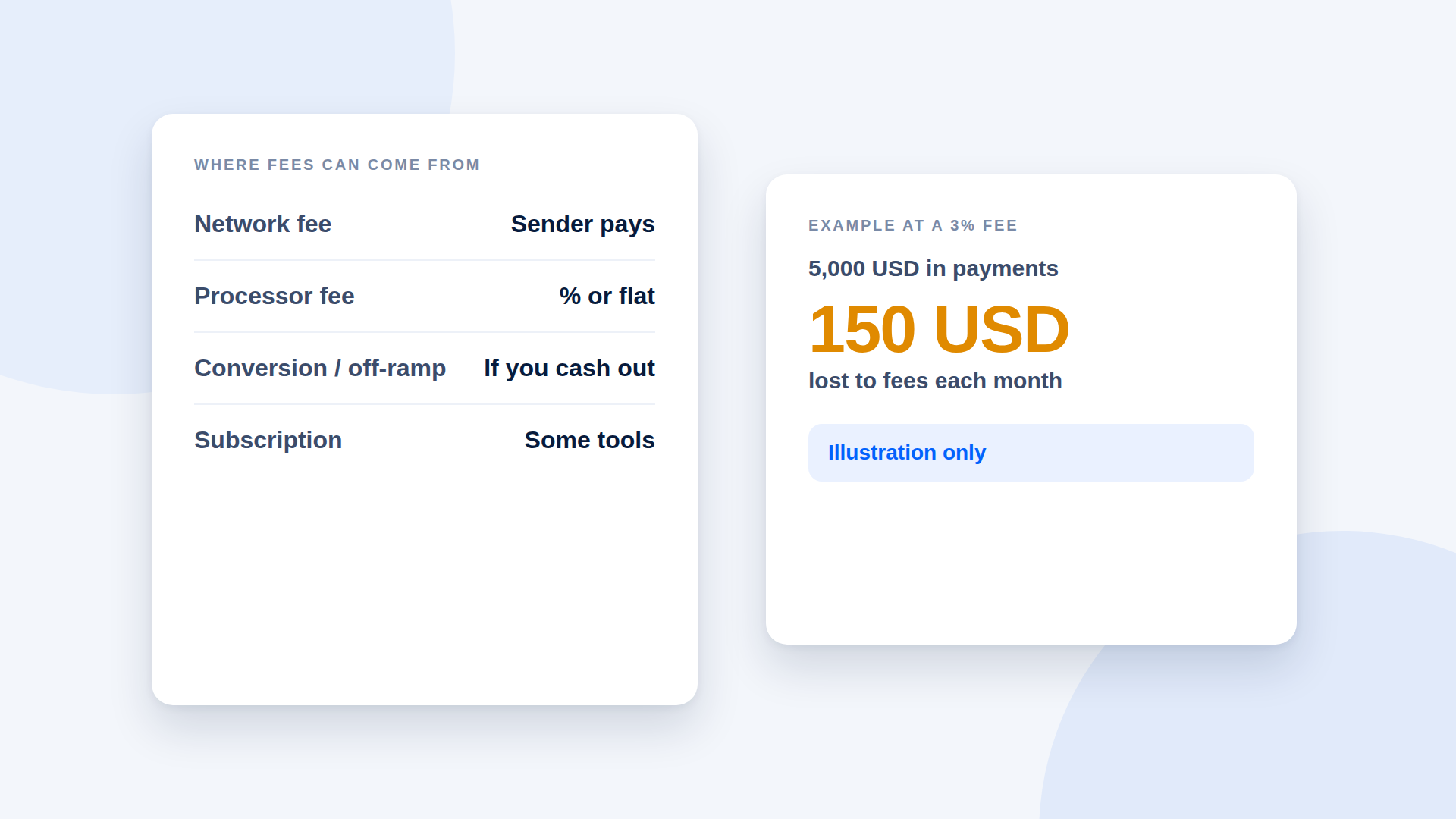
| Fees paid, if any | Network or cash-out fees |
A simple ledger
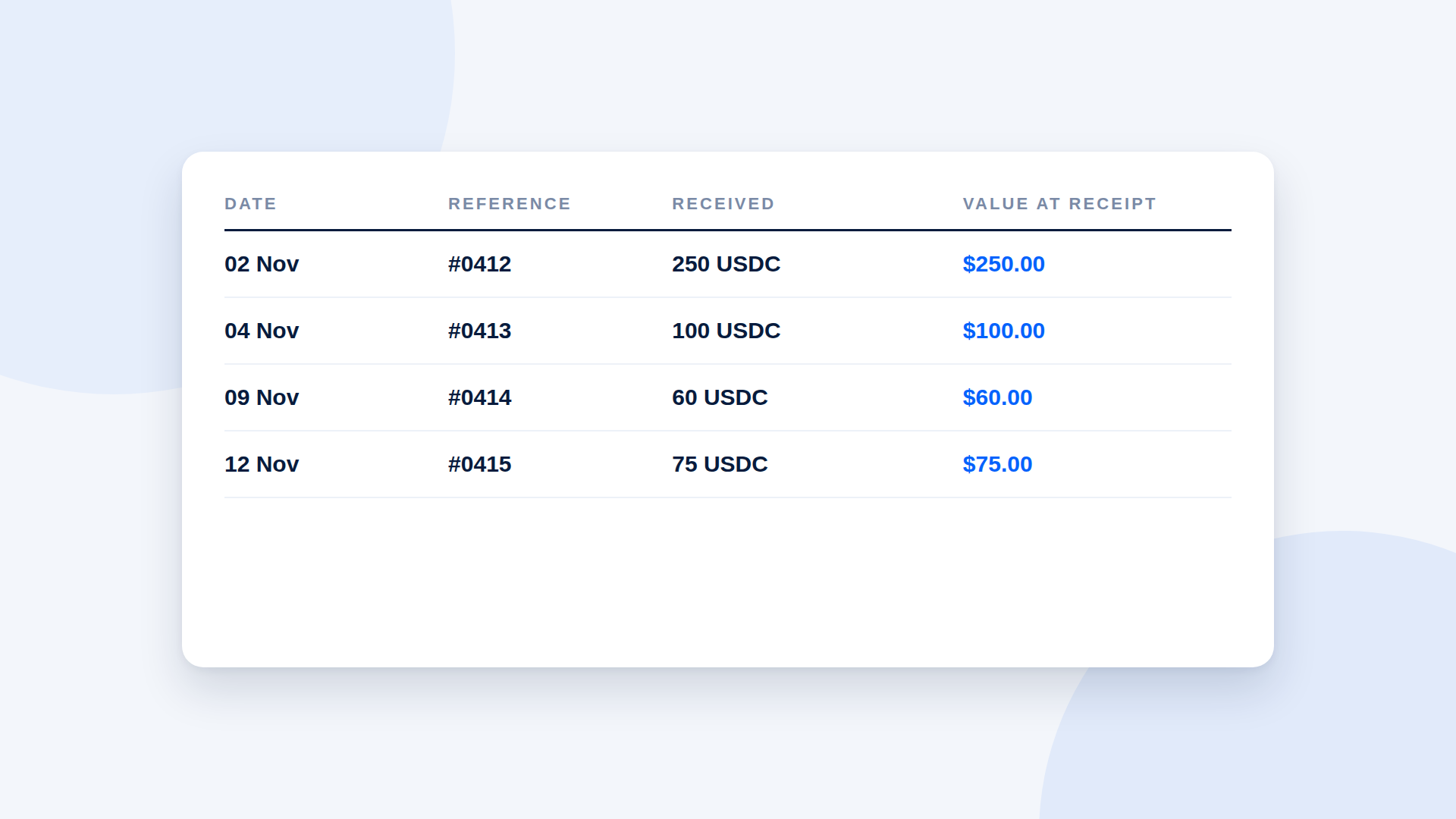
You can start with a spreadsheet:
| Date | Reference | Received | Value at receipt |
|---|---|---|---|
| 02 Nov | #0412 | 250 USDC | $250.00 |
| 04 Nov | #0413 | 100 USDC | $100.00 |
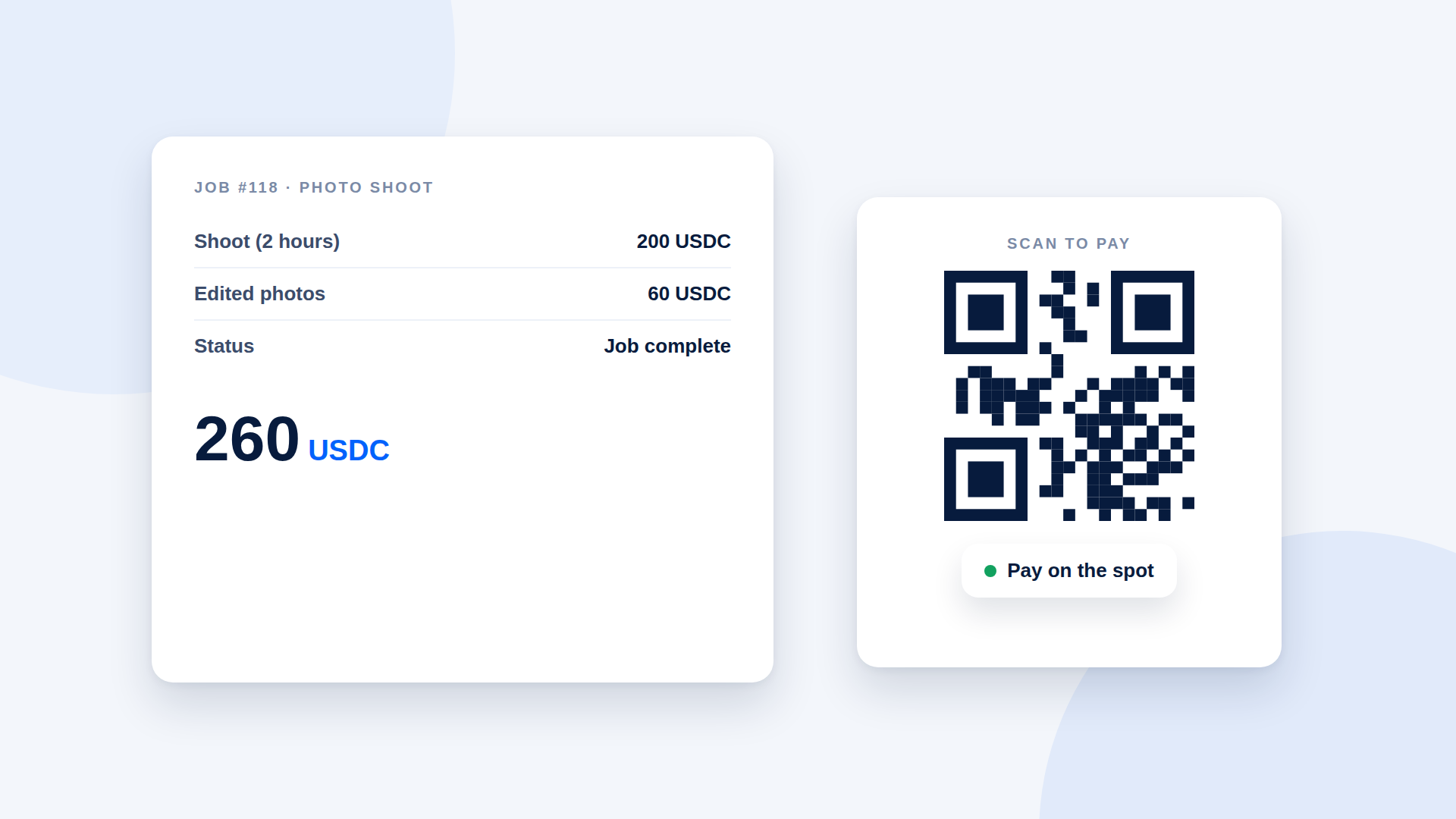
| 09 Nov | #0414 | 60 USDC | $60.00 |
For USDC, the local value is usually straightforward but still worth recording. For SOL, record the rate you used and where you took it from.
Match payment links to invoices
Use the same reference everywhere: invoice number, link description and ledger row. If your payment tool keeps a payment history, export or copy from it so the reference matches.
Cash-outs and conversions
When you turn crypto into local currency, record it as a separate event: date, amount sent, amount received, fees and the service used. Your accountant will want to see the link between receipts and conversions.
Use a dedicated wallet
Mixing personal and business transactions in one wallet makes records harder. A dedicated business wallet keeps the history clean.
Monthly routine
- Reconcile payments against invoices.
- Check nothing is marked paid that has not arrived.
- Record fees and any conversions.
- Save exports or screenshots of your payment history.
- Note any refunds against the original payment.
Questions for your accountant
- Which date and rate should I use for valuing receipts?
- How do I treat network fees and conversion costs?
- Do I need to report holdings, not only income?
- What do I need to keep, and for how long?
Common mistakes
- Recording only the crypto amount, not the local value
- Not saving transaction IDs
- Mixing personal and business wallets
- Forgetting refunds and fees
Where depaylink fits
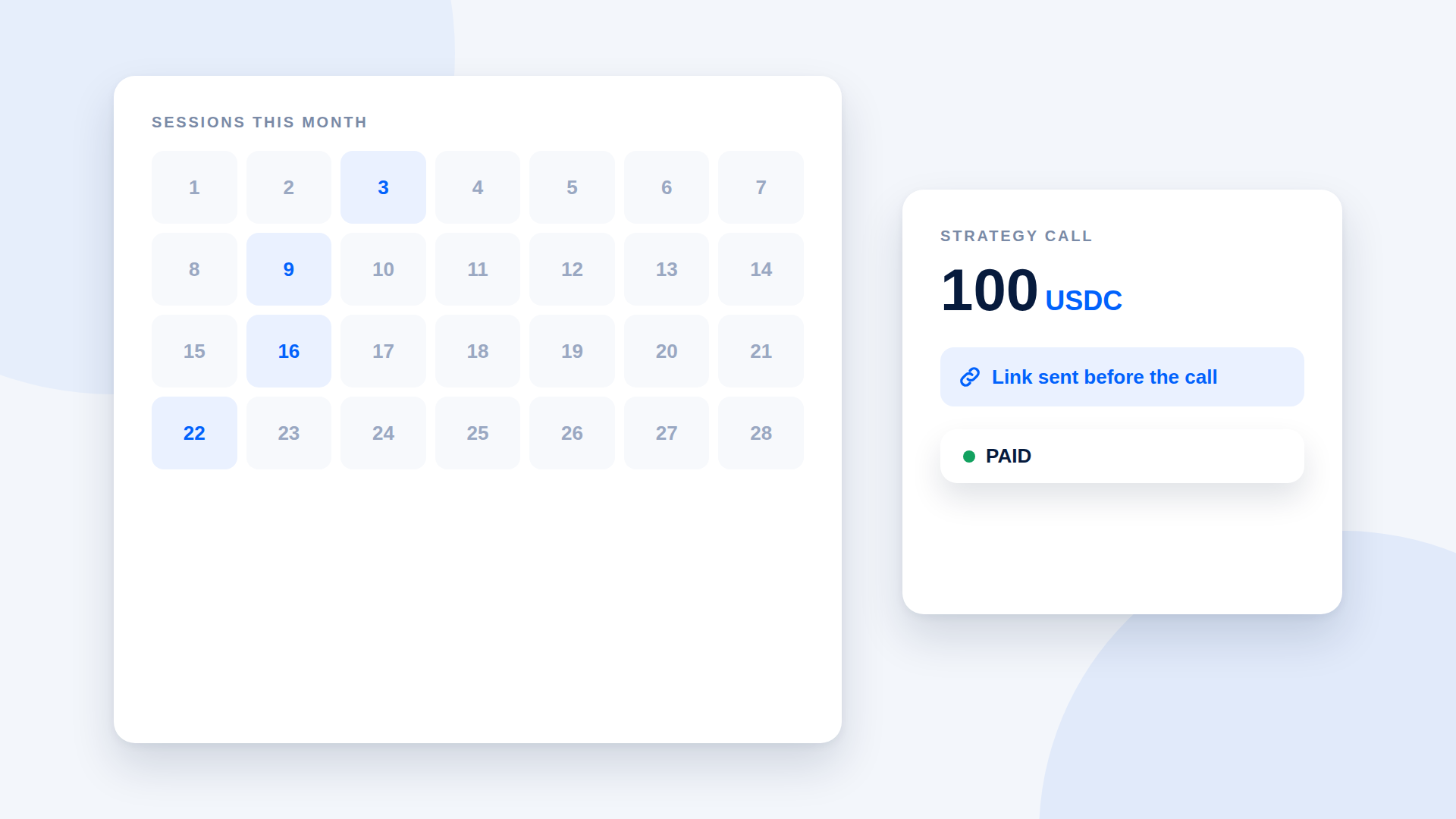
depaylink keeps a payment history on every plan, with each link showing its amount, asset, description and status, so you can match payments to invoices. Pro adds advanced analytics for volume, payment count and success rate over 7, 30 or 90 days. depaylink is not an accounting tool and does not provide tax reports.
Frequently asked questions
Do I need to record crypto payments if they are small?
Treat them like any other income and ask your accountant what rules apply.
Which exchange rate should I use?
Ask your accountant which source and timing your jurisdiction expects.
Can a payment tool replace bookkeeping?
No. It helps you match payments, but you still need your own records.
Should I keep screenshots?
Save exports and transaction IDs as well, because screenshots alone are weak evidence.
Related reading
- How to Invoice a Client in Crypto (With a Template)
- Crypto Payment Refunds: How to Write a Refund Policy That Works
- Small business payments
- Crypto Payments for Agencies: Invoicing International Clients in USDC
- Crypto Payments for Small Businesses: What You Need to Set Up
- How to Verify a Crypto Payment Before You Deliver