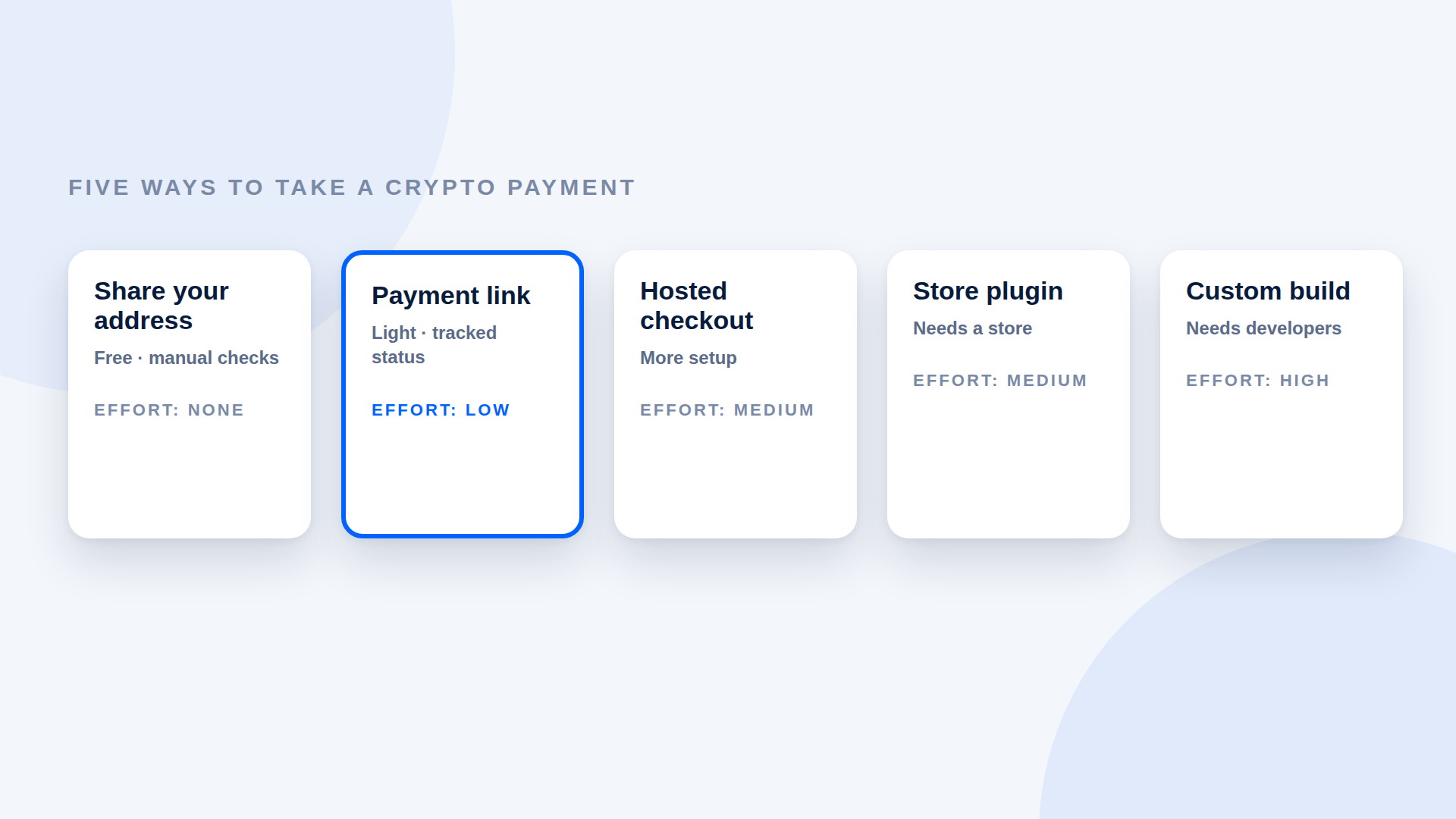
The best way to accept crypto payments is the lightest method that still verifies each payment. For freelancers and small sellers, that is usually a payment link. Stores with many products and automated delivery need something heavier. Here are the five common options and what each costs you in effort and control.
The five options
1. Share your wallet address
You send customers your address and an amount. It costs nothing and takes no setup. The downsides are real, though: easy typos, no automatic check of amount or asset, and no clear paid or unpaid status.
2. Payment links
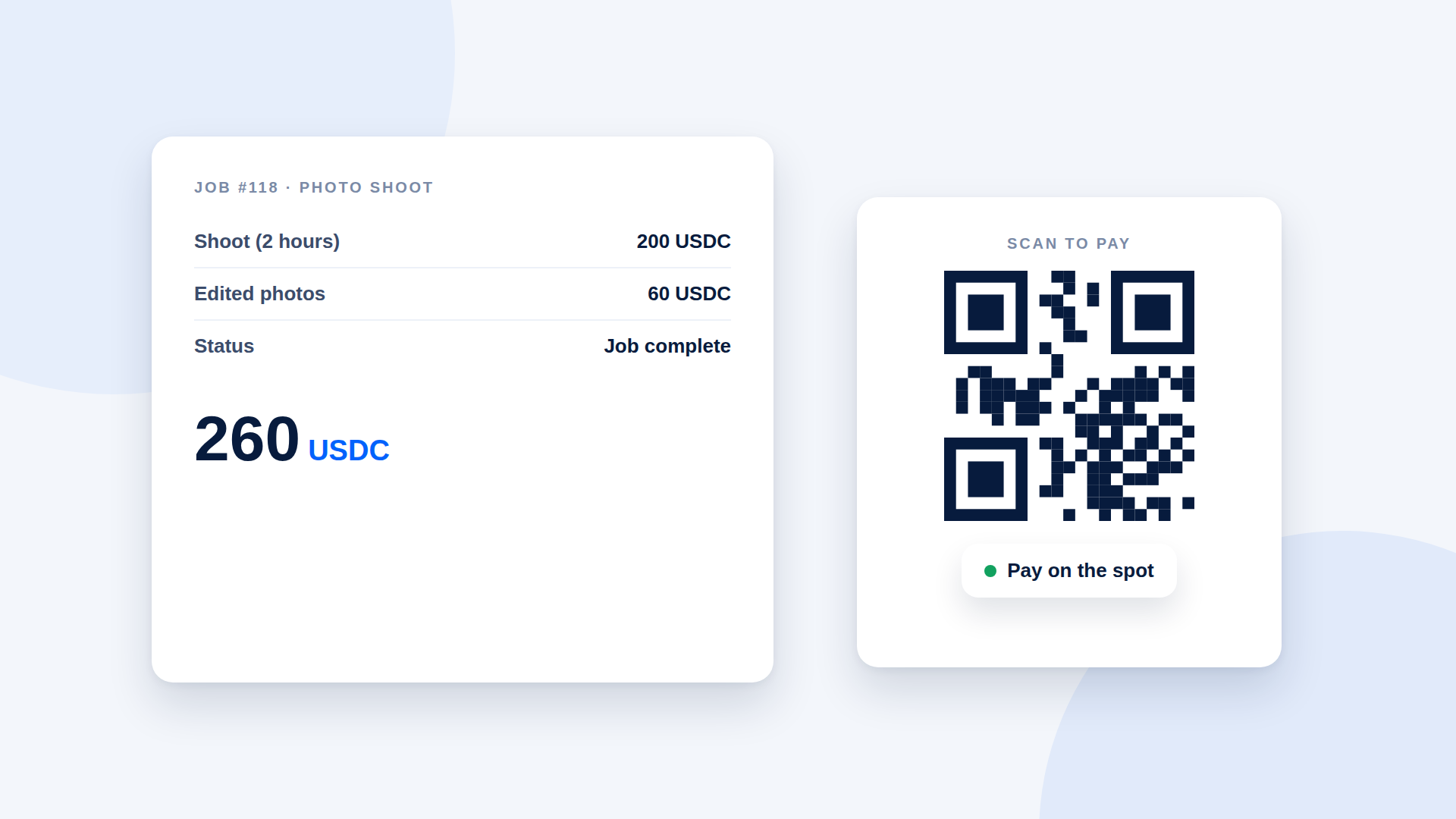
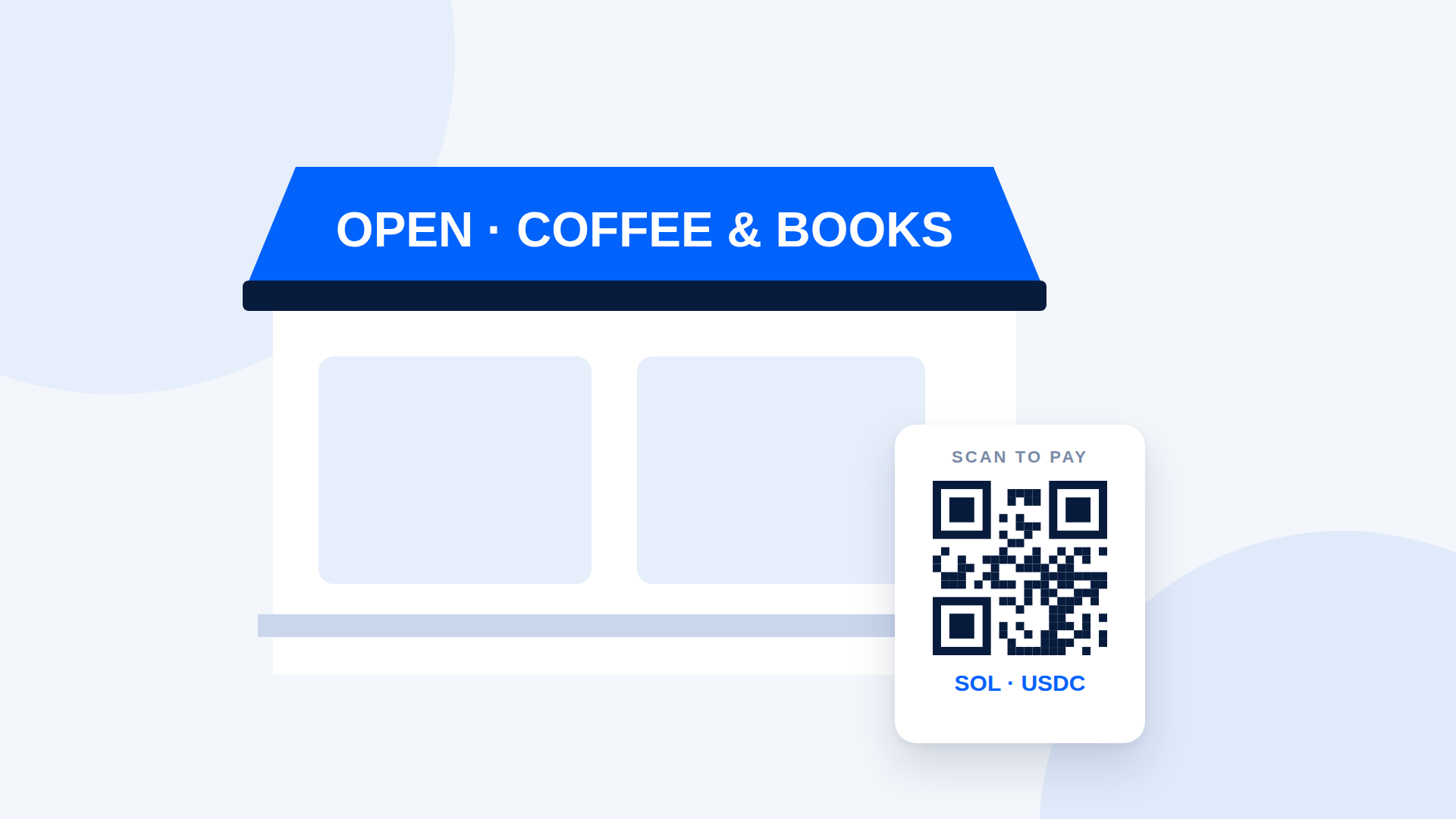
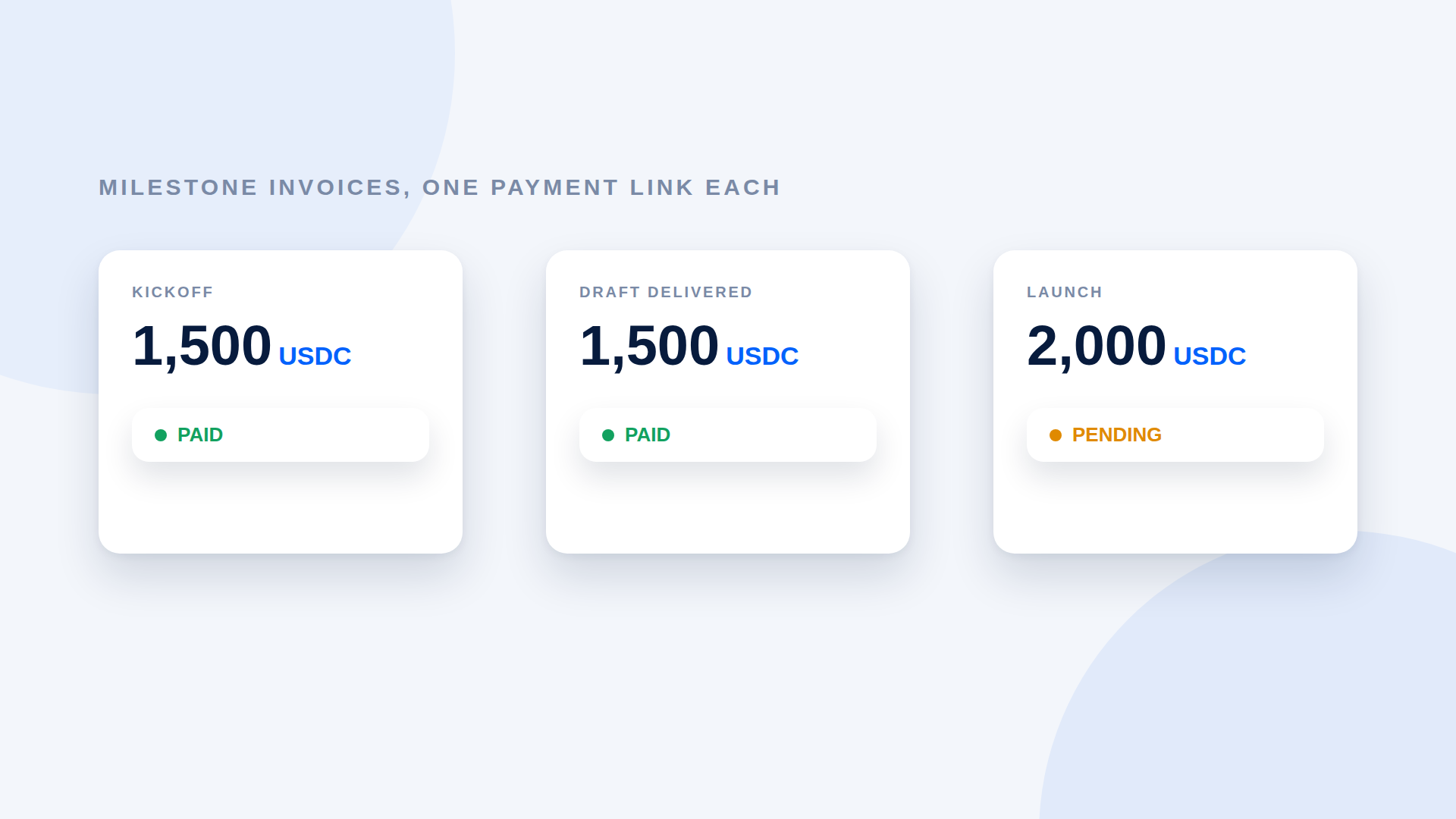
You create a link per payment, with the amount, asset and destination built in. The customer opens it and pays; the tool verifies the transfer. It needs no website and takes minutes to set up. Each link covers one payment, and fulfilment stays manual.
3. Hosted checkout
A platform provides a checkout page for your products or invoices. It adds features like catalogues and reporting, but you may have to onboard with the provider, and some hold funds before paying out.
4. Store plugin
If you run an online store, a plugin can add a crypto option at checkout and automate order status. It depends on your store platform and its plugin ecosystem, and it adds something to maintain.
5. Custom build
Your developers integrate directly with a blockchain or a payments API. You control everything and carry all the cost and responsibility.
Compared side by side
| Effort to start | Verifies payments | Needs a website | Best for | |
|---|---|---|---|---|
| Wallet address | None | No | No | One-off payments between people who trust each other |
| Payment link | Low | Yes (with the right tool) | No | Freelancers, creators, small sellers |
| Hosted checkout | Medium | Yes | Often | Businesses with many customers |
| Store plugin | Medium | Yes | Yes (a store) | Online shops with automated orders |
| Custom build | High | You build it | Yes | Large products with developer teams |
How to pick
Ask four questions:
- How many payments a week? A handful suggests links. Hundreds suggest a checkout or plugin.
- Do orders need automatic fulfilment? If yes, look at plugins or a build.
- Who should hold the money? If you want funds to go directly to your wallet, choose a non-custodial tool.
- How much setup can you afford? Be honest about time and maintenance.
A sensible starting path
Start with payment links. If the volume grows or you need automation, you can add a heavier tool later without having wasted anything, because your wallet and your customers stay the same.
Whatever you choose
- Name the network on every request.
- Verify amount, asset and destination before delivering.
- Keep a record of each payment.
- Ask a local accountant about tax treatment.
Where depaylink fits
depaylink covers option 2: non-custodial payment links for SOL and USDC on Solana, with on-chain verification and no wallet connection needed for the customer. It does not replace a store plugin or a custom integration. If your needs grow beyond links, treat depaylink as the simple starting point.
Frequently asked questions
What is the easiest way to accept crypto payments?
A payment link: you enter the amount and your wallet, then share the URL.
Do I need a website to accept crypto?
No, not for payment links or sharing an address.
Is it safe to accept crypto directly to my wallet?
Direct-to-wallet payments avoid a middleman holding funds, but you must secure your wallet and verify each payment.
Which crypto should I accept?
Many sellers choose a stablecoin such as USDC for predictable pricing. See the USDC vs SOL comparison.
Related reading
- USDC vs SOL for Payments: What Is the Difference?
- How to Choose a Crypto Payment Gateway: A Buyer's Checklist
- Crypto Payment Gateway vs Payment Link: Which Do You Need?
- What Is a Crypto Payment Link and How Does It Work?
- Crypto Payments for Small Businesses: What You Need to Set Up
- Custodial vs Non-Custodial Crypto Payment Processors