How to Spot a Fake Crypto Payment Link Before You Pay
A fake crypto payment link looks like a genuine request but sends your money to someone else. Because crypto payments cannot be reversed by a processor, the best defence is to check before you pay. This guide gives you the warning signs, a quick checklist and the steps to take if something feels wrong.
How the scam works
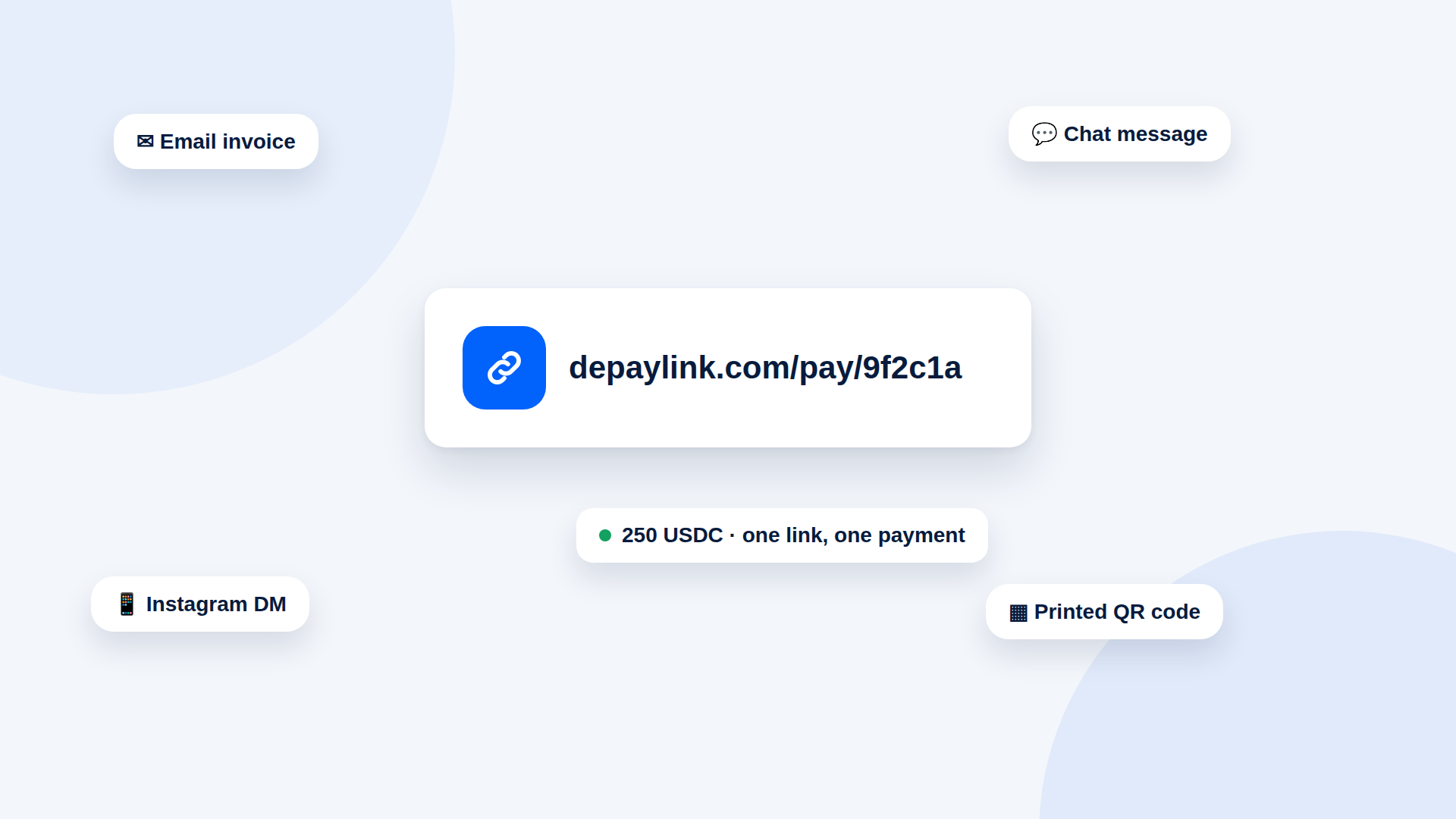
Scammers imitate a supplier, a freelancer or a payment service and send a link or QR code for a payment. The page may look professional. Some replace a real invoice's link with their own, or send an urgent "final notice".
Warning signs
| Sign | Why it matters |
|---|---|
| You did not expect the request | Genuine suppliers usually tell you first |
| Urgency or threats | Pressure is a classic tactic |
| A domain that is slightly off | Lookalike addresses are common |
| A changed wallet or link on a familiar invoice | May indicate a hijacked message |
| Request for your recovery phrase | A payment never needs it |
| Wrong network or odd token | Does not match what you agreed |
| Amount differs from the invoice | Check against your own records |
A checklist before you pay
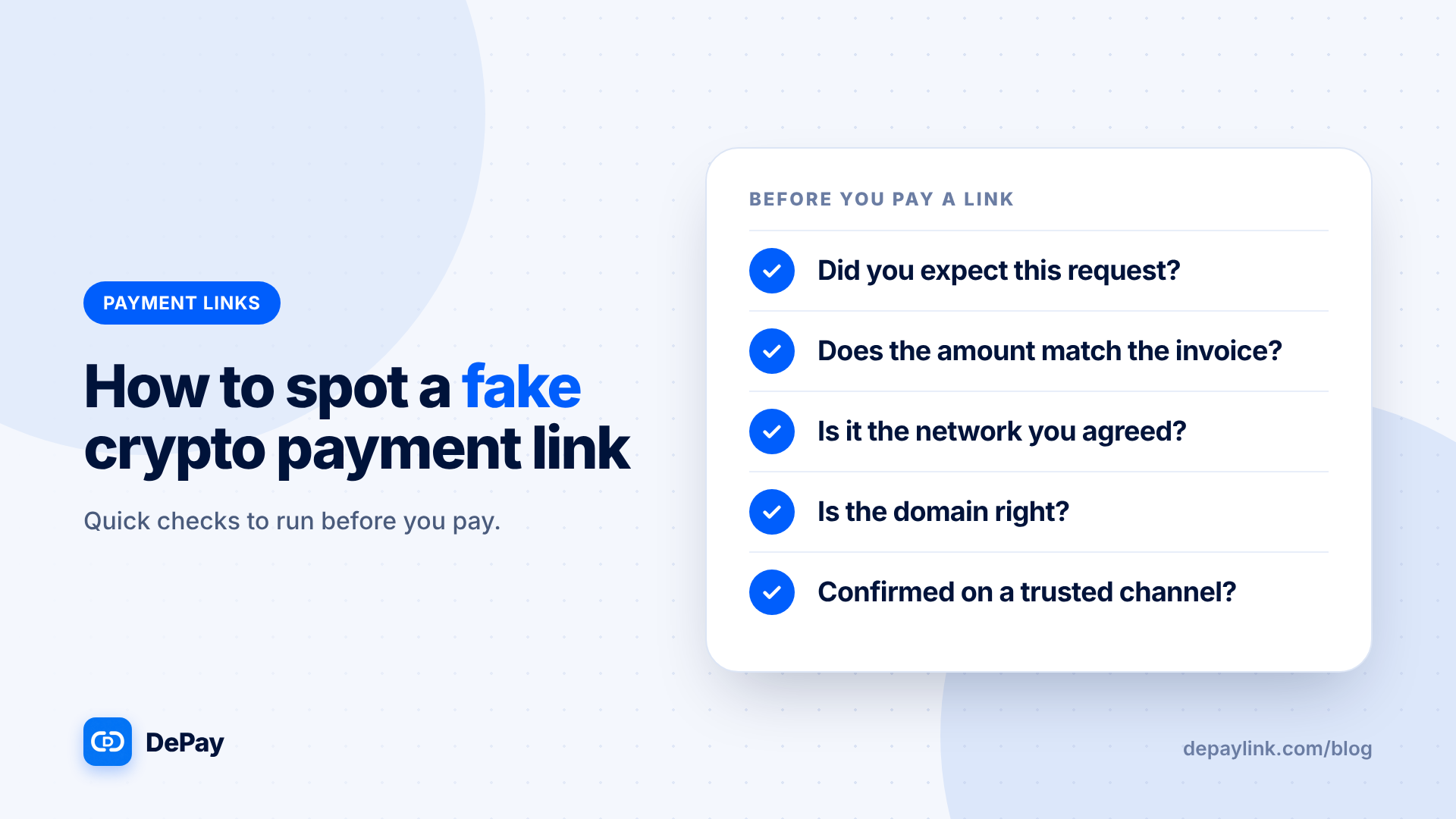
- Did you expect this? If not, contact the sender another way.
- Does the amount match the invoice or quote?
- Is the network the one you agreed (for example Solana)?
- Is the domain right? Type the known address yourself, or compare the link with earlier ones.
- Does the destination match what the sender gave you before?
- Is anything asking for your recovery phrase or a wallet connection with unusual permissions? Stop if so.
- Have you confirmed on a trusted channel? A call or a message you start yourself.
If the payment is large
- Ask for a small test payment first.
- Confirm the details by phone or video.
- Ask the sender to confirm the first and last characters of the destination.
If the link came from a business you know
Check with them using contact details you already had, not the ones in the message. Scammers sometimes hijack email threads.
What genuine requests tend to look like
- They match an invoice or agreement you already have
- They name the asset and network clearly
- They do not ask for secrets
- They give you time to check
If you have already paid a fake link
- Contact the genuine party and tell them.
- Record the transaction signature and the destination address.
- Report it to your local fraud authority, and to any exchange you used.
- Be realistic: crypto payments are not reversible by a processor, and recovery is not guaranteed.
If you send payment links yourself
Help customers protect themselves:
- Tell them where your real links come from
- Name the network and amount in your message
- Never ask for recovery phrases
- Warn them about copycats using your name
Using your own tools safely
Open dashboards by typing the address, not by clicking links in messages. Do not approve wallet permissions you do not understand.
Where depaylink fits
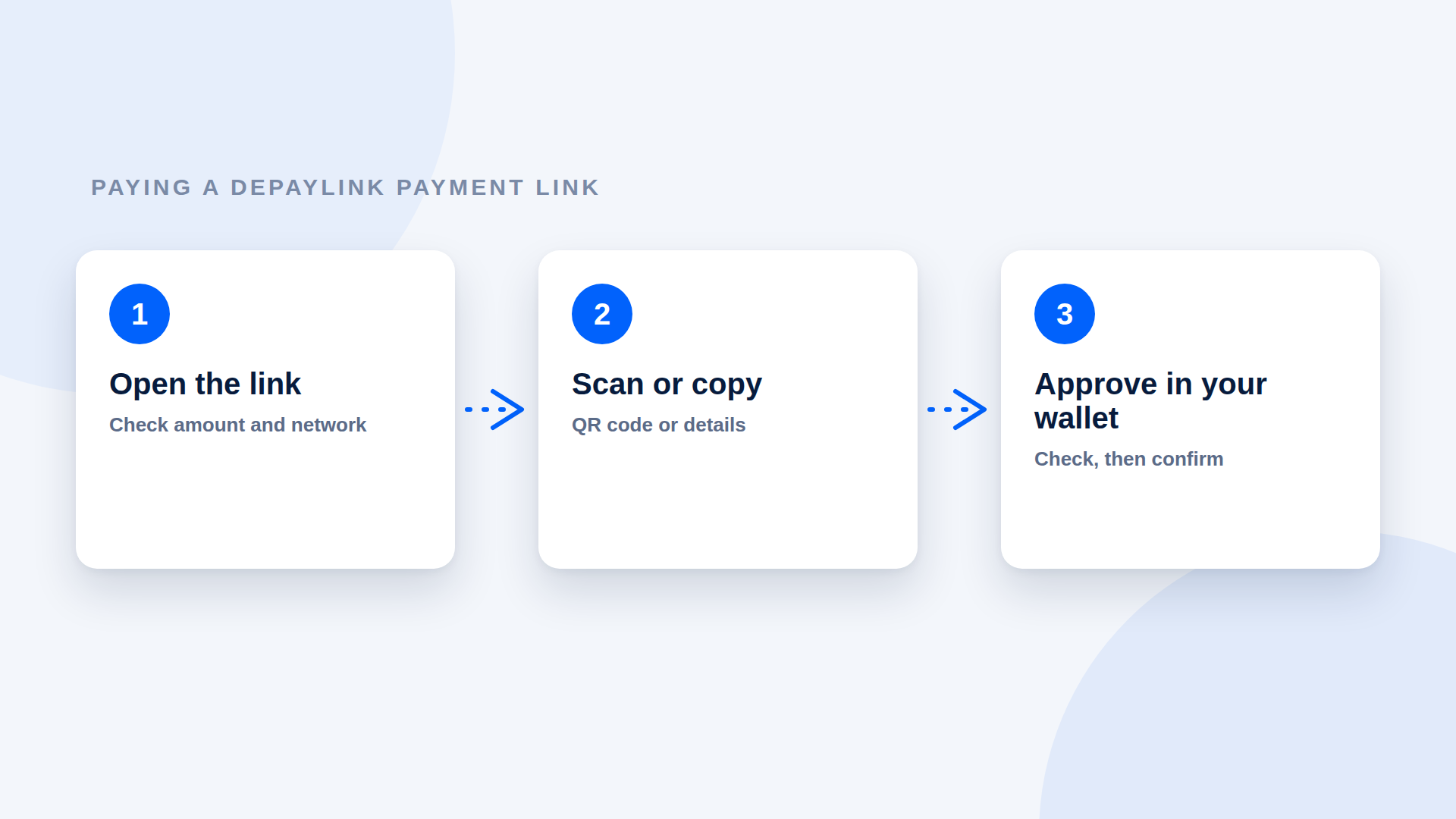
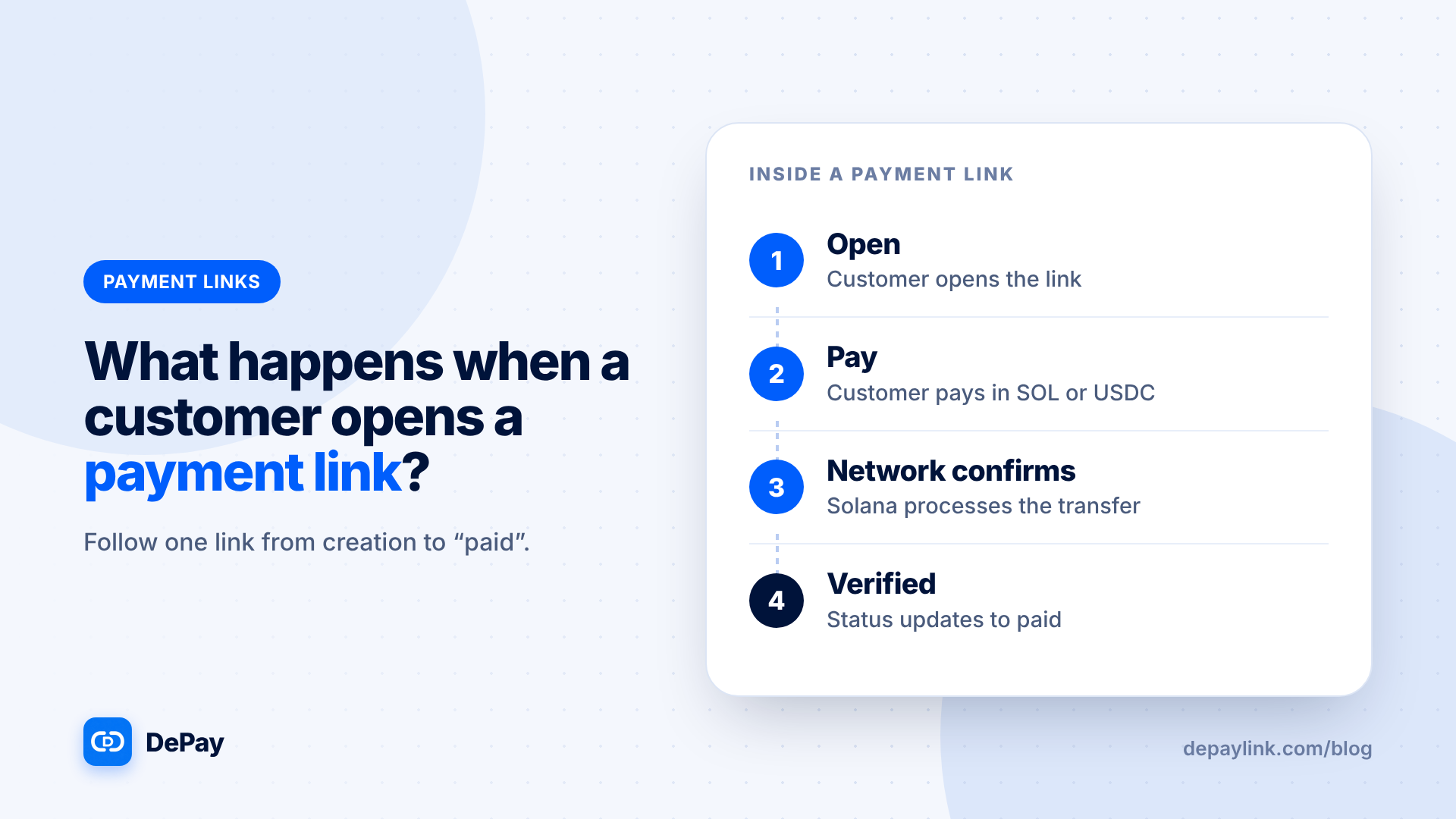
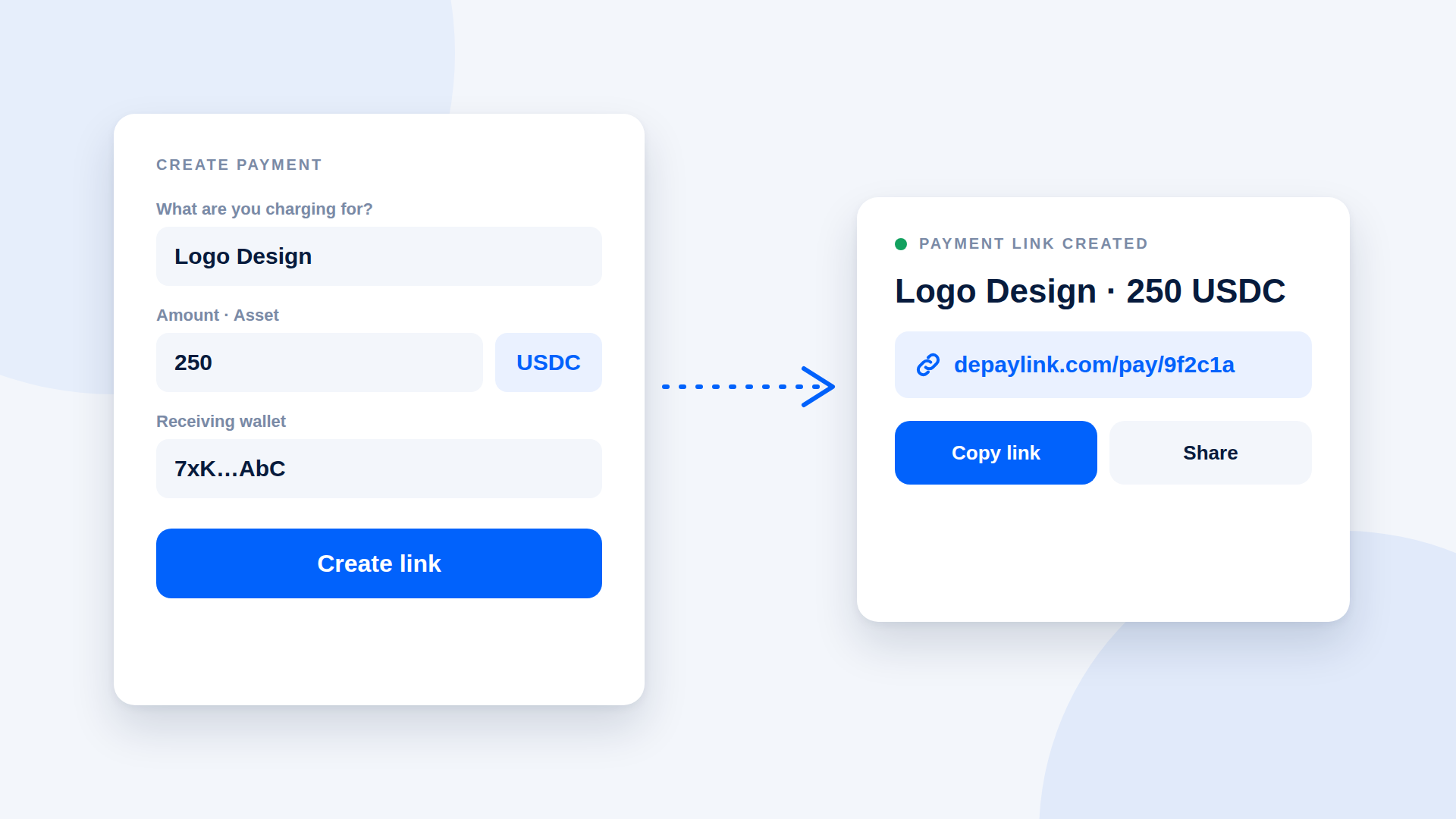
depaylink is a non-custodial payment-link tool for SOL and USDC on Solana. You enter the amount, the asset and your wallet, then share the link or its QR code. The customer pays directly to your wallet without connecting a wallet to the page, and depaylink verifies amount, asset and destination on-chain before marking the payment as paid. Always tell customers the domain your links come from.
Further reading
FAQ
Can a payment link steal my funds? A link alone cannot, but a page that asks you to approve unusual wallet permissions or reveal secrets can lead to loss.
What should I do if a link looks odd? Do not pay; contact the sender on a trusted channel.
Can I get my money back? Recovery is not guaranteed because crypto payments cannot be reversed by a processor.