What Happens When a Customer Opens a Crypto Payment Link? A Step-by-Step Look
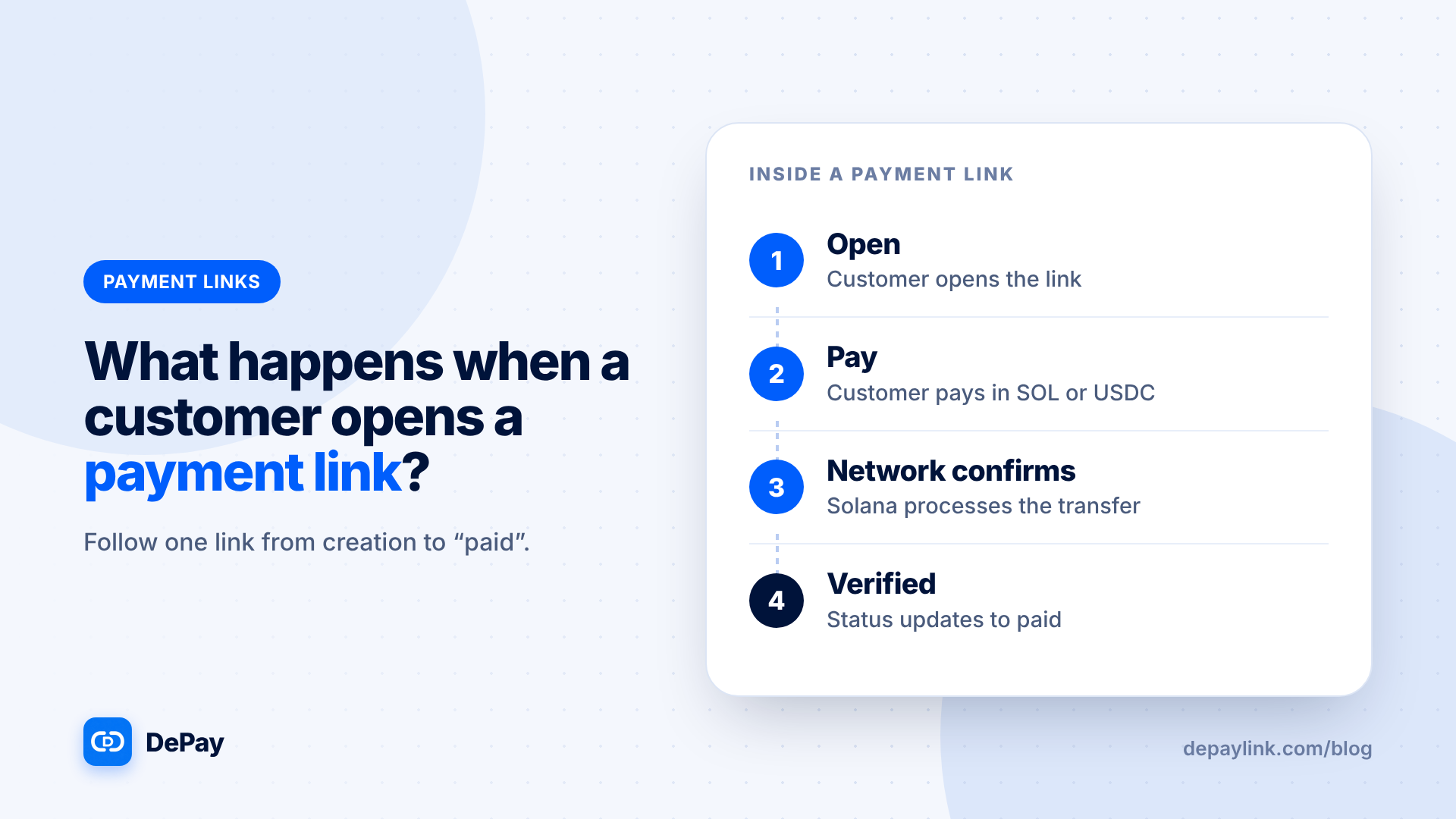
When a customer opens a crypto payment link, they see a page describing the payment, then pay from their wallet. The network records the transfer, and the tool checks it against the request before marking the link as paid. Here is that journey in four steps, from both the customer's and the merchant's side.
The journey at a glance
| Step | Customer | Network | Merchant |
|---|---|---|---|
| 1. Create and share | Receives the link | Nothing yet | Creates the link and sends it |
| 2. Open | Sees amount, asset, network, destination | Nothing yet | Link shows unpaid |
| 3. Pay | Scans or copies, then approves in a wallet | Records the transfer | Waiting |
| 4. Verify | Sees confirmation | Transfer confirmed | Link checked and marked paid |
Step 1: Create and share
The merchant enters what the payment is for, the amount, the asset and a receiving wallet, then shares the link. At this point nothing exists on the blockchain; the link is a request.
Step 2: The customer opens it
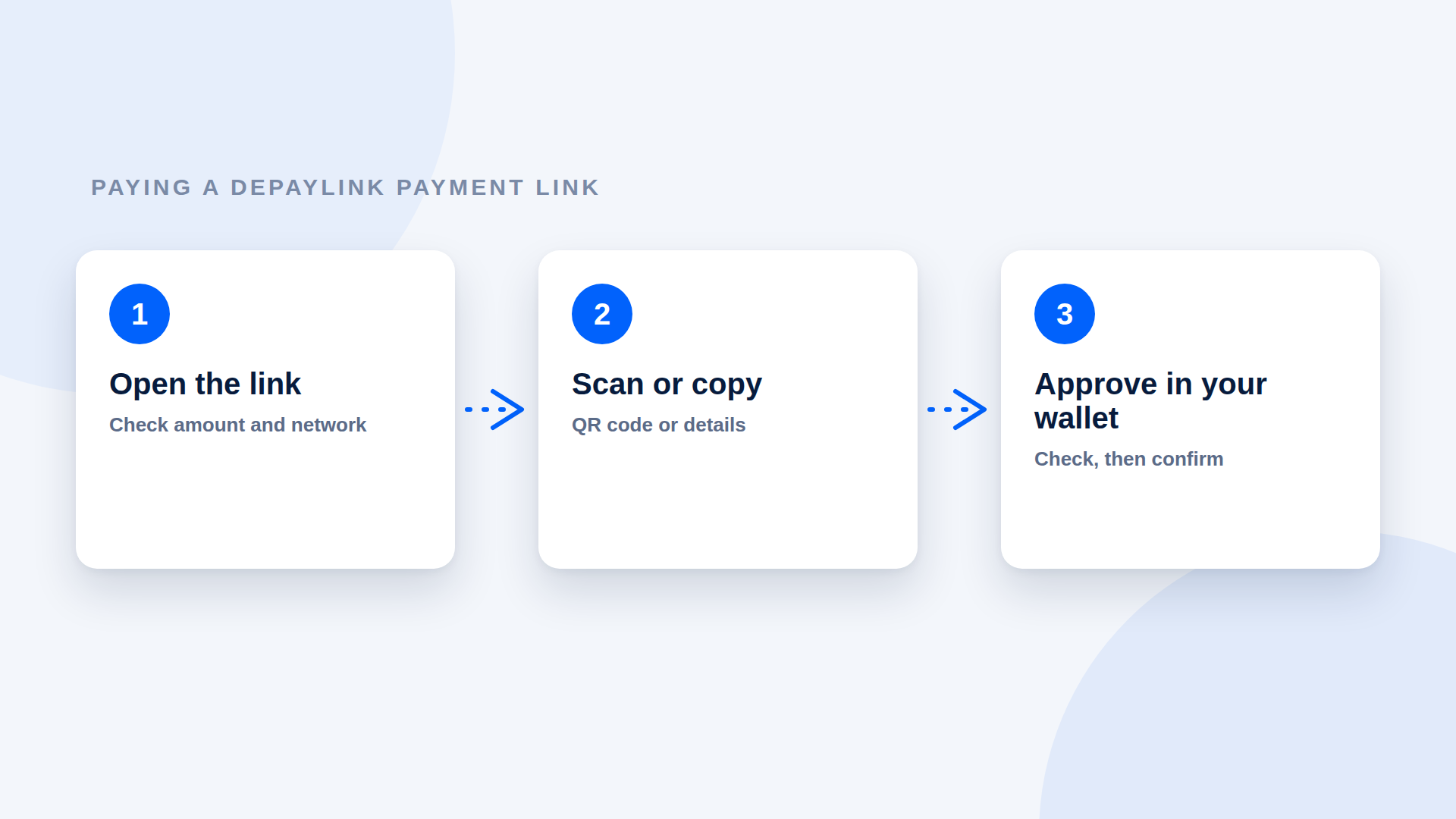
The payment page shows the description, amount, asset and network, and usually a QR code and the destination. Nothing is charged by opening it. A well-designed page does not ask the customer to create an account.
Step 3: The customer pays
The customer pays with a wallet, by scanning the QR code or copying the details. The wallet shows the transfer, the customer approves, and the wallet signs and submits a transaction. The customer pays a small network fee, in the network's native token.
Step 4: The network and the tool
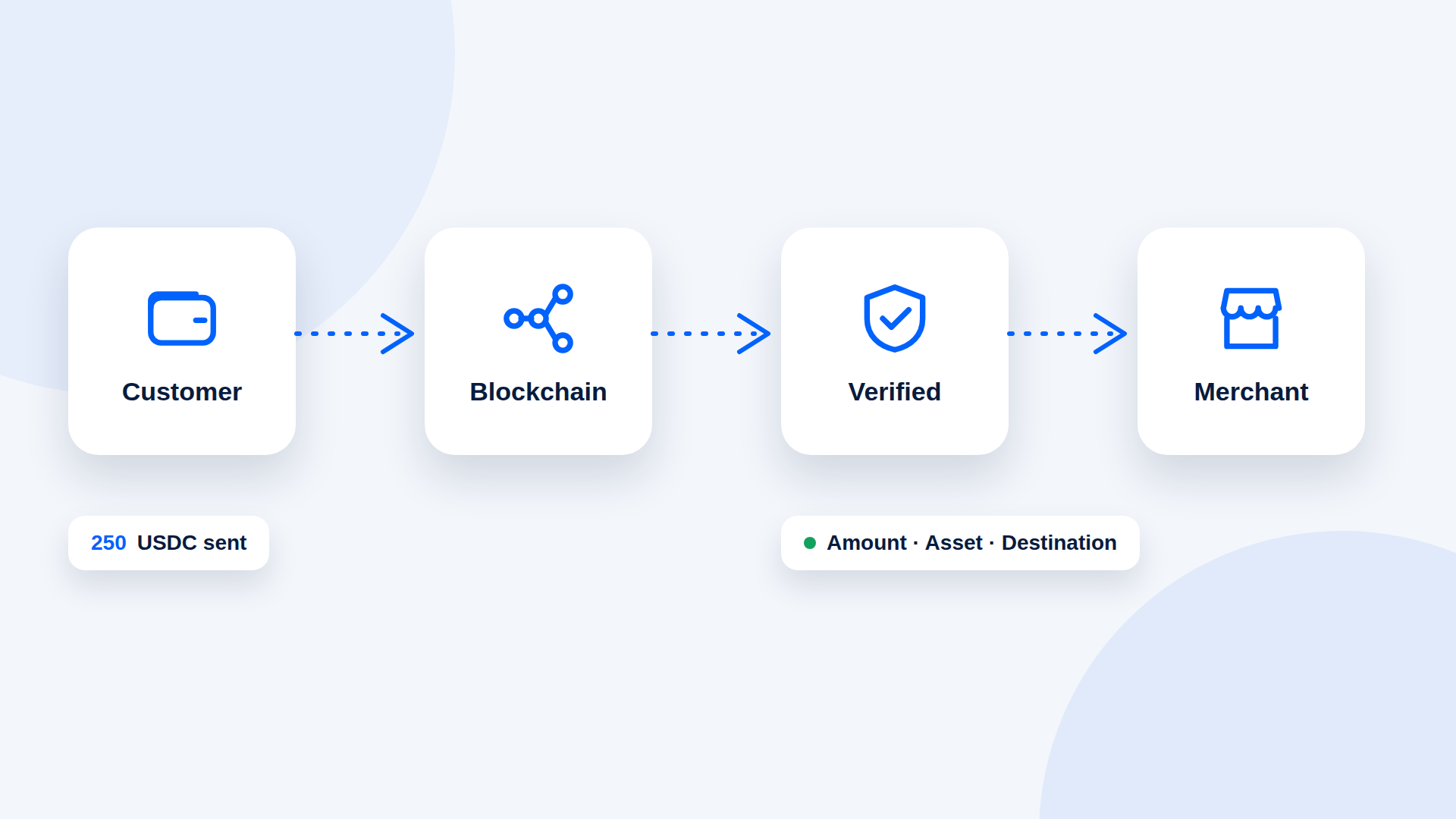
The network processes the transaction and reaches confirmation. The payment tool watches the blockchain for a transfer that matches the request. A careful tool checks:
- The amount
- The asset
- The destination
- That the transfer is confirmed
When they all match, the link is marked as paid.
What the merchant sees
| Before | After |
|---|---|
| Link shows unpaid | Link shows paid |
| No transaction | A transaction with a signature |
| Nothing in the wallet | An incoming transfer |
What can interrupt it
- The customer does not have the right token or enough for the fee
- The payment is the wrong amount, token or network
- The transaction is pending or expires
- The customer abandons the page
Where the money goes
In a non-custodial tool, the customer's funds go directly to the merchant's wallet. The tool does not hold them; it only observes and records. Check that this is true for any tool you use.
What the link does not do
- Deliver the product
- Renew itself
- Reverse a payment
- Replace a refund policy
Why the order matters
Because the link is only a request until the network confirms a matching transfer, the status "paid" is the one you trust, not a message from the customer. Deliver after it changes.
A short checklist for each side
Merchant: check the link before sending, wait for paid, record the transaction, deliver. Customer: check the details, have the token and a little SOL, approve, keep the signature.
Where depaylink fits
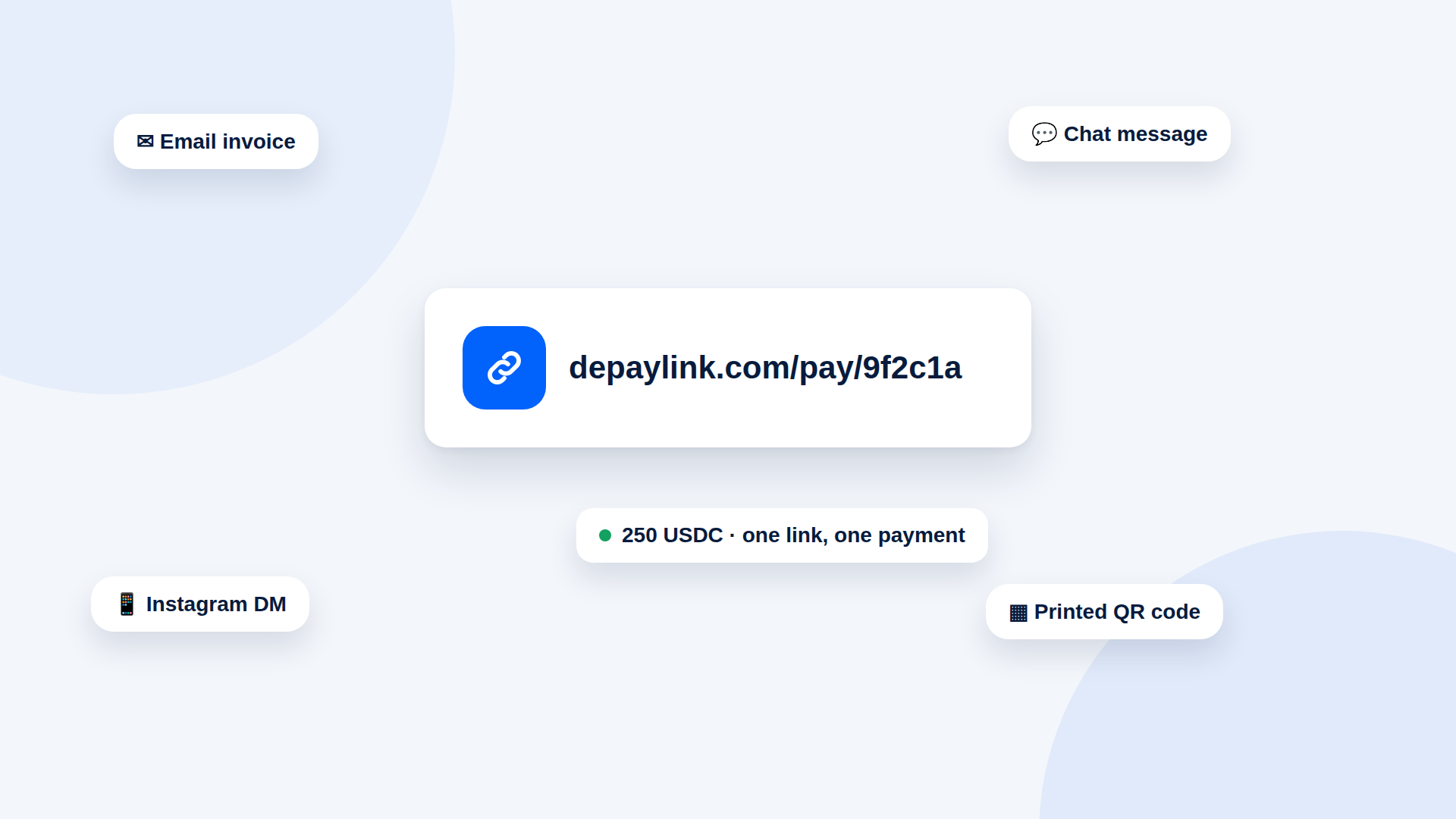
With depaylink you create a payment link for the exact amount in USDC or SOL, share it anywhere, and let depaylink watch Solana for the transfer. It never holds your money: the customer pays your wallet directly, and the link flips to paid only when amount, asset and destination match.
Further reading
- How Crypto Payments Work: From Customer Wallet to Your Wallet
- How to Pay a Crypto Payment Link: A Step-by-Step Guide for Customers
- How to Verify a Crypto Payment Before You Deliver
FAQ
Does opening a link charge the customer? No. Only approving the transfer in their wallet moves funds.
Does the customer need an account? Not on depaylink. They need a Solana wallet to send the payment.
How does the link know it was paid? The tool watches the blockchain for a matching transfer.