How to Accept Payments on Solana (SOL and USDC)
To accept payments on Solana you need a wallet address, a decision about which asset to take, a payment request the customer can act on, and a way to confirm the money arrived. You can do all of that without building a checkout.
Step 1: Decide which asset to accept
Solana payments usually mean one of two things:
SOL, the network's native token. Its price in dollars moves, so the amount you receive is worth different amounts at different times.
USDC on Solana, a stablecoin designed to track the US dollar. Invoices in dollars stay simple.
If you quote prices in a fiat currency, USDC is usually the easier choice. If your customers are already holding SOL and want to pay with it, you can accept SOL too, but agree how the price is calculated before they pay. For a deeper comparison, see the USDC vs SOL article.
Step 2: Set up a wallet you control
You need a receiving address from a wallet where you hold the keys. Popular Solana wallets include Phantom and Solflare, and hardware wallets are an option for larger balances. Write down your recovery phrase offline. Anyone who has it can take your funds, so no legitimate service will ask for it.
Consider using a separate wallet for business payments so your records stay clean.
Step 3: Create a payment request
A good request states four things:
Amount (for example, 75 USDC)
Asset and network (USDC on Solana)
Destination (your address)
Reference (the invoice or order it covers)
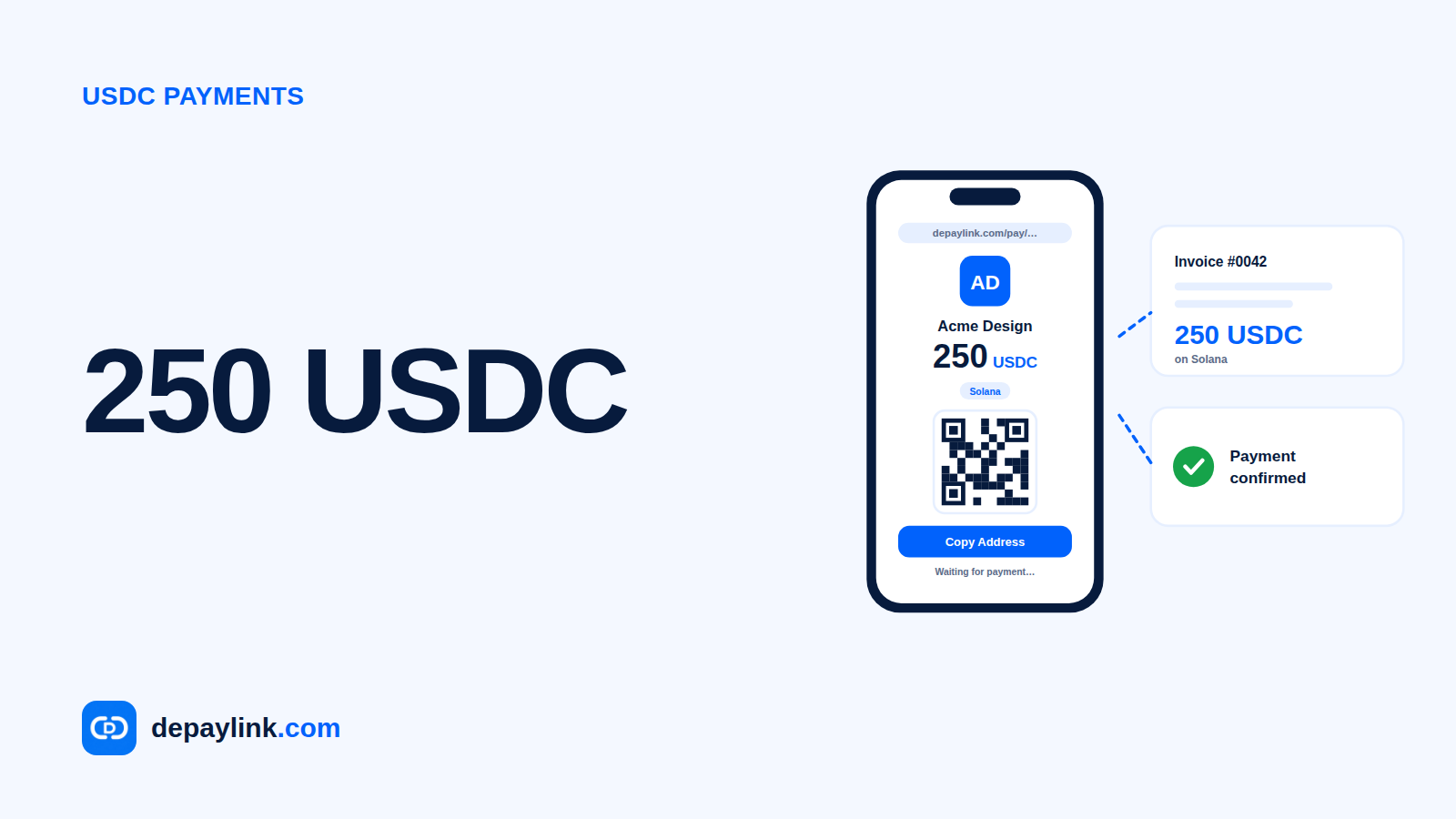
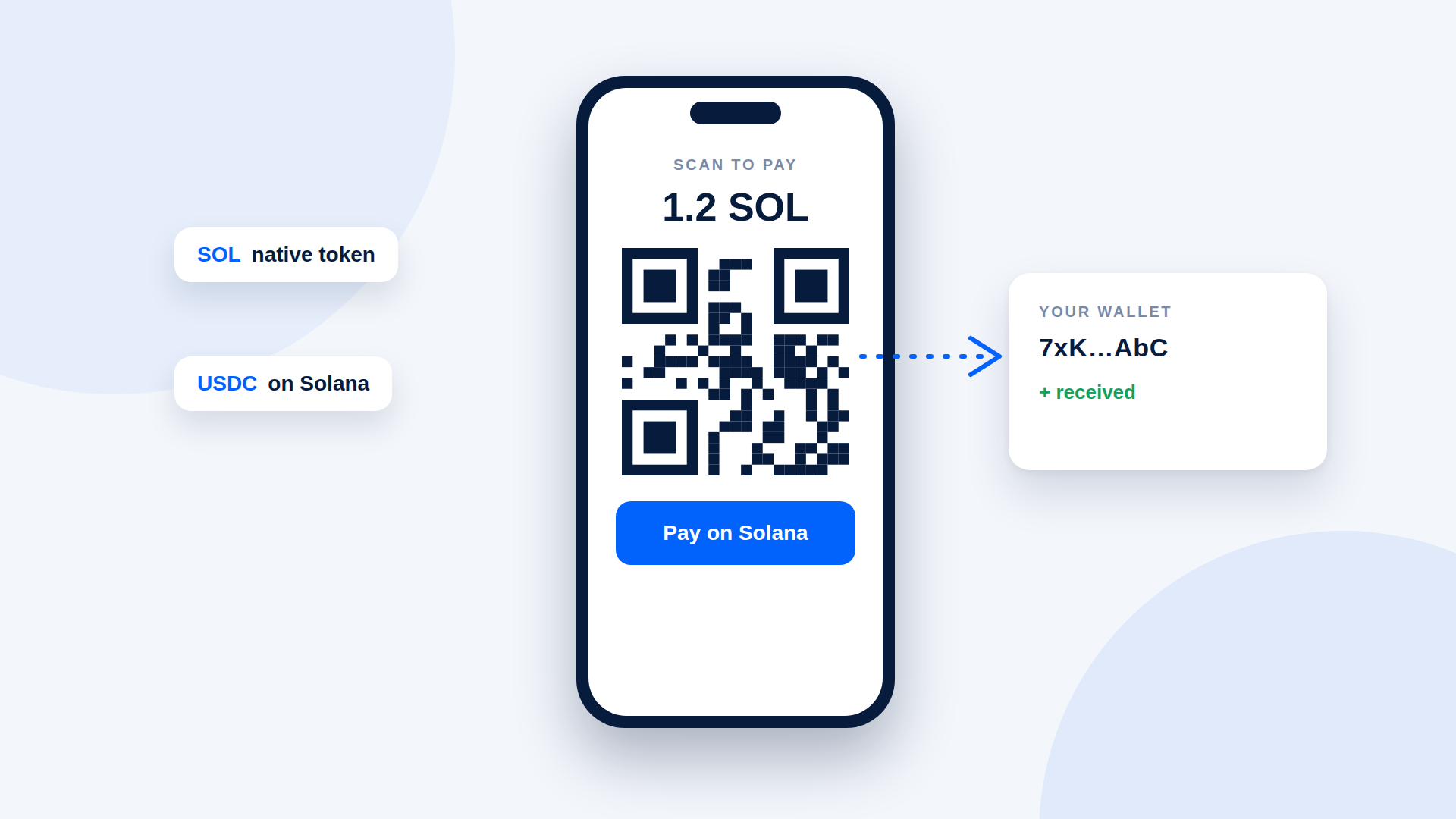
Sending a bare address works, but invites typos and underpayments. A payment link or QR code carries the details so the customer does not retype them.
Step 4: Let the customer pay
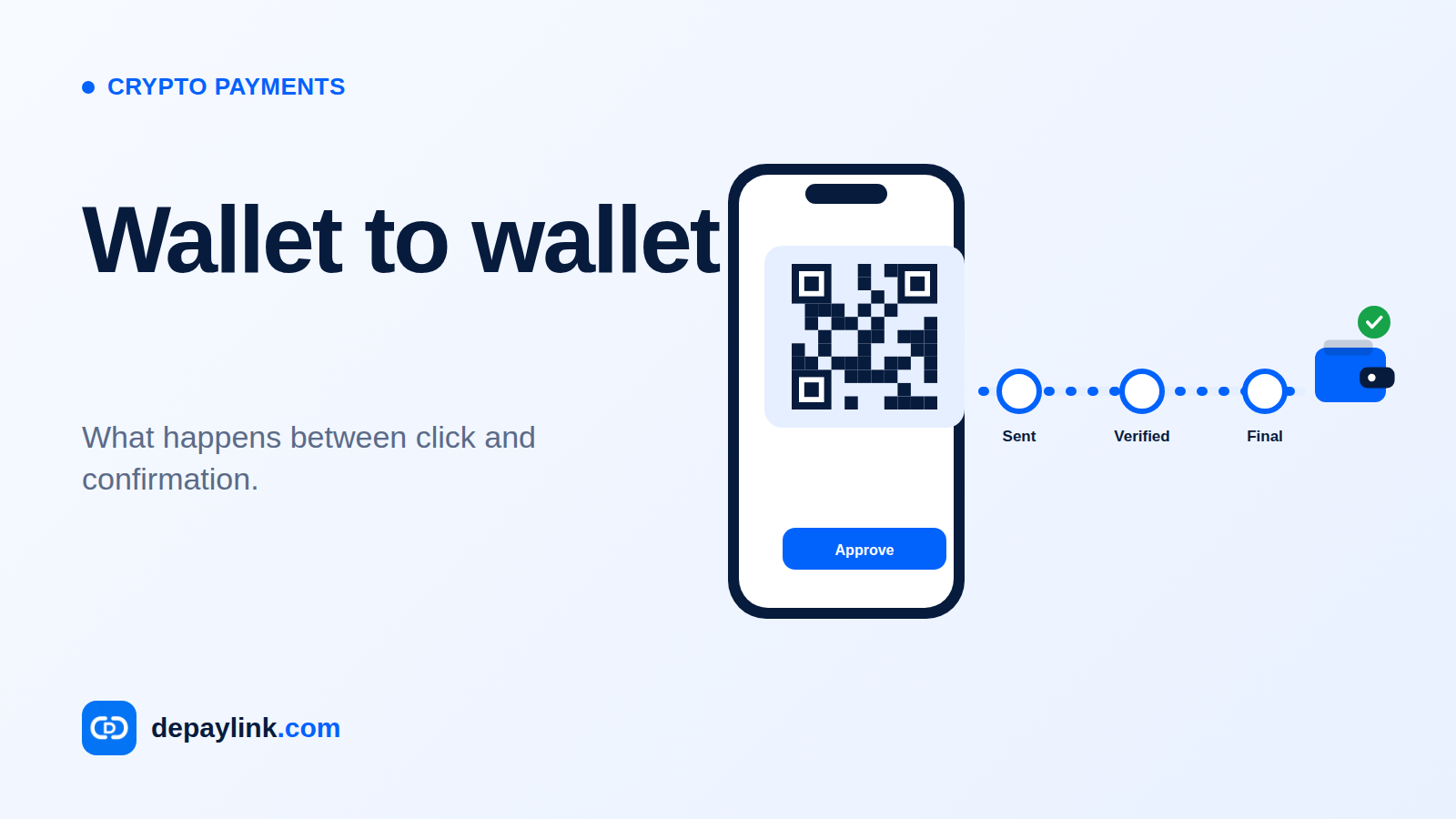
The customer opens the request, scans the QR code or copies the details into their Solana wallet, and approves the transfer. Two practical points:
The customer needs a wallet that holds the right token.
Solana network fees are paid in SOL, so a customer paying in USDC still needs a small amount of SOL.
Step 5: Verify before you deliver
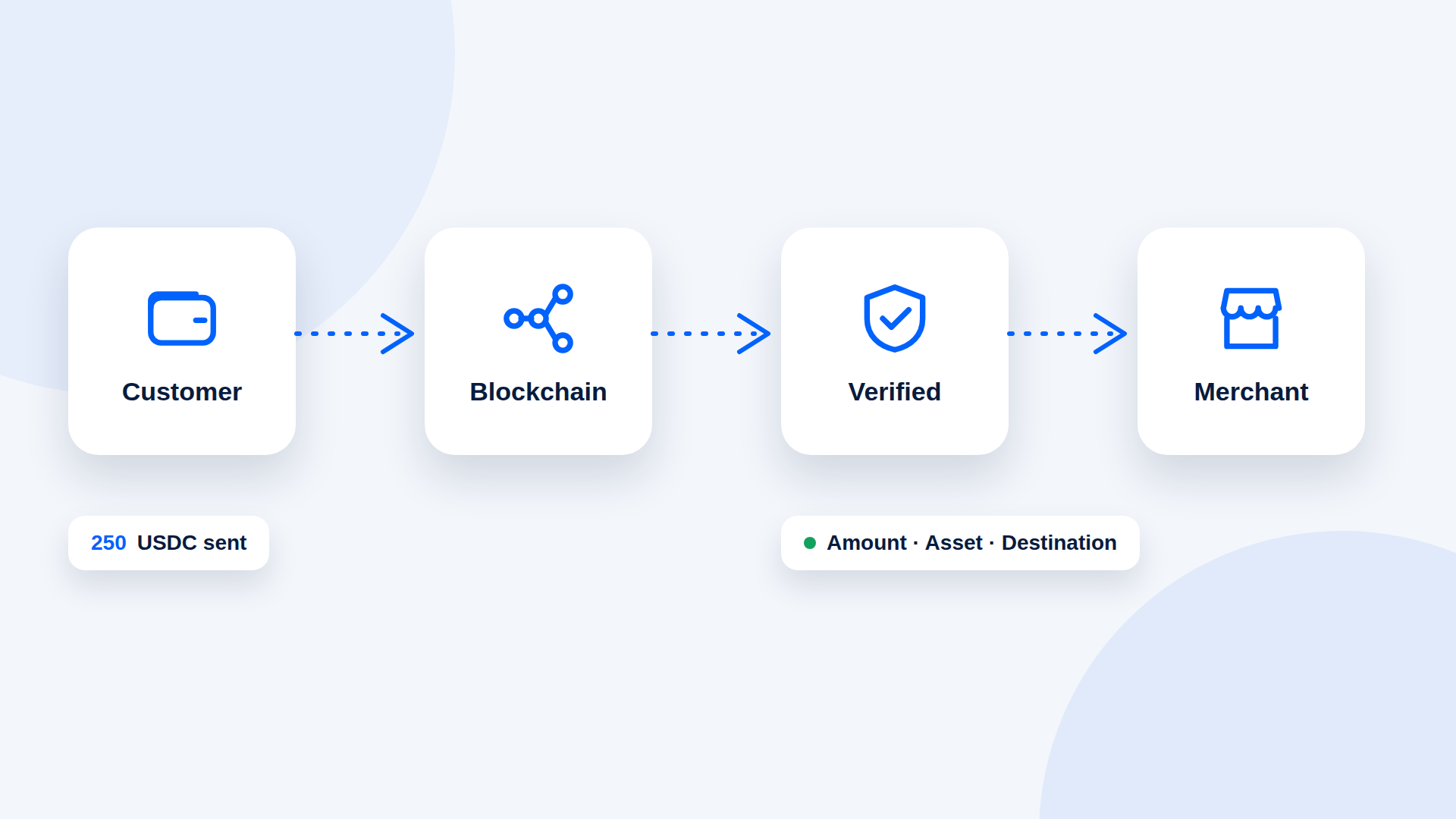
Check three things on every payment: the amount matches, the asset is the one you asked for, and the destination is your address. A payment in a different token with a similar name is a known trick, so do not rely on the name alone. A tool that watches the chain can do this check for you.
Step 6: Keep records
Save the reference, the transaction ID, the date and the value in your local currency at the time you were paid. Tax rules depend on your country, so ask a local accountant how to report it.
Three ways to take Solana payments
Approach | Setup effort | Good for | Trade-off |
|---|---|---|---|
Share your address | None | Friends, one-off payments | Easy to mistype; no automatic check |
Payment link or QR | Low | Freelancers, creators, small shops | Each link covers one specific payment |
Custom checkout integration | High | Larger stores | Needs development and maintenance |
Mistakes to avoid
Accepting "USDC" without naming the network.
Skipping the amount check when a payment looks close to right.
Giving out an address from a screenshot you did not verify yourself.
Reusing one wallet for personal spending and business income.
Where depaylink fits
depaylink creates SOL and USDC payment links on Solana. Funds go directly to the wallet you enter, and the customer does not need to connect a wallet to the page; they can scan the QR code or copy the details. depaylink checks the payment on-chain before marking it as paid.
FAQ
Do I need a business account to accept Solana payments? No, only a wallet. Whether you need to register as a business depends on your country and activity.
Can I accept both SOL and USDC? Yes, but create a separate request for each asset so the amount is unambiguous.
How do I receive USDC on Solana? Use the same Solana wallet address. USDC appears as a token in the wallet.
Do I pay a fee to receive? The sender normally pays the network fee. Any fee charged by a payment tool is separate; check what yours charges.
Is USDC Safe to Accept as Payment? What Businesses Should CheckHow Crypto Payments Work: From Customer Wallet to Your WalletUSDC Payments Explained: How to Send, Receive and Verify USDCWhat Are Crypto Payments and How Do They Work?Crypto Payment Scams: How to Avoid Fake Payments and Fake Confirmations