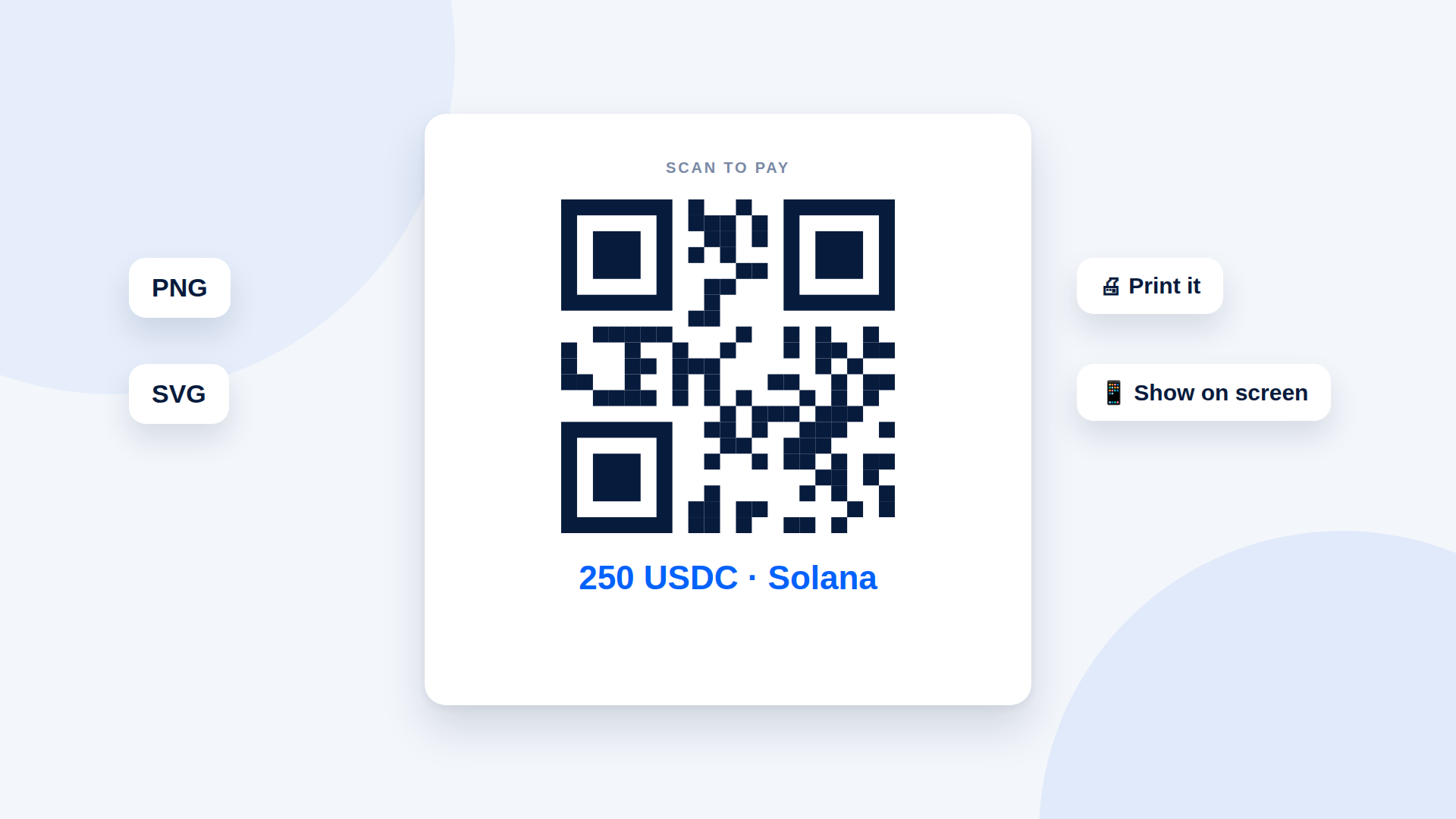
You can make a crypto payment QR code in two ways: a wallet QR that encodes only your address, or a payment-link QR that opens a page with the amount, asset and destination. For shops, invoices and one-off sales, the payment-link QR is usually the better choice, because it carries the specific amount.
Wallet QR vs payment-link QR
| Wallet QR | Payment-link QR | |
|---|---|---|
| What it encodes | Your wallet address | A link to a payment page |
| Includes the amount | No | Yes |
| Shows paid or unpaid | No | Yes, if the tool tracks it |
| Reusable for any sale | Yes | One payment per link |
| Good for | Tips, donations, a standing address | Sales, invoices, services |
A wallet QR is fine when the customer chooses the amount. For a fixed price, use a payment-link QR so nobody has to type a number.
How to make a payment-link QR
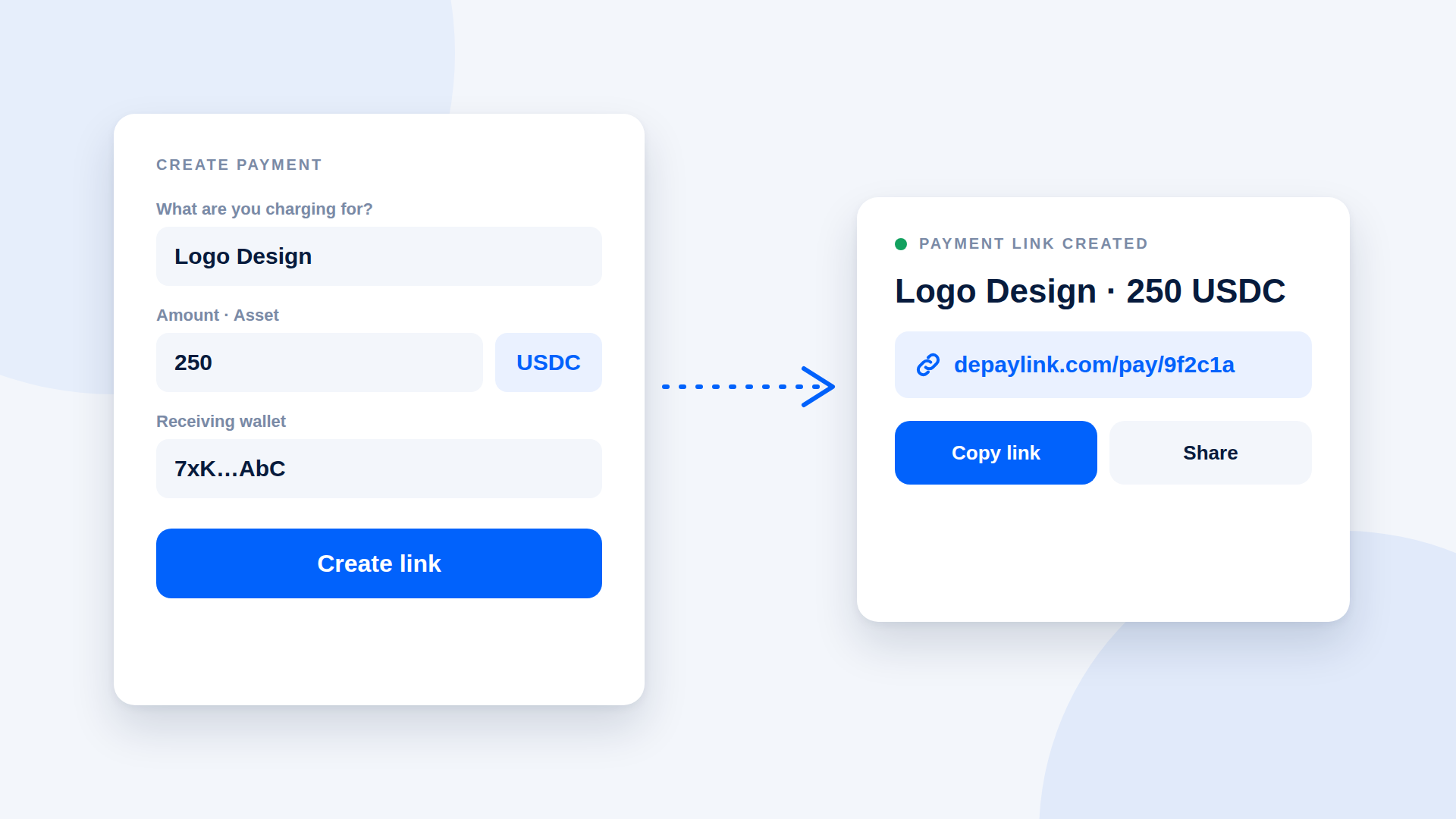
- Create a payment link with the amount, asset and your wallet.
- Open the link's QR code and download it, ideally as PNG or SVG.
- Place it where the customer will see it: on screen, on a PDF invoice or on printed material.
- Wait for the payment to show as confirmed before you hand over the goods.
Where to use it
- In a shop: show it on a tablet or phone at the counter. Generate a fresh one per sale.
- On an invoice: place it next to the total, with the link as text for desktop readers.
- On a video call: share your screen or paste the link in chat.
- In print: SVG scales without blurring, which helps for posters and table cards, but remember a printed code is tied to one payment.
Printed codes: be careful
A permanently printed QR code is a risk. If someone covers it with their own sticker, customers will pay the wrong wallet. If you print a code, check it regularly, and prefer a wallet QR you control for standing uses such as tips.
Tips for codes that scan
- Keep a plain white background and high contrast.
- Leave blank space around the code.
- Do not stretch or recolour it.
- Test it with two phones before publishing.
- Add the text link beneath it for people who cannot scan.
What the customer needs
A wallet that can scan QR codes, the right token and a little SOL for the network fee. Say "USDC on Solana" next to the code.
Where depaylink fits
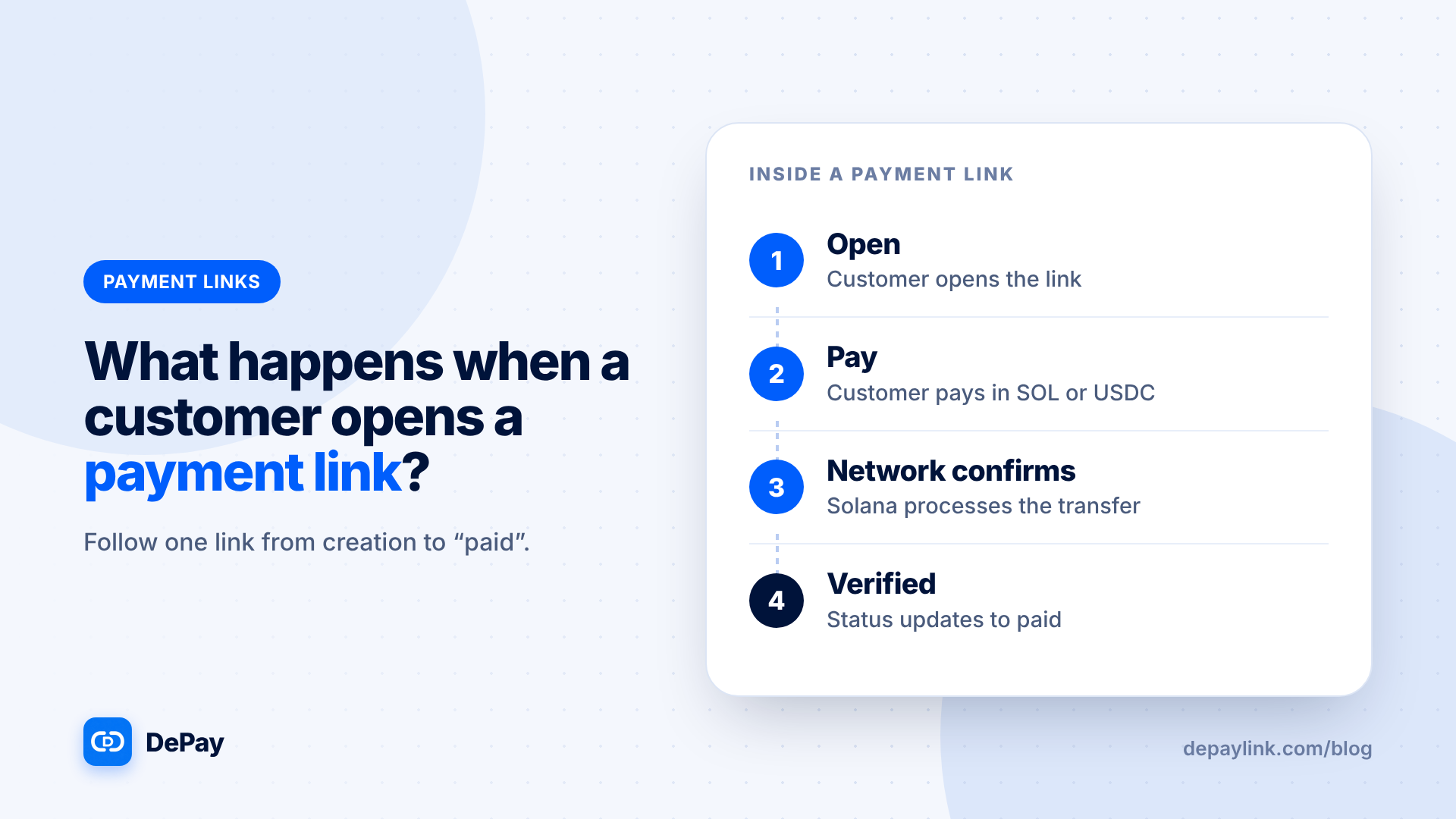
depaylink includes QR codes with every payment link. The Free plan has a basic QR; Pro adds QR payments, with a link QR you can export as PNG or SVG and a wallet QR shown inside the checkout. The customer scans, pays directly to your wallet, and depaylink verifies amount, asset and destination on Solana.
Frequently asked questions
Can I make a QR code that includes the amount?
Yes, by creating a payment link for that amount and using its QR code.
Is it safe to print a crypto QR code?
Only if you check it regularly, because someone could replace it. Prefer on-screen codes for sales.
Does a QR code work with any wallet?
Most Solana wallets can scan QR codes, but check with the wallet you recommend.
PNG or SVG?
PNG for screens and documents, SVG for print where scaling matters.
Related reading
- What Is a Crypto Payment Link? (And How It Works)
- Crypto Payments for Small Businesses: What You Need to Set Up
- Crypto payment links
- Crypto Payment Link Generator: How to Create a Link in 4 Steps
- Crypto Invoice Generator: What to Look For (and a Simple Way to Make One)
- How to Accept Crypto Payments for Local Services (Photographers, Tutors, Repairs)
- How to Verify a Crypto Payment Before You Deliver