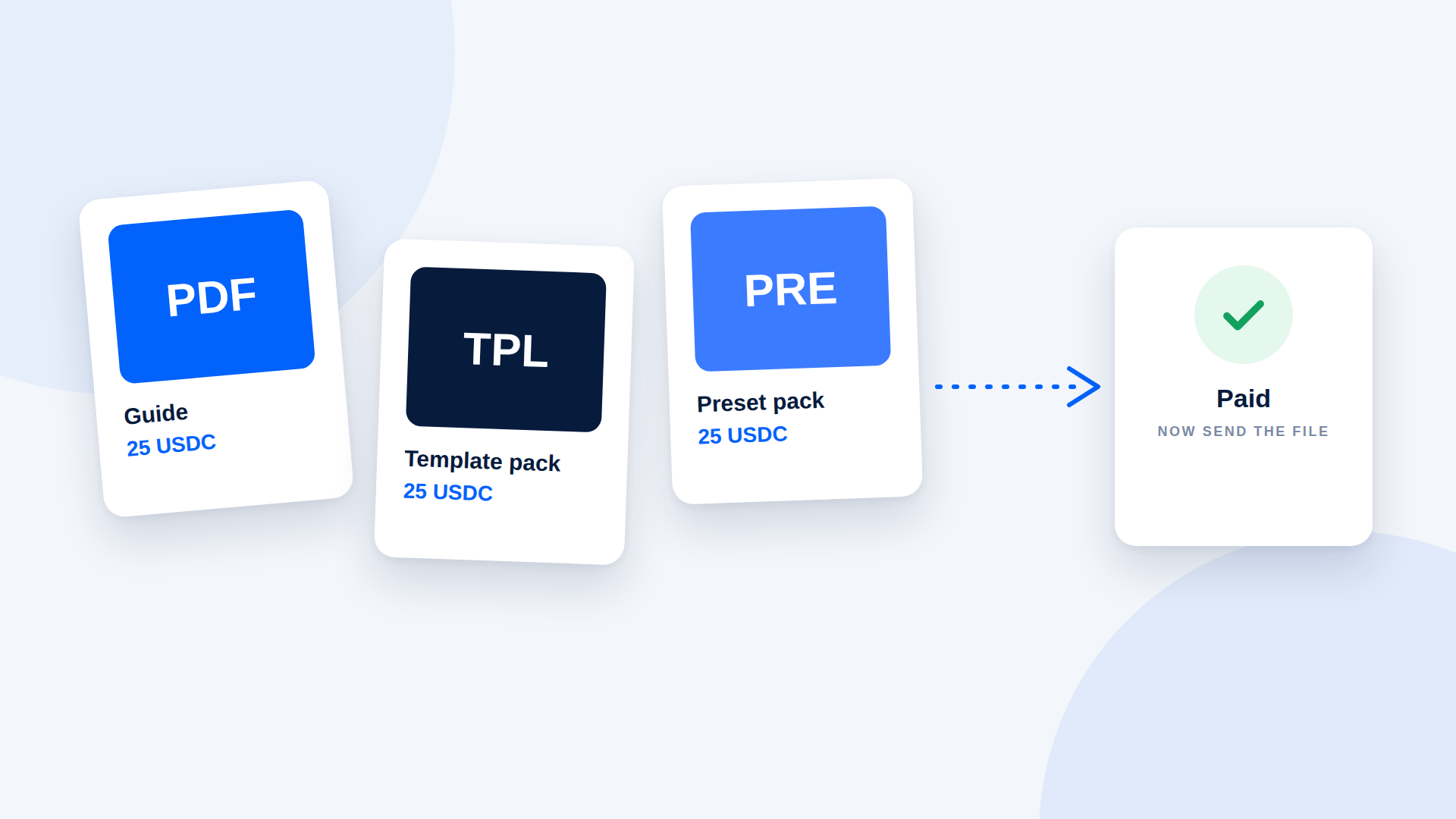
You can sell digital products for crypto without building an online store. The workflow is: price in a stable asset, create one payment link for each order, check that the payment is verified, then send the file. It is lighter than a full checkout, and for creators with a handful of orders a week it is often enough.
What this approach suits
It works well for:
- Guides, ebooks and templates sold in DMs or on social media
- Preset packs, design assets and small software tools
- Coaching sessions, audits and one-off services
- Sales to international buyers who already hold crypto
It is a poor fit for a high-volume catalogue where each sale must unlock a download automatically. For that you need a store platform or custom integration, which is outside the scope of a payment link on its own.
Step 1: Price in a stable asset
List prices in USDC so "25" means 25 dollars worth of value on any day. Pricing in SOL means the dollar price floats, which complicates support and refunds.
Step 2: Give each product a clear description
Name the product, what is included, and the format. Include the network on the sales page: "Pay in USDC on Solana." A buyer who cannot tell what they are paying for or how will not complete the payment.
Step 3: Create one payment link per order
A payment link covers one payment. When a customer says "I'll take the template pack", create a link for that amount with the product name as the description, and send it. Using the product name as the reference lets you match payment to order later.
Step 4: Verify before you deliver
Delivery is manual in this setup, so the check matters. Confirm the payment is marked as paid with the correct amount and asset, and only then send the download link or file. Never deliver on a screenshot.
Step 5: Deliver and follow up
Send the file with a short message: what is included, how to use it, and where to reach you. Keep a record of the order, the transaction reference and the delivery date.
Step 6: Publish your terms
Crypto payments cannot be reversed by a processor, so customers should know your policy before paying. Cover:
- Whether you offer refunds, and in what circumstances
- How refunds are paid (a new transfer, in what asset)
- Licence terms: personal use, commercial use, redistribution
- How long download links stay valid
A short sales message you can adapt
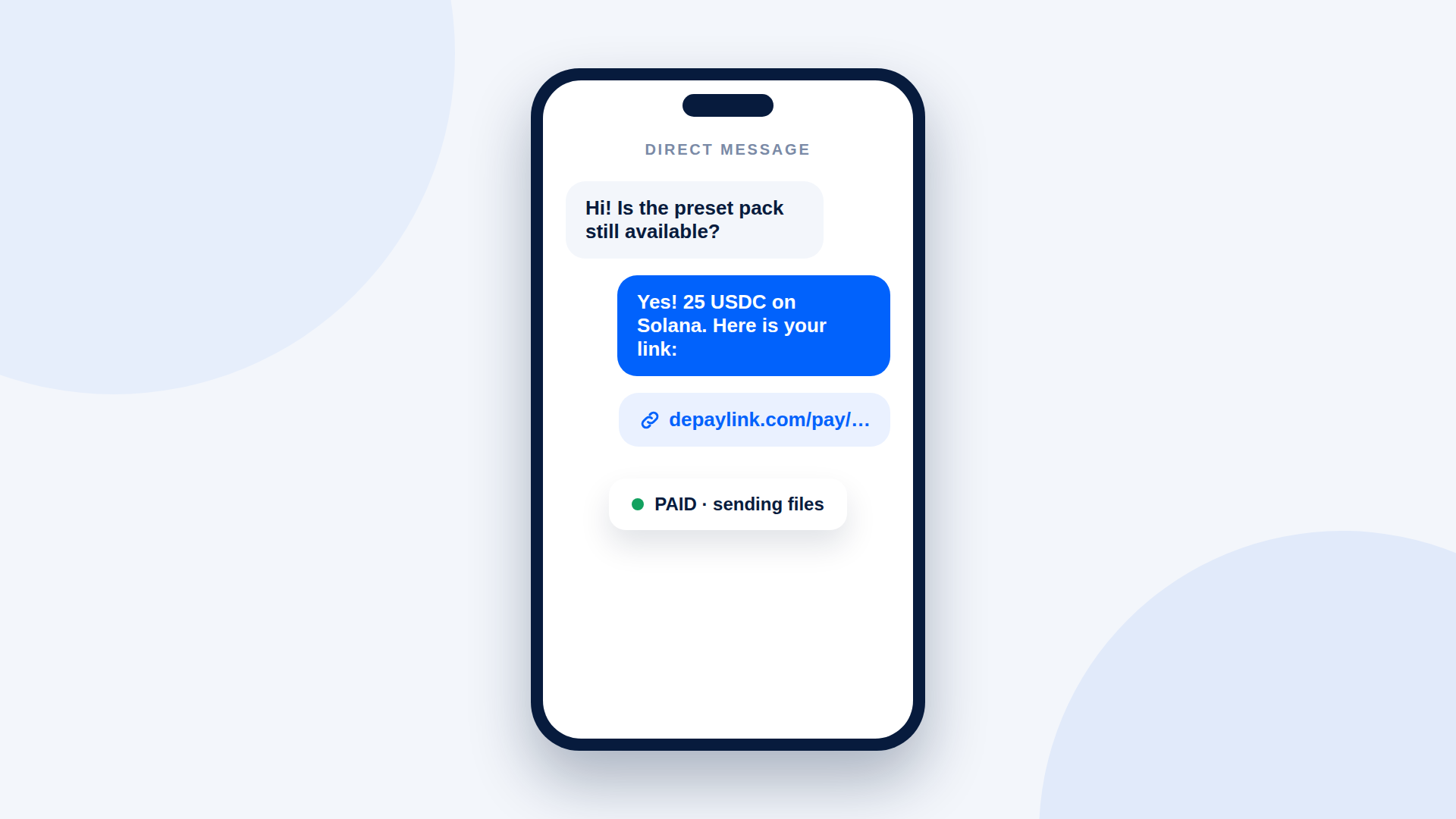
"The template pack is 25 USDC on Solana. Here is your payment link: [link]. Once it shows as paid, I'll send the files right away. If you'd prefer another payment method, tell me and we can work something out."
What to watch for
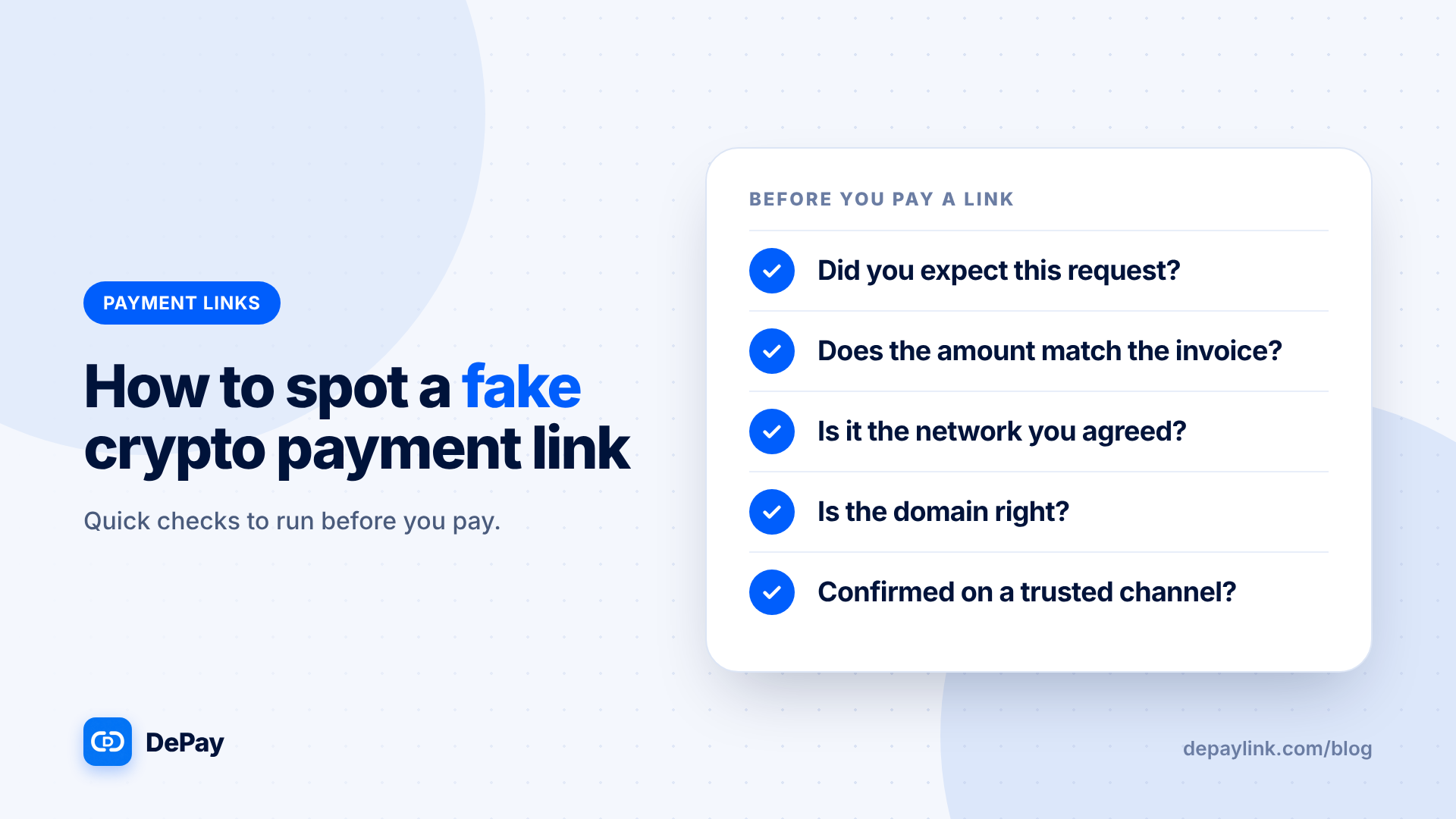
- Wrong network or token. State it in every message.
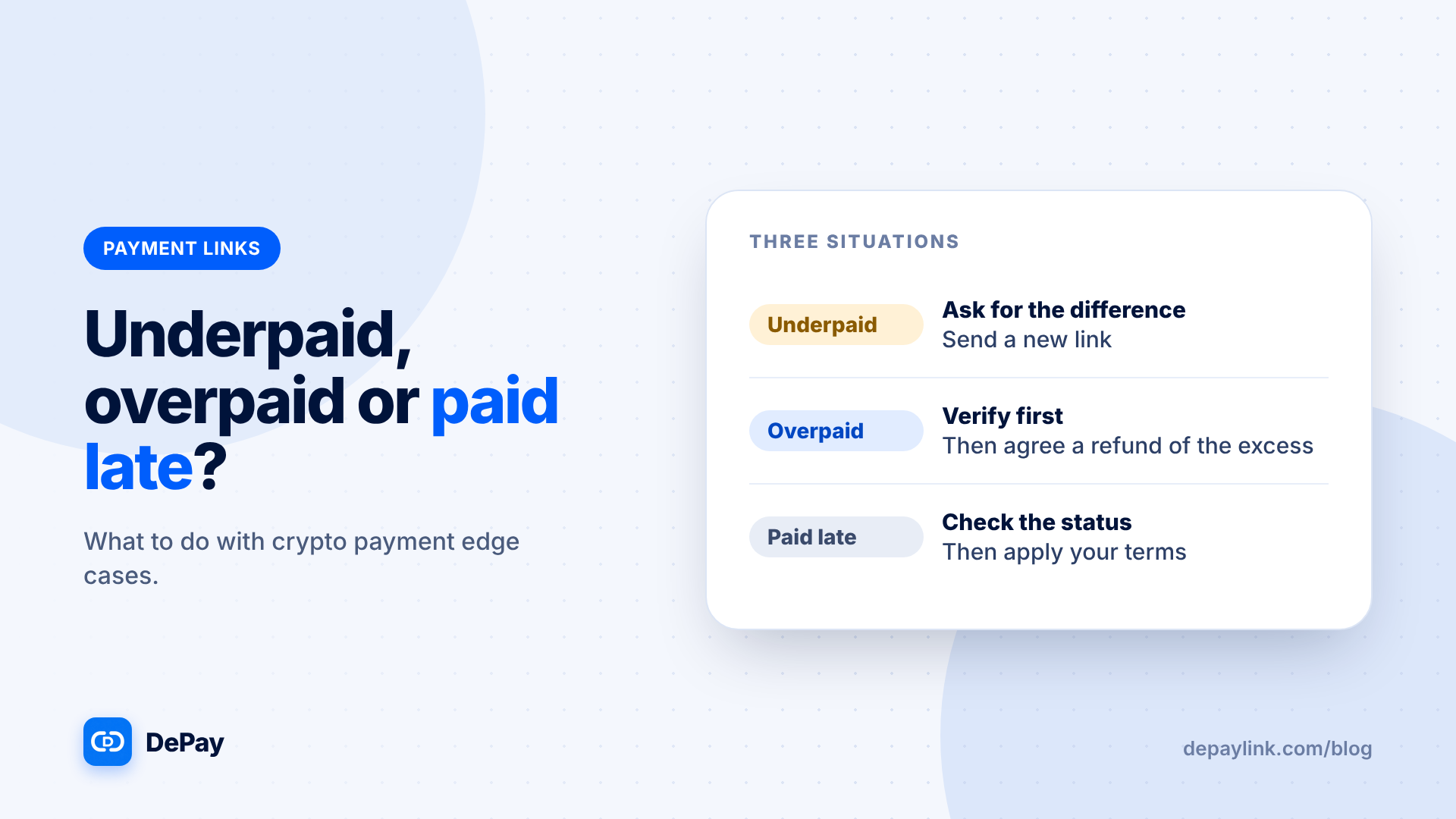
- Underpayments. The link shows the exact amount, so do not deliver if the amount is short.
- Order mix-ups. Use the product name as the reference.
- Scaling. If you sell more than a few items a week, the manual steps add up. That is the point to consider automation.
Where DePayLink fits
DePayLink creates SOL and USDC payment links for each order. The customer pays directly into your wallet, and DePayLink checks the transfer on Solana before marking it as paid. It does not deliver files, so sending the product remains your step. The Free plan includes 5 payment links a month; Pro removes the limit and adds custom branding and custom payment pages.
Frequently asked questions
Do I need a website?
No. You can sell through DMs, a link in your bio or email, as long as you can send a payment link to each buyer.
Can the download be sent automatically?
Not by a payment link alone. You can send files manually after the payment is verified, or connect other tools for automation.
Should I accept SOL as well as USDC?
Only if you are comfortable with the price moving. Many sellers stick to USDC.
What about taxes on digital product sales?
Rules differ by country and product type. Ask a local accountant.