Payment Link vs Payment Button vs QR Code: Which Format to Use and When
A payment link, a payment button and a QR code can all point to the same payment page. The difference is how the customer reaches it. Links work in messages and emails, buttons work on web pages, and QR codes work wherever a phone camera can see them. Choosing the right format reduces friction at the moment of payment.
The three formats
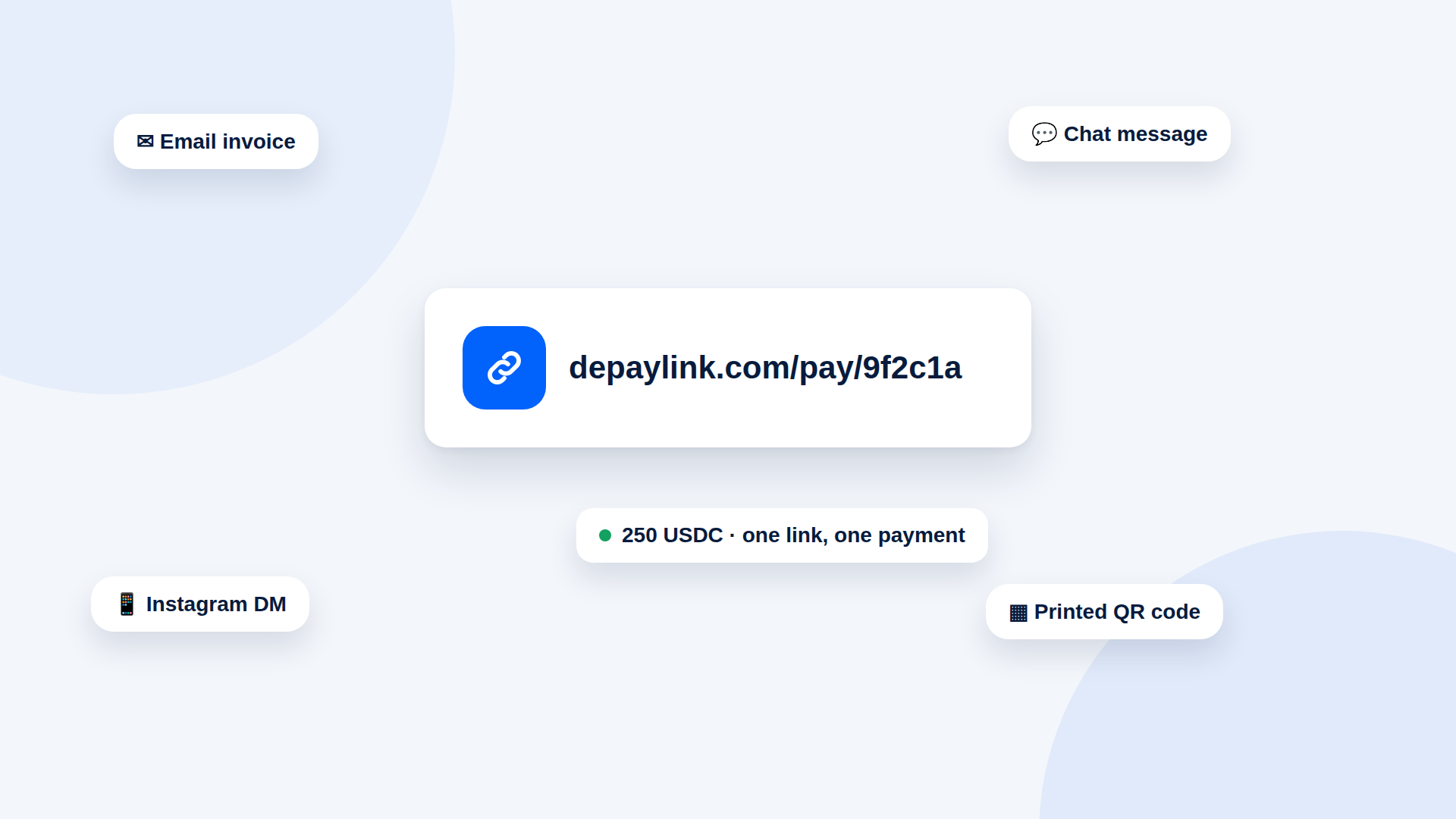
Payment link. A URL that opens the payment page. You paste it into an email, chat, invoice or document.
Payment button. A styled button on a web page that links to the payment page. It is a link with a face.
QR code. An image that encodes the link or address so a phone can scan it and open the payment.
All three can carry the same request: amount, asset, network and destination.
Where each works best
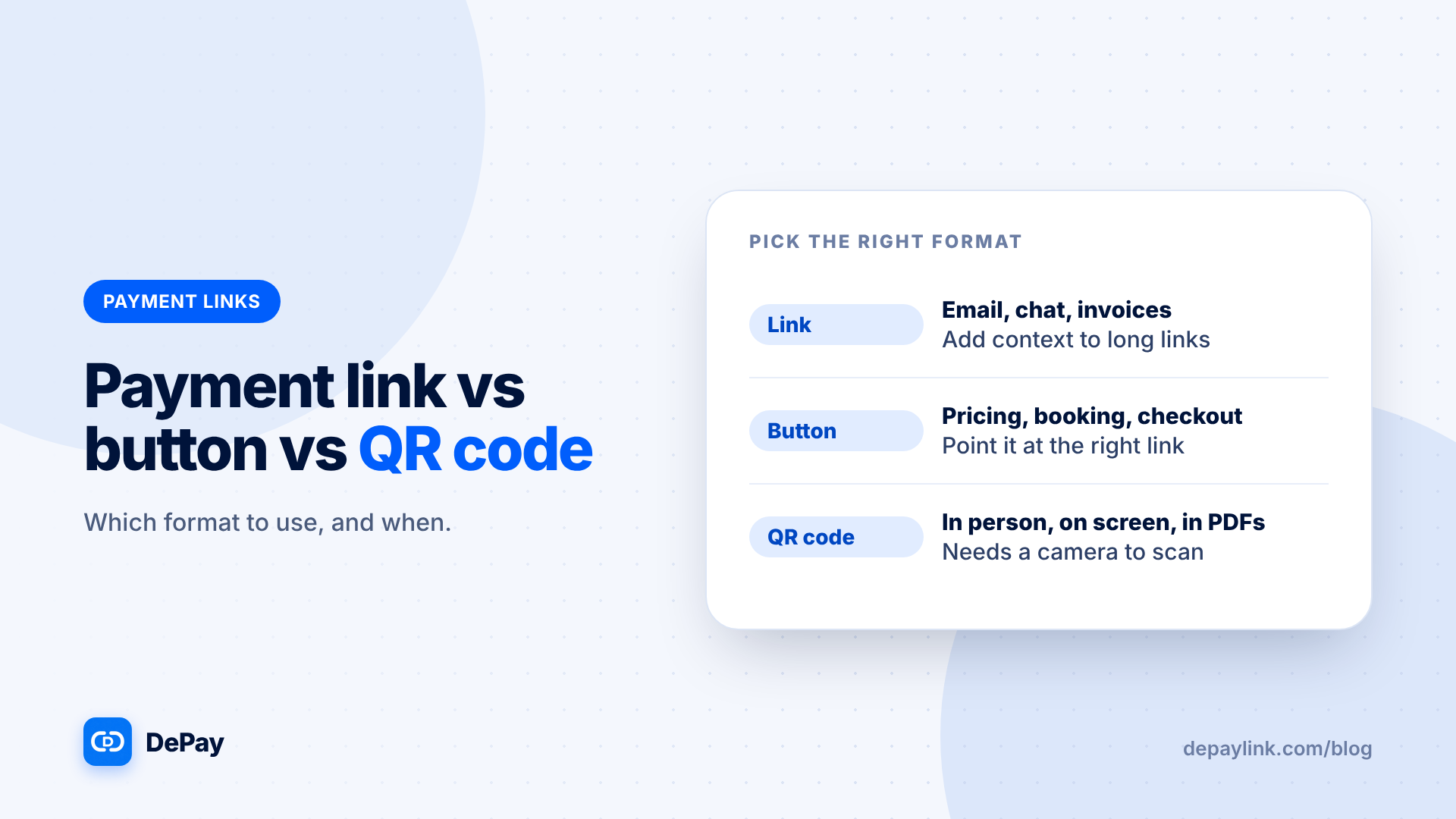
| Format | Best for | Watch out for |
|---|---|---|
| Link | Email, chat, invoices, social DMs | Long links can look odd; add context |
| Button | Pricing, booking and checkout pages | Keep it pointing at the right link |
| QR code | In person, on screen, in PDFs | Printed codes can be replaced; scanning needs a camera |
Choosing by situation
| Situation | Use |
|---|---|
| Invoice by email | Link, plus a QR code in the PDF |
| Website service page | Button |
| Market stall or counter | QR code on a screen |
| Video call | Link in chat or QR on screen |
| Social DM sale | Link |
| Printed flyer for a donation | Wallet QR; a payment-link QR is for one payment |
Customer experience differences
- On a phone: tapping a link or button opens the page directly; scanning a QR code needs a second device or a screenshot method.
- On a computer: a QR code is handy because the wallet is usually on a phone.
- In person: QR codes are fastest.
Combining formats
Many requests use two formats at once:
- Invoice PDF: a clickable link and a QR code beneath it
- Website: a button, with the link as text below
- Email: link in the body, QR code attached
Add "USDC on Solana" next to each so the customer knows what to pay.
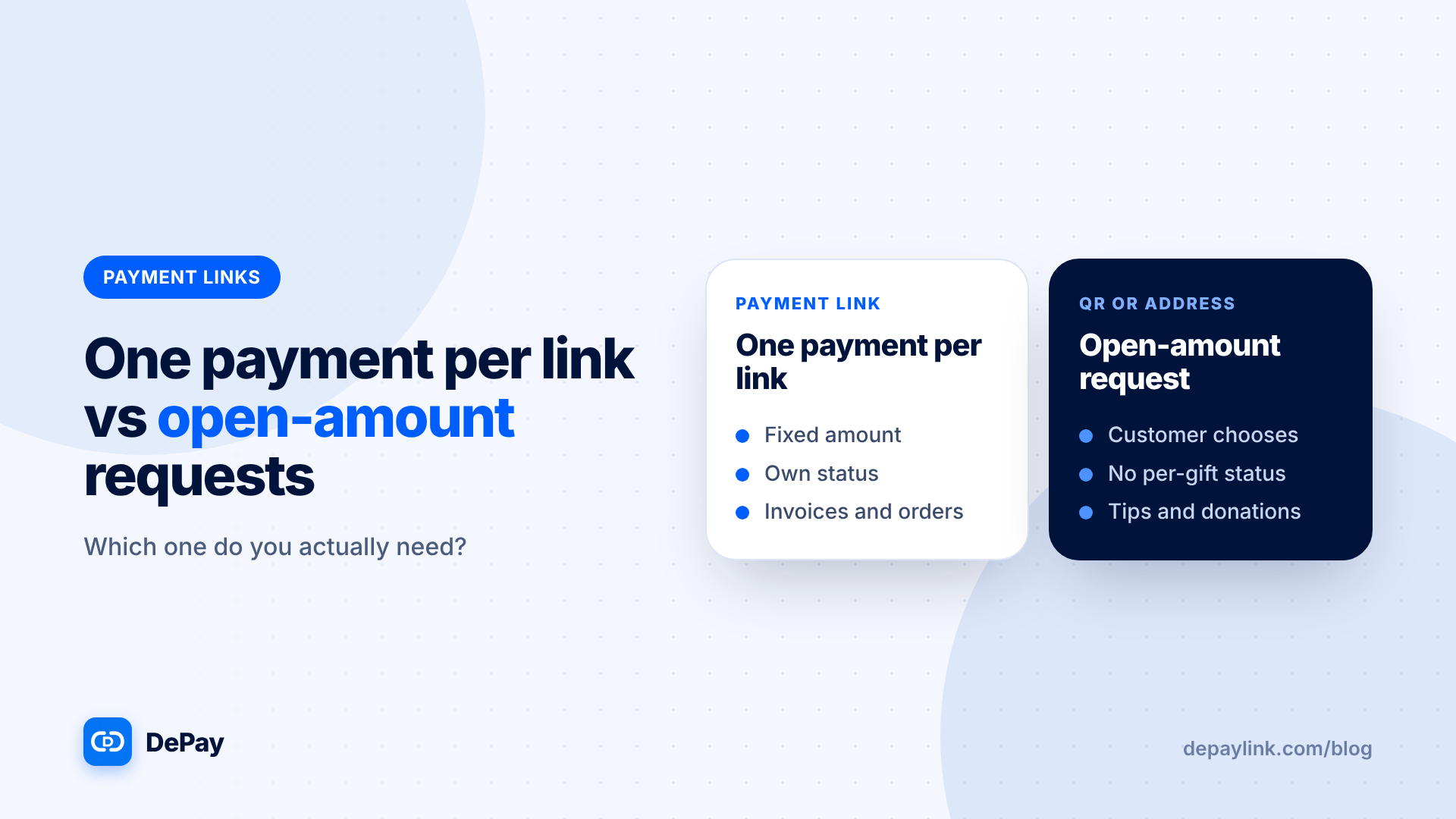
One payment per link
If your payment link covers one payment, that applies to the button and QR code too. A button on a web page will usually point at a fixed amount, and a printed QR code for a fixed amount will be reused by every customer. Match the format to how often the request changes.
Security notes
- Generate QR codes on screen where you can, instead of printing them for sales.
- Check buttons after site updates.
- Do not reuse a link for a different customer.
- Tell customers what your real payment domain looks like.
Accessibility
Always provide the link as text next to a QR code. Not everyone can scan.
Quick decision rule
If the customer is reading on a phone, use a link. If the customer is on a computer or in person, add a QR code. If the request lives on a web page, use a button.
Where depaylink fits
depaylink creates SOL and USDC payment links on Solana. Funds go straight to the wallet address you enter, customers do not need an account, and each payment is checked on-chain, amount, asset and destination, before it is marked as paid. Network fees may apply, and depaylink does not take a percentage of your payments. Each payment link comes with a QR code, so you can use the same request as a link, a button or a QR code.
Further reading
- Crypto Payment QR Code Generator: How to Make One Customers Can Scan
- What Is a Crypto Payment Link? (And How It Works)
FAQ
Is a QR code safer than a link? Neither is inherently safer. Create your own, and check that printed codes have not been replaced.
Can one request be a link, button and QR code? Yes. They all point to the same page.
Which format converts best? It depends on where the customer is. Match the format to the situation.