One Payment per Link vs Open-Amount Requests: Which Do You Need?
A fixed-amount payment link covers one payment: you create it for a specific amount, the customer pays it, and it shows as paid. An open-amount request, such as a wallet QR code or address, accepts any amount from anyone, any number of times. Which one you need depends on whether the amount is known in advance and whether you need to match each payment to an order.
The two models
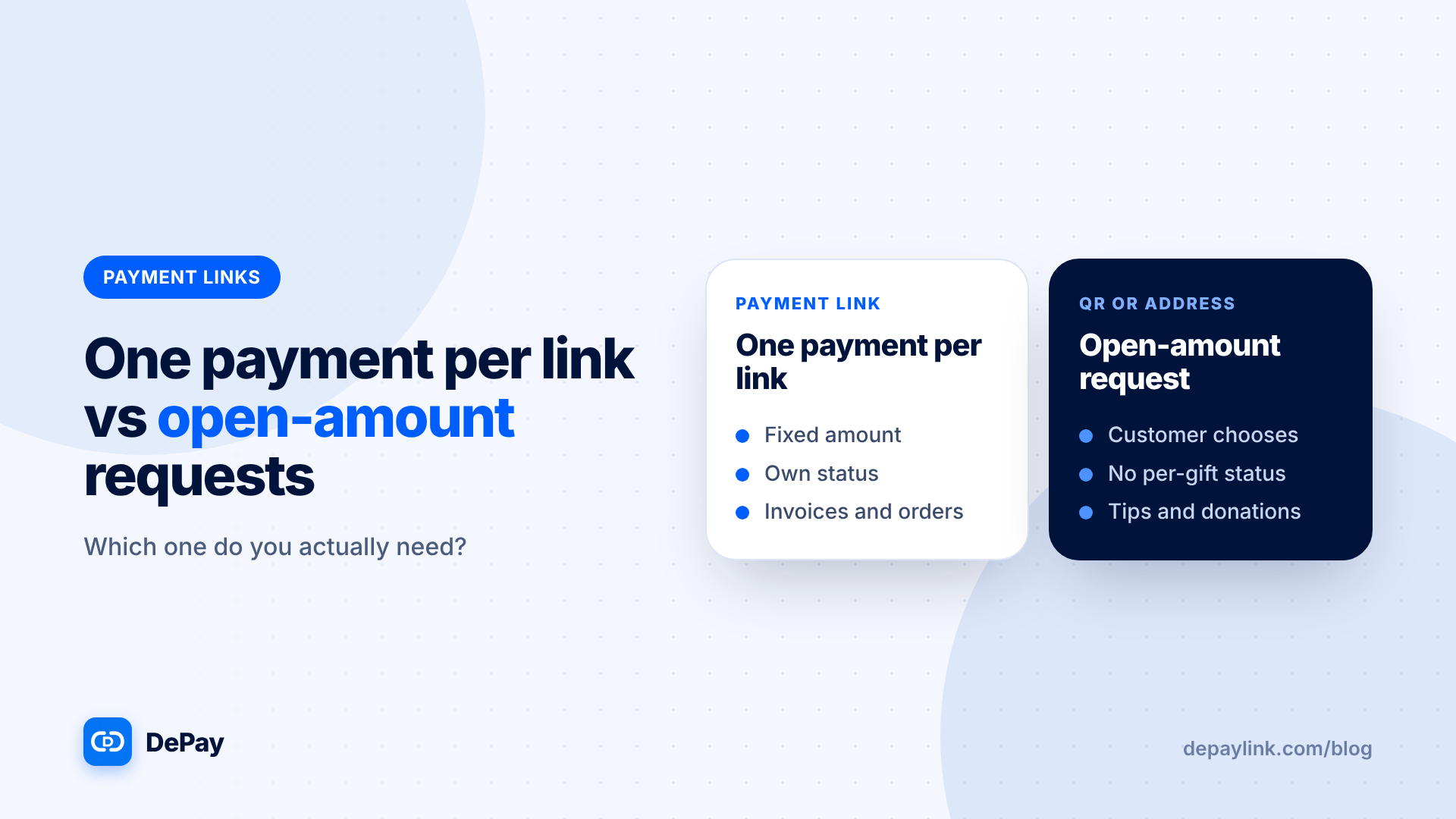
One payment per link. Fixed amount, fixed asset, a clear status. Each link maps to one invoice, order or session.
Open-amount request. A wallet address or QR code. The sender chooses the amount, and there is no built-in link between a payment and an order.
Side by side
| One payment per link | Open-amount request | |
|---|---|---|
| Amount | Fixed | Chosen by sender |
| Status per payment | Yes | No |
| Matches an order | Yes | You must match it yourself |
| Reuse | Create a new link each time | One code for everything |
| Underpayment risk | Flagged by the tool | You notice it yourself |
| Best for | Invoices, orders, deposits, sessions | Tips, donations, standing addresses |
When one payment per link is better
- You invoice clients and need to know which invoice was paid
- You sell products or services at fixed prices
- You take deposits and balances
- You want the tool to check the amount for you
When open-amount is better
- Tips and donations where the amount varies
- A standing address you share publicly
- Situations where tracking each payment matters less
Hybrids
Many sellers use both: a wallet QR for tips and payment links for sales. Keep them separate, so tips do not get mixed with orders in your records.
Common mistakes
- Using a standing QR code for fixed-price sales and then guessing who paid what
- Reusing a single-payment link for several customers
- Printing a payment-link QR code and letting everyone use the same one
- Sharing an open address without naming the network
Records under each model
With links, each payment has a description, amount and status, which makes bookkeeping easier. With open-amount requests, you match incoming transfers to orders by amount, time and sender, which is slower and error-prone.
What about recurring needs?
Neither model charges automatically. For retainers, send a new link each period, as covered in the recurring payments article.
Security notes
A publicly posted address can be copied or replaced in screenshots. Verify the address on your own channels, and use fresh links for sales.
A simple rule
If you will ever ask "who paid this and for what?", use a link per payment. If you will never ask, an open request is fine.
Where depaylink fits
depaylink is built for exactly this kind of one-off request: a non-custodial link for SOL or USDC on Solana, a simple payment page with no wallet connection, and on-chain verification before anything is marked as paid. The Free plan includes 5 payment links a month; Pro removes the limit. depaylink creates fixed-amount links for one payment each; use a wallet QR for open-amount tips.
Further reading
FAQ
Can I reuse a payment link? Create a new link for each payment so each has its own status.
Can a wallet QR show paid or unpaid? No. A wallet QR just shows an address.
Which is better for donations? An open-amount request, since donors choose the amount.