Solana Confirmation Levels Explained: Processed, Confirmed and Finalized
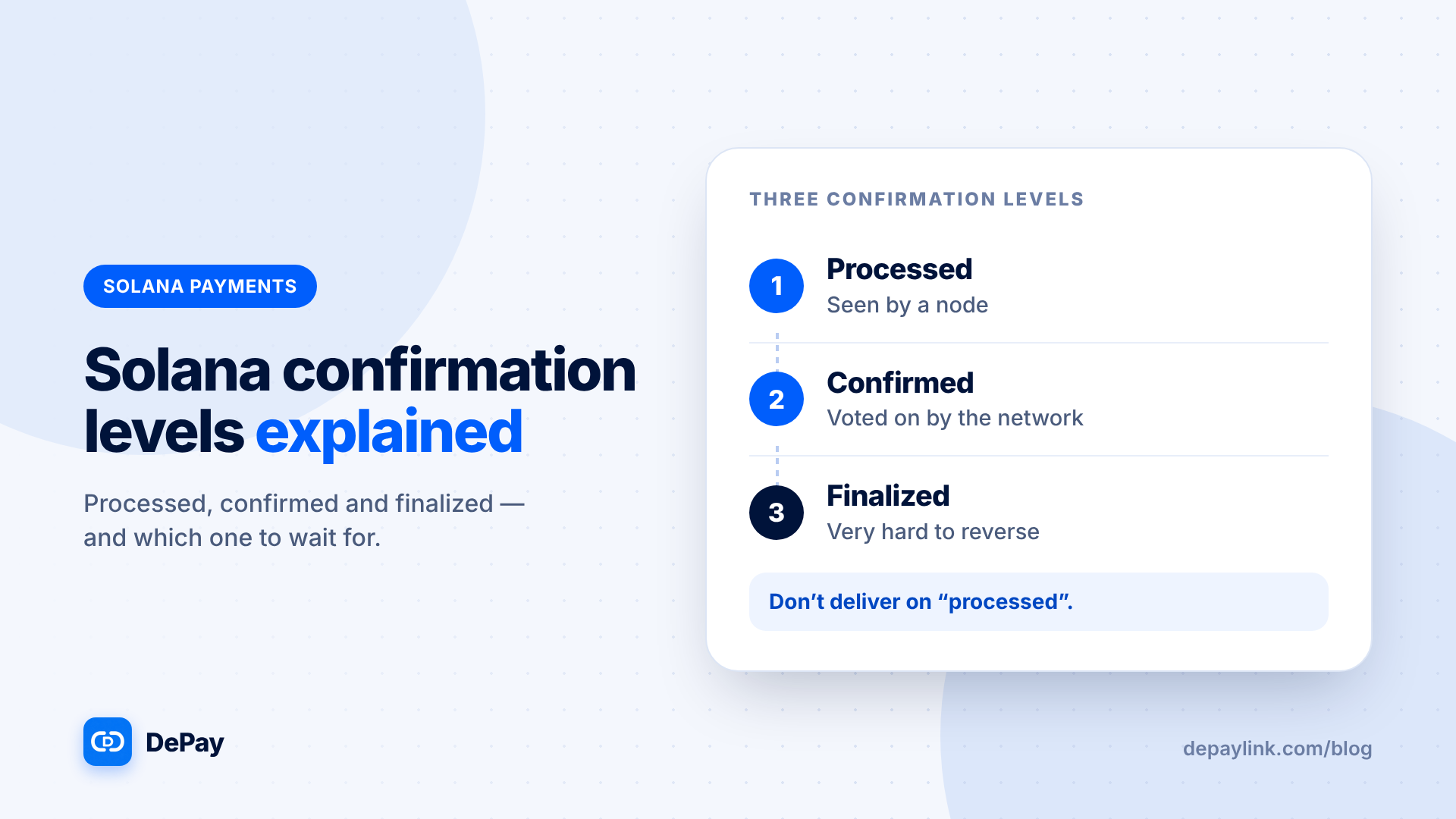
Solana reports a transaction's progress through three commitment levels: processed, confirmed and finalized. Each is a stronger guarantee that the transaction will stay in the ledger. For a merchant, the practical rule is simple: do not deliver on "processed" or "sent"; wait for confirmed, and for larger payments wait for finalized.
The three levels in plain terms
| Level | Plain meaning | How safe it is |
|---|---|---|
| Processed | A node has received the transaction and included it in a block it has seen | Earliest signal; the block could still be dropped |
| Confirmed | A supermajority of the network has voted on the block | Strong; widely used as the point to act |
| Finalized | The block has reached the highest level of confirmation | Very hard to reverse; the strongest level |
Why levels exist
Blockchains decide what is "real" by agreement. Early on, a node may have seen a transaction that the rest of the network later does not include. As more of the network agrees, the chance of reversal shrinks. The levels let applications choose speed or certainty.
What this means for payments
- Processed: quick, but not a reliable basis for handing over goods.
- Confirmed: a sensible default for most small and medium payments.
- Finalized: the right choice for large amounts, irreversible deliveries and anything where a mistake is costly.
How the levels relate to time
Each level arrives after the previous one, and the gap between them is usually short under normal conditions. Exact timings vary with network conditions, so do not promise customers a specific number of seconds.
Where you will see them
- Block explorers show a status such as confirmed or finalized.
- Wallets may show "pending" until a later level.
- Payment tools decide which level they wait for before marking a payment as paid. Ask your tool which level it uses.
A merchant's rule of thumb
| Payment size or risk | Wait for |
|---|---|
| Small, low-risk, digital | Confirmed |
| Medium, services | Confirmed, with verification of amount and token |
| Large or irreversible | Finalized |
Common misunderstandings
- "Sent" is not "paid". The sender's wallet showing success may only mean the transaction was submitted.
- A screenshot is not a level. It shows nothing about confirmation.
- Faster is not always better. Waiting a little longer buys certainty.
If a transaction never confirms
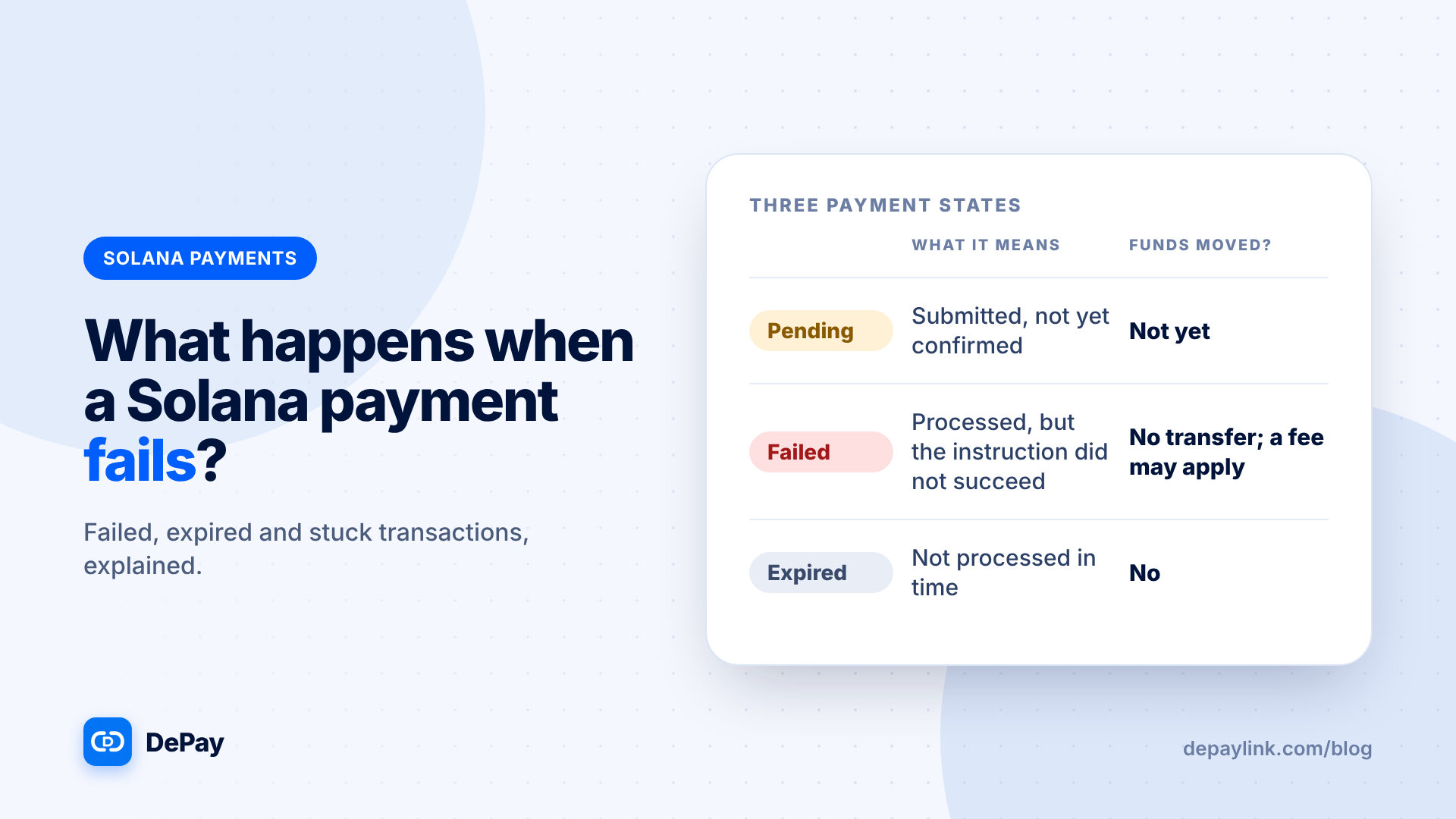
A transaction that is not processed in time can expire, and the funds never move. See the article on failed and expired transactions for what to do.
Checking it yourself
- Get the transaction signature from the customer or your wallet.
- Look it up on a block explorer.
- Read the status and the details: amount, token, destination.
- Wait for the level you require.
Records
Save the signature with the order, plus the level and time you saw it, if you work with large payments.
Where depaylink fits
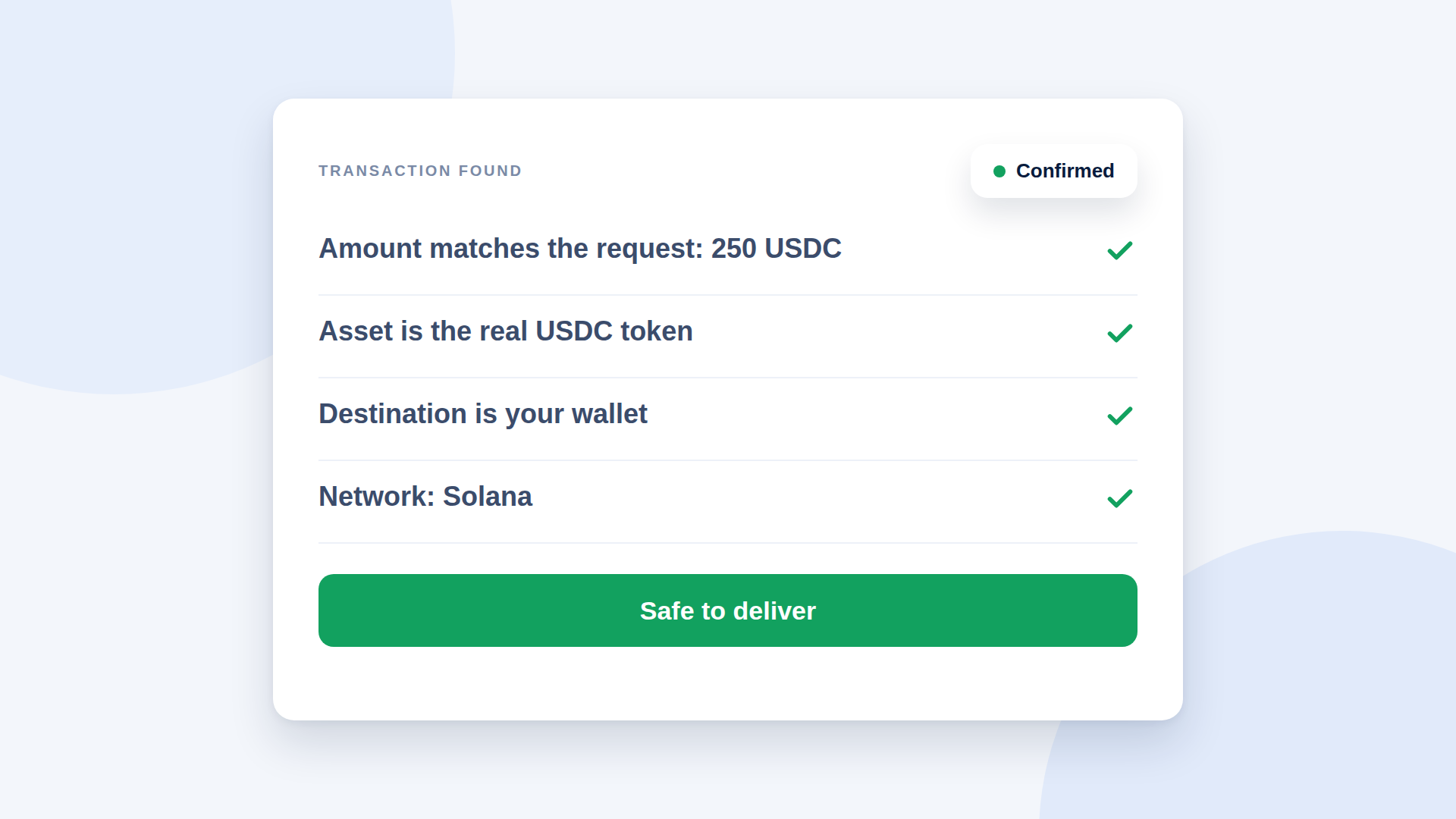
depaylink creates SOL and USDC payment links on Solana. Funds go straight to the wallet address you enter, customers do not need an account, and each payment is checked on-chain, amount, asset and destination, before it is marked as paid. Network fees may apply, and depaylink does not take a percentage of your payments. Ask whichever tool you use which confirmation level it waits for before marking a payment as paid.
Further reading
FAQ
Which level should I wait for? Confirmed for most payments; finalized for large or irreversible ones.
Is confirmed enough? For many payments yes, but the right level depends on how much you would lose if it failed.
Can a finalized transaction be reversed? It is designed to be extremely hard to reverse.