What Happens When a Solana Payment Fails? Failed, Expired and Stuck Transactions
Most Solana payments go through quickly, but sometimes a payment fails, expires or seems stuck. The key is knowing what each state means: a failed or expired transaction has not moved any funds, while a pending one may still complete. This guide explains the common cases and what to do about each.
The main states
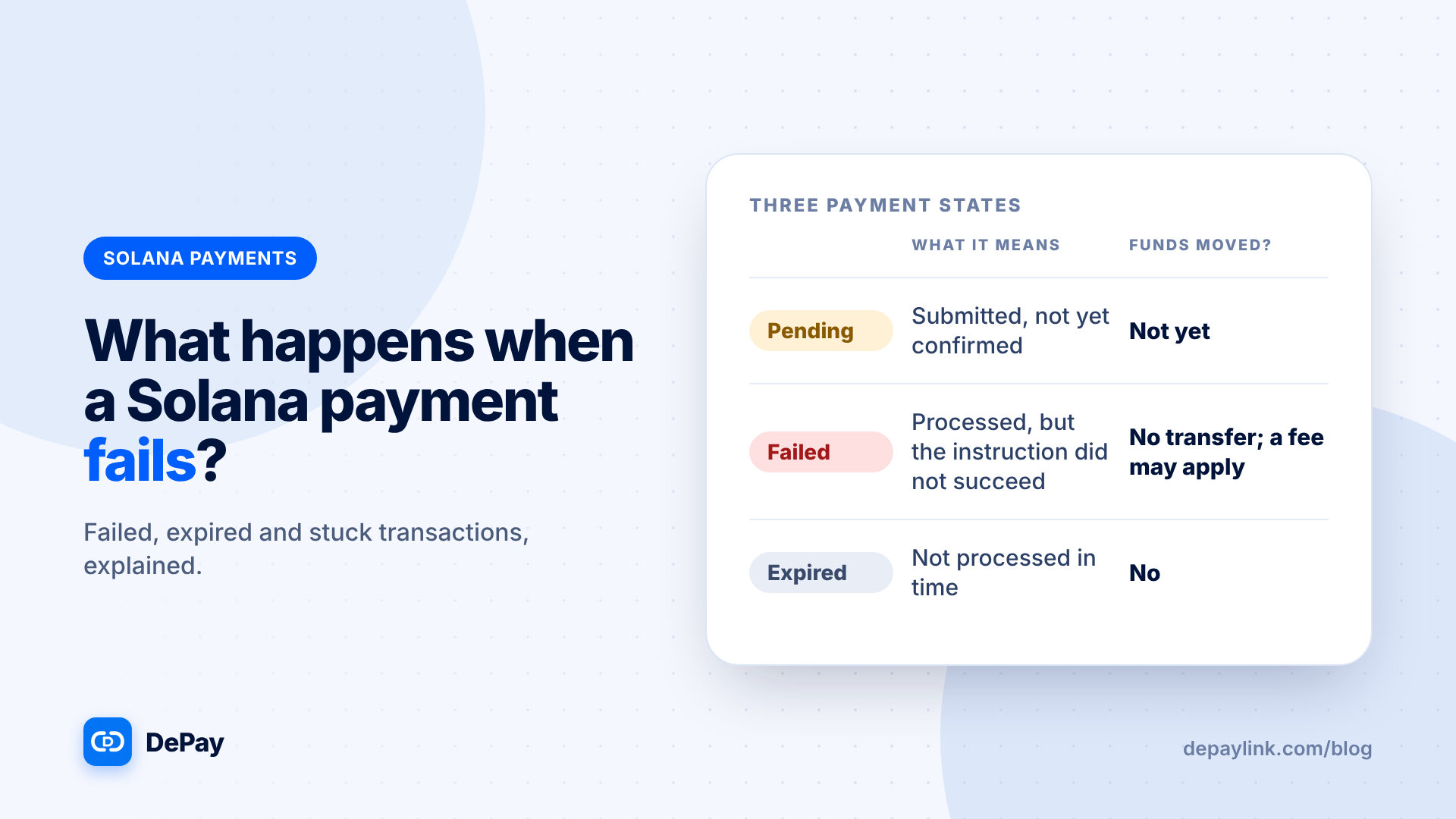
| State | What it means | Have funds moved? |
|---|---|---|
| Pending | Submitted but not yet confirmed | Not yet |
| Failed | The network processed it but the instruction did not succeed | No transfer, though a fee may be charged |
| Expired | It was not processed in time and can no longer be accepted | No |
| Confirmed or finalized | Accepted by the network | Yes |
Why payments fail
| Cause | What happens | Fix |
|---|---|---|
| Not enough SOL for the fee | The wallet cannot send, or the transaction fails | Add a little SOL and retry |
| Not enough of the token | "Insufficient funds" | Add funds, including any exchange fees |
| Wrong token or network | The payment does not match the request | Send the right token on Solana |
| Network congestion | The transaction is delayed or dropped | Wait, then retry if it expires |
| Wallet or connection problem | The transaction never reaches the network | Reopen the wallet and retry |
Why a transaction expires
Solana transactions include a time-limited reference that makes them valid only for a short window. If the network does not process the transaction in that window, it expires and cannot go through later. The customer needs to submit a new one. Because it never completed, no funds left their wallet.
"It looks stuck": what to do
- Check the status in the wallet or on an explorer using the transaction signature.
- If pending: wait a short while and check again.
- If failed or expired: retry; no funds moved.
- If confirmed: the payment is made. If your link still shows unpaid, check amount, token and destination.
Merchant checklist
- Do not mark the payment as paid until it is confirmed and matches the request.
- Ask the customer for the transaction signature.
- Check the signature on an explorer.
- Tell the customer clearly what to do next.
Customer checklist
- Make sure the wallet has the token amount and a little SOL.
- Check you are sending on Solana.
- Do not send twice until you know the first did not go through; check the status first.
- Keep the signature.
Avoiding double payments
The biggest risk with a "stuck" transaction is sending again before the first completes. Always check the first transaction's status before retrying.
Wrong amount, token or network
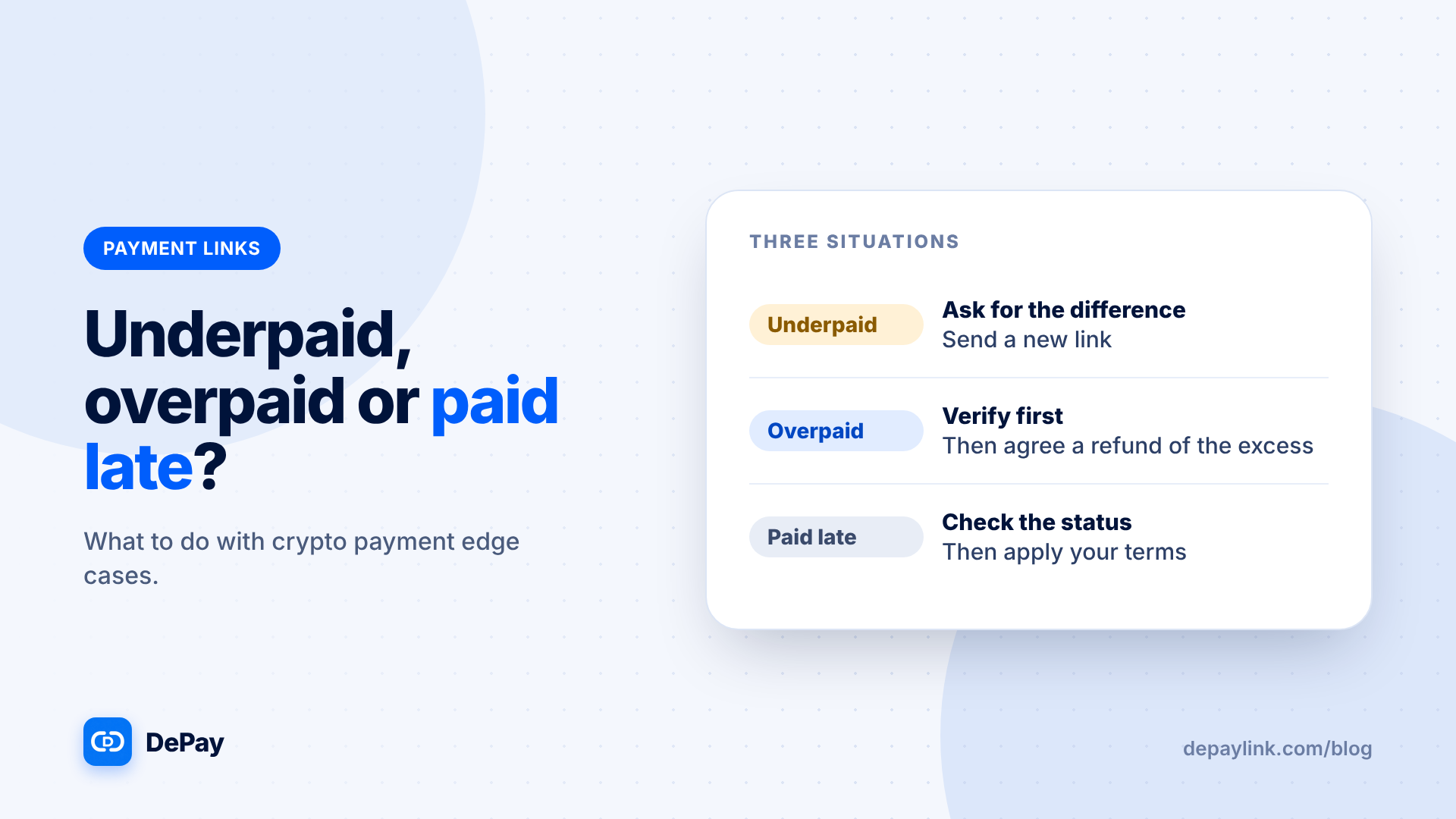
A transaction can succeed and still not match the request. That is a different problem: funds moved, but the payment is incomplete or wrong. See the article on underpayments, overpayments and late payments.
Prevent most failures
- Say "USDC on Solana" in the request.
- Tell customers they need a little SOL.
- Provide a QR code and a link, not a typed address.
- Offer an alternative payment method.
Where depaylink fits
depaylink is built for exactly this kind of one-off request: a non-custodial link for SOL or USDC on Solana, a simple payment page with no wallet connection, and on-chain verification before anything is marked as paid. The Free plan includes 5 payment links a month; Pro removes the limit.
Further reading
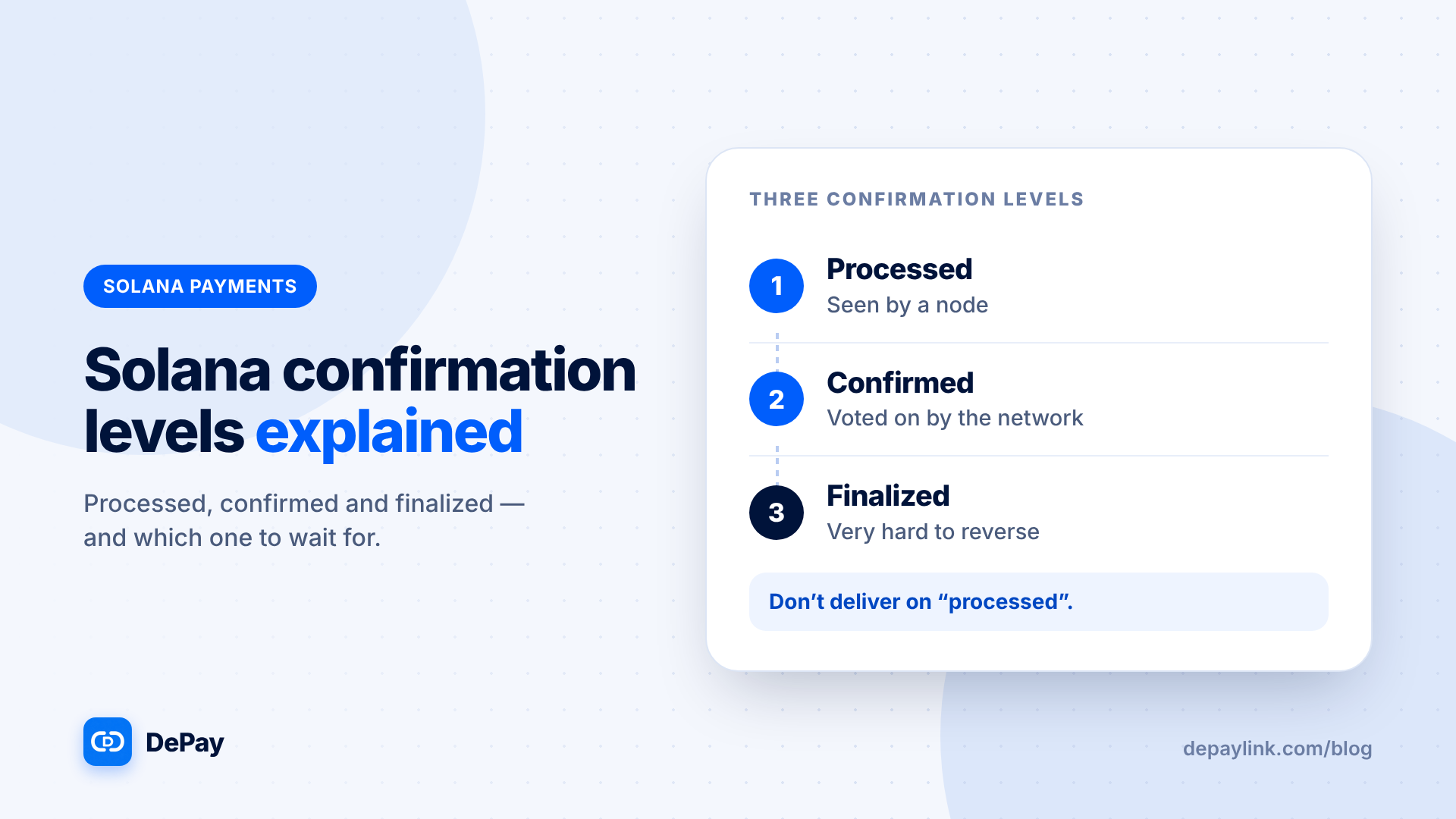
- Solana Confirmation Levels Explained: Processed, Confirmed and Finalized
- What Happens If a Customer Underpays, Overpays or Pays Late? Crypto Payment Edge Cases
FAQ
Do I lose funds if a transaction fails? A failed or expired transaction does not transfer the payment, though a failed one may still cost a fee.
Should I send again if it looks stuck? Check the first transaction first, to avoid paying twice.
Why does my link say unpaid after the customer paid? It may be pending, failed, wrong token or wrong amount. Check the signature.