How a USDC Payment Moves on Solana: Wallets, Token Accounts and What You See
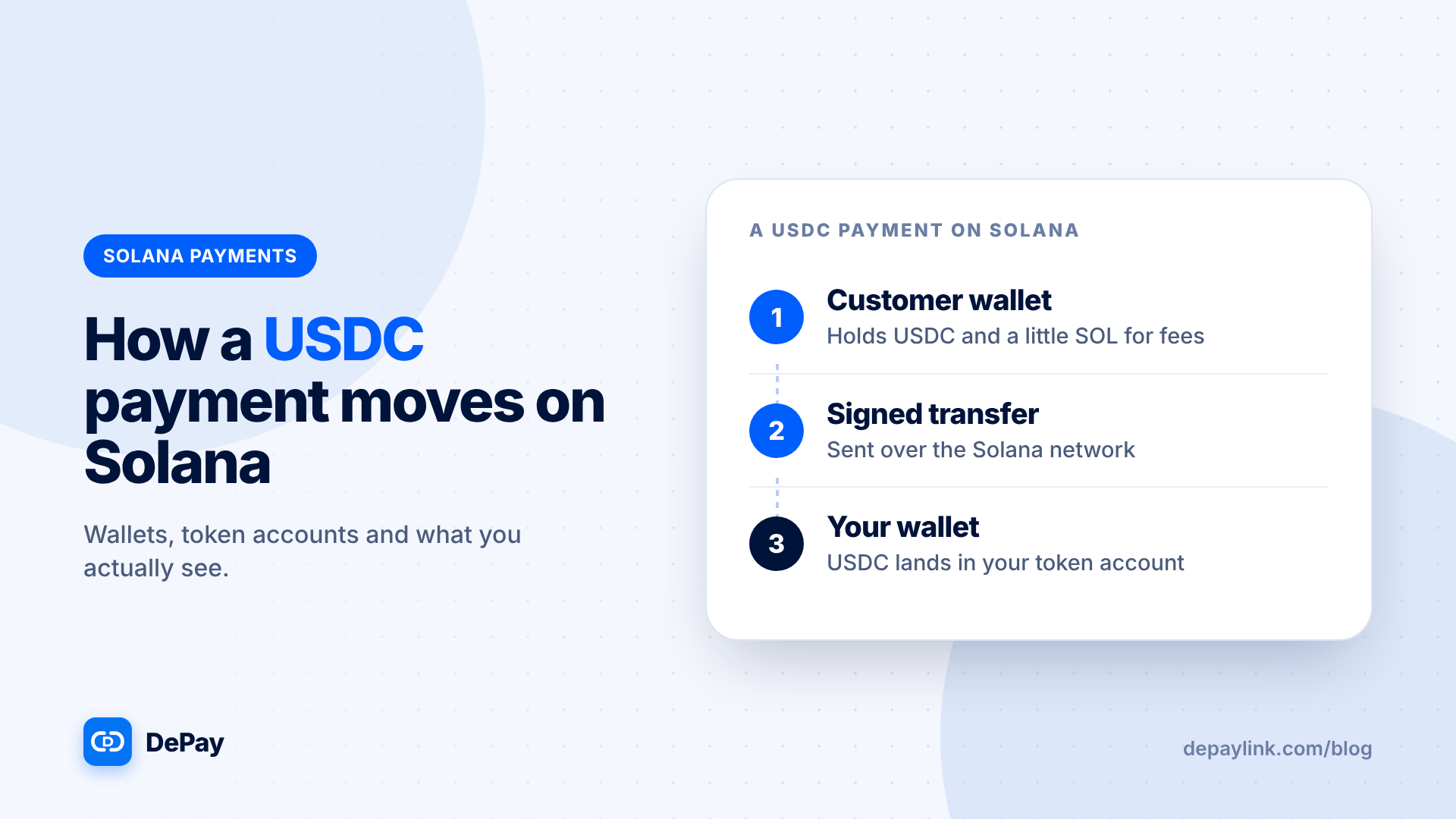
When a customer pays you USDC on Solana, their wallet signs a transfer instruction, the network processes it, and USDC moves from their token account to yours. You see the result in your wallet and in any tool that watches the chain. This guide explains each piece in plain terms, so the words in your wallet and on explorers make sense.
The pieces
Wallet address. Your public Solana address, the one you share. It identifies your account on the network.
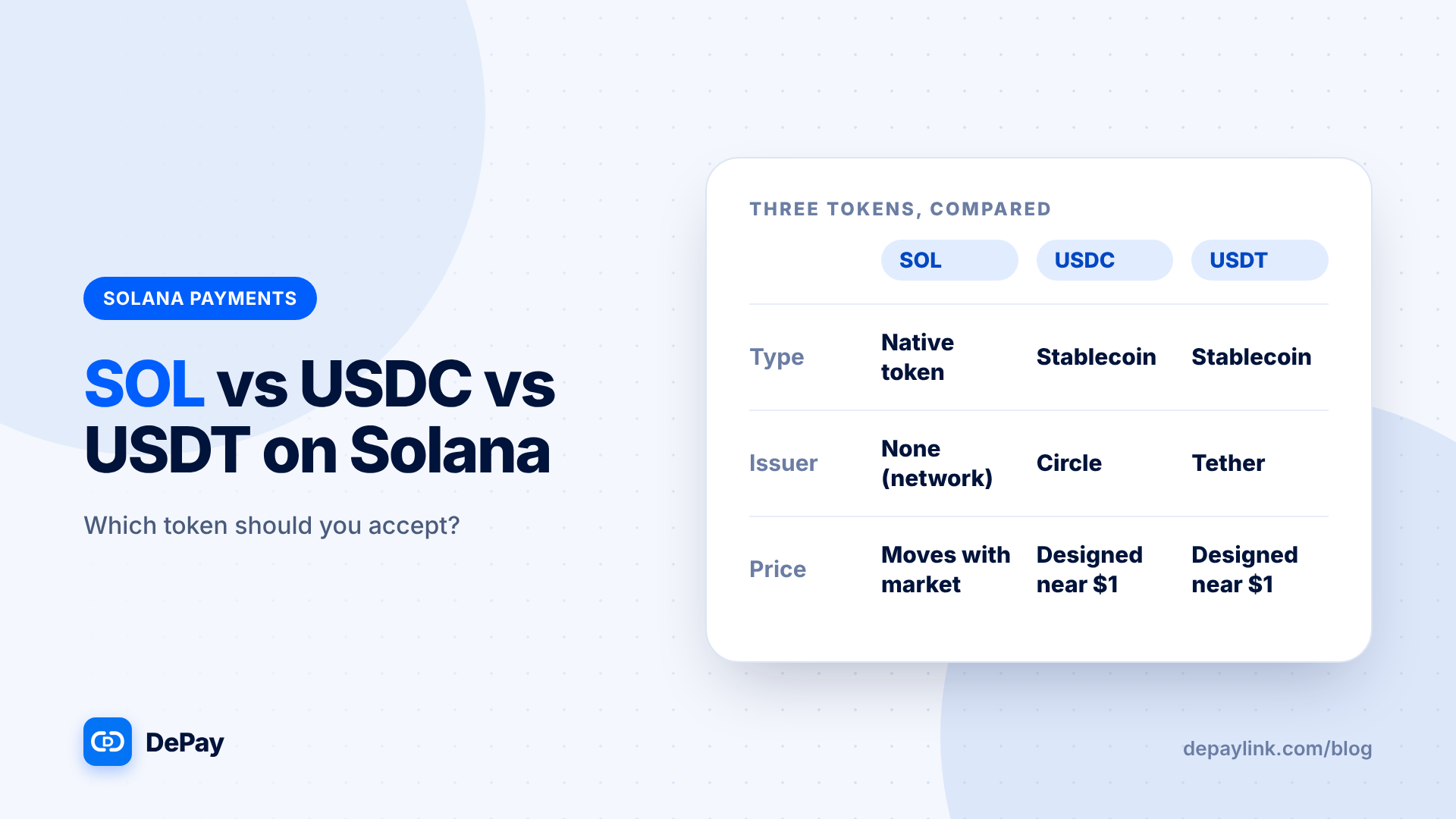
SOL. The network's native token. It pays transaction fees.
USDC. A stablecoin issued by Circle. On Solana it is a token, not the native asset.
Token account. USDC and other tokens are held in token accounts, each linked to a wallet and to one token. Think of a token account as the "USDC pocket" attached to your wallet.
Why you share the wallet address, not a token account
Solana's payment guidance recommends sharing your wallet address rather than a token account address. The sender's wallet works out the right token account for you, so there is one address to share and fewer mistakes.
A payment, step by step
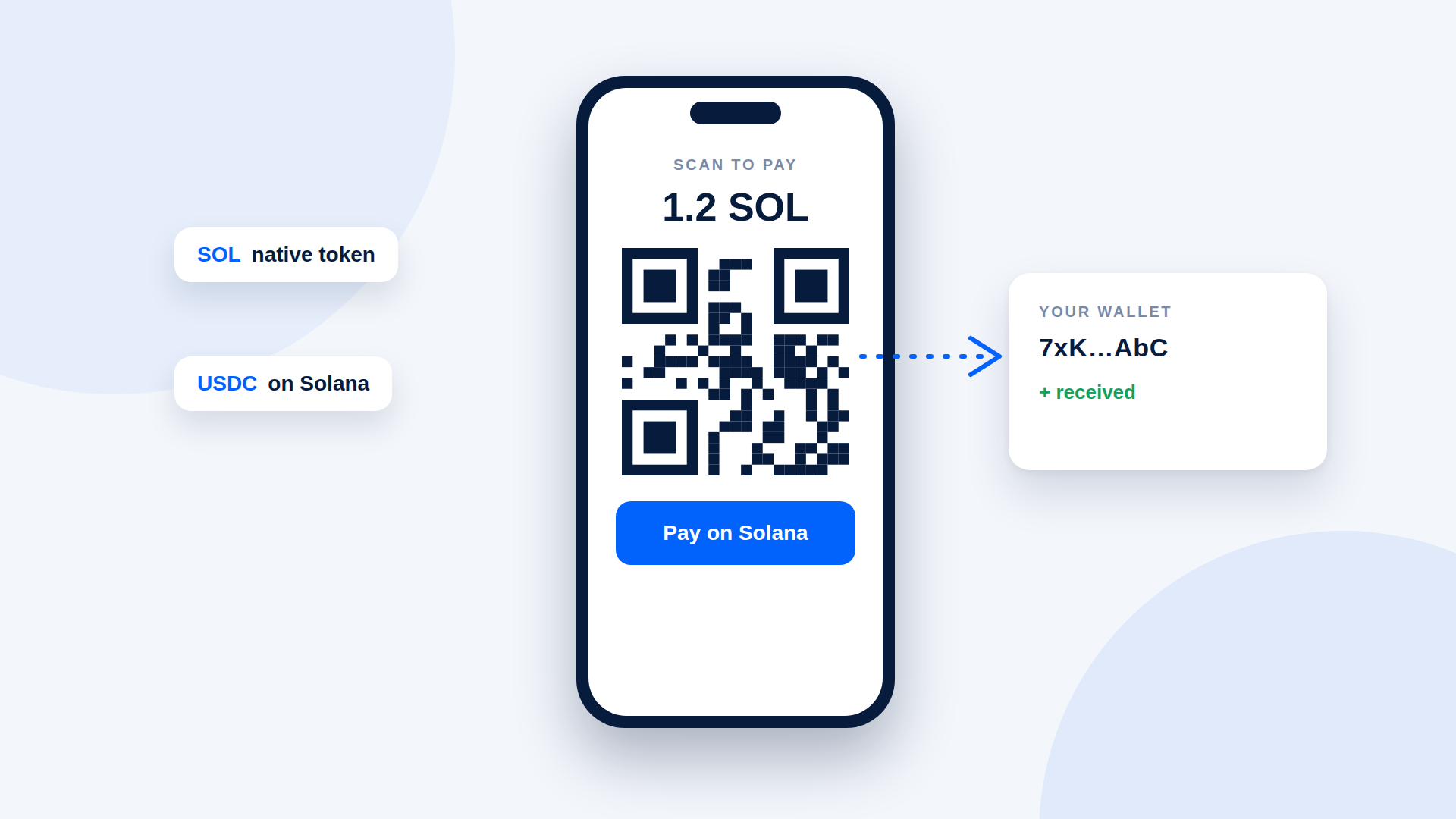
- The request. You send a payment link or QR code that says "250 USDC on Solana".
- The customer's wallet shows the transfer: amount, token and destination.
- Signing. The customer approves, which signs the instruction with their private key.
- The token account step. If you have never received USDC before, a token account for your wallet may need to be created. Wallets and payment flows typically handle this automatically, and the sender usually covers the small cost.
- The network processes the transfer. USDC moves from the customer's USDC token account to yours.
- The fee. The customer pays a small network fee in SOL, even though they sent USDC.
- Confirmation. The network accepts the transaction, and it appears on explorers with a signature.
- Verification. Your tool or you check amount, token and destination.
What you see on your side
| Where | What appears |
|---|---|
| Your wallet | An incoming USDC transfer, usually with the sender's address |
| A block explorer | A transaction with a signature, token, amount and status |
| A payment tool | The link or order marked as paid after verification |
Why the customer needs SOL
The fee is charged in SOL on every Solana transaction. A customer with USDC but no SOL can find the wallet refuses to send. That is why payment requests should say "you'll need a little SOL for the network fee".
What can differ
- First-time receipt: the first USDC you receive may involve creating your token account.
- Exchange senders: exchanges handle fees and token accounts differently, and may batch or delay withdrawals.
- Fake tokens: other tokens can share the name "USDC". Check that you received the real one.
What to check as a merchant
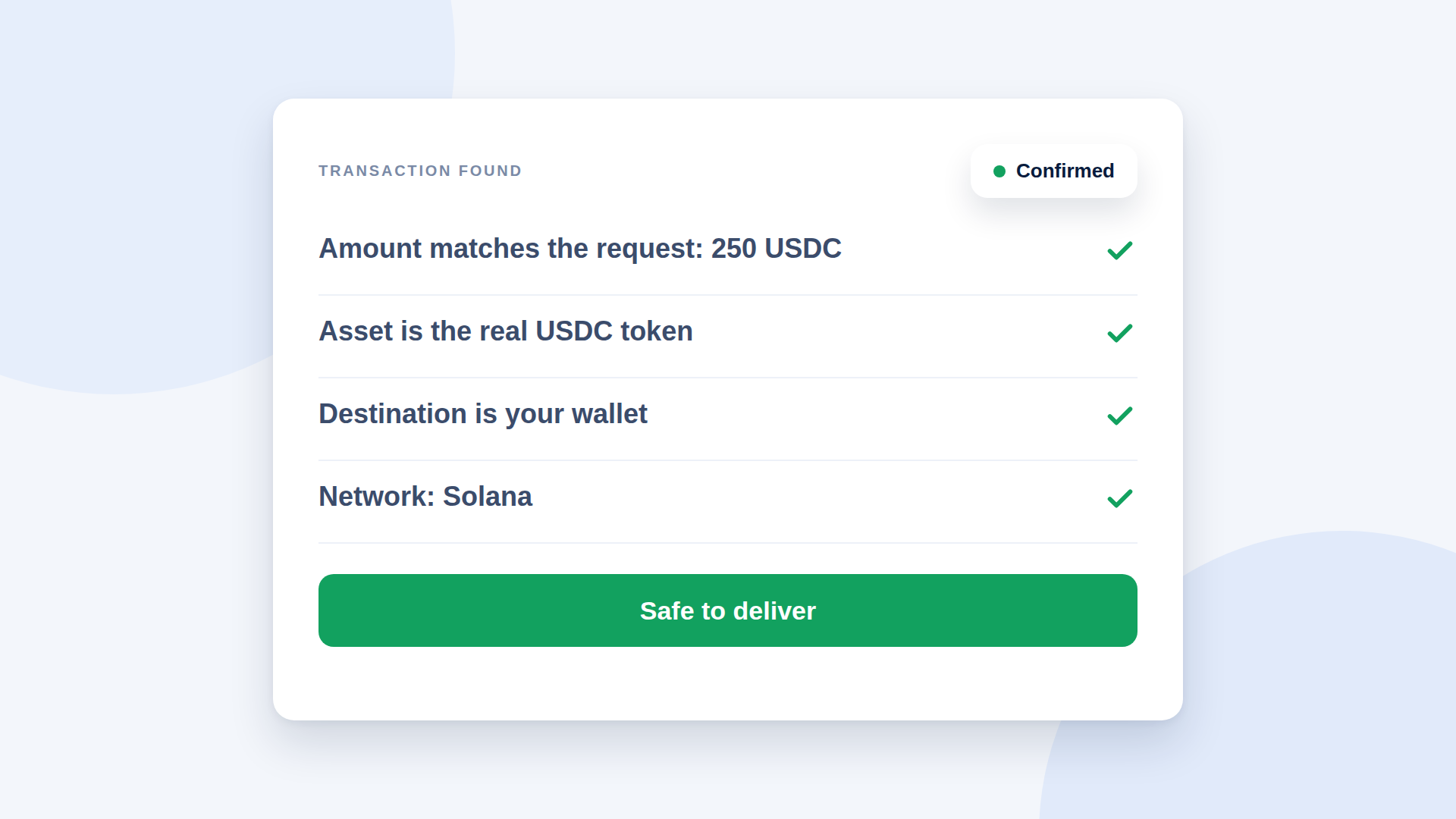
- The amount equals the request
- The token is the real USDC, not a lookalike
- The destination is your wallet
- The network is Solana
- The transaction is confirmed
Common confusions
| Confusion | Reality |
|---|---|
| "I received USDC but my SOL balance did not change" | Receiving does not require you to pay the fee |
| "My wallet shows two addresses" | The wallet address and token accounts are different things |
| "The sender paid more than the invoice" | They may have paid the network fee separately; check the amount received |
Records
Keep the transaction signature with the order. It is the permanent reference for the payment.
Where depaylink fits
depaylink is a non-custodial payment-link tool for SOL and USDC on Solana. You enter the amount, the asset and your wallet, then share the link or its QR code. The customer pays directly to your wallet without connecting a wallet to the page, and depaylink verifies amount, asset and destination on-chain before marking the payment as paid.
Further reading
FAQ
What is a token account? An account that holds a specific token for a wallet; it is how Solana tracks USDC balances.
Do I need to create a USDC account before receiving? Usually your wallet or the sender handles it automatically.
Why does the sender need SOL? Solana fees are paid in SOL on every transaction.