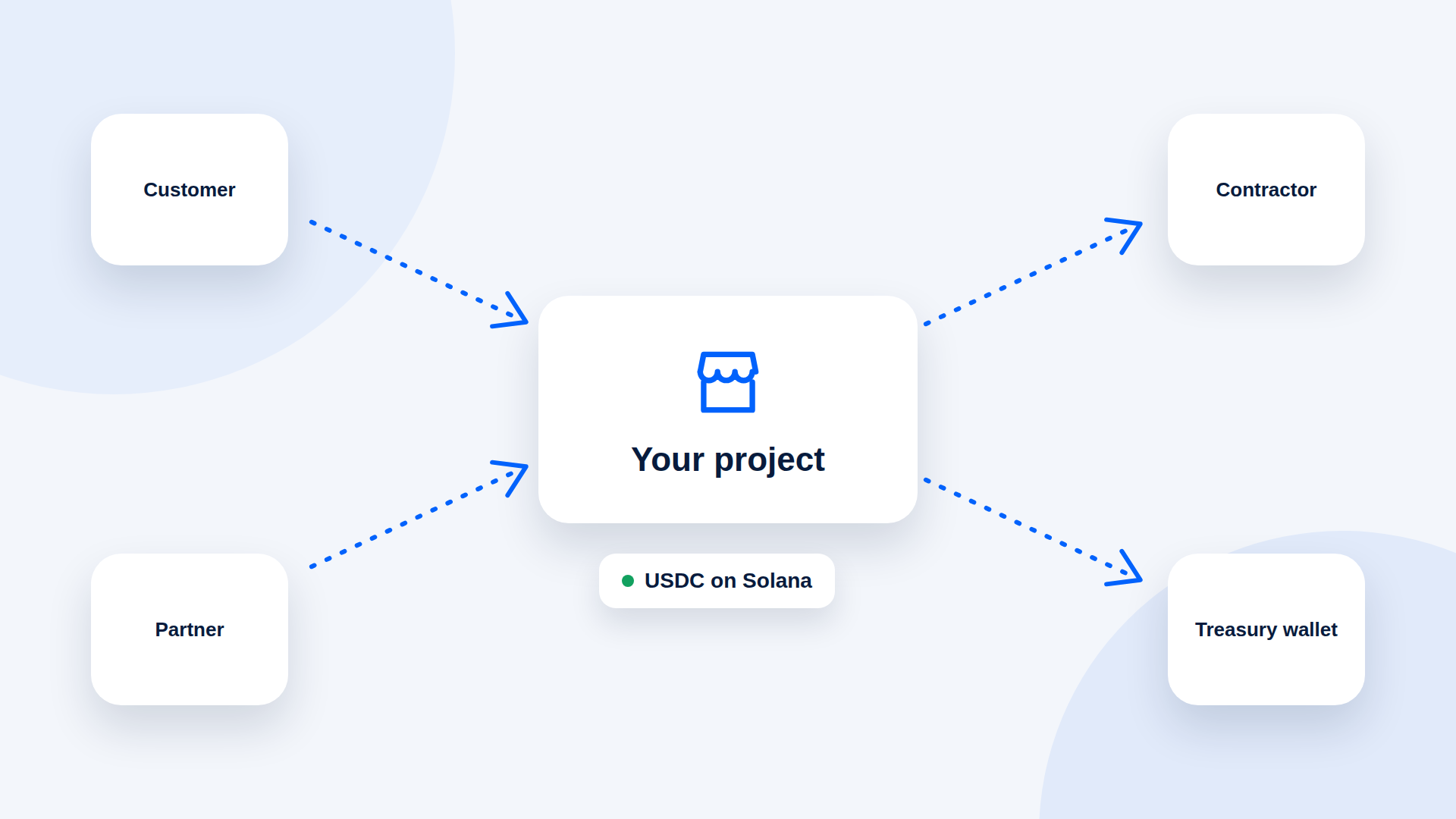
A Web3 project can collect USDC from customers, partners and service buyers using payment links that point at a treasury or operations wallet, with no custom integration. The harder parts are internal: who controls the wallet, who confirms payments and how you record them.
Where payment links fit
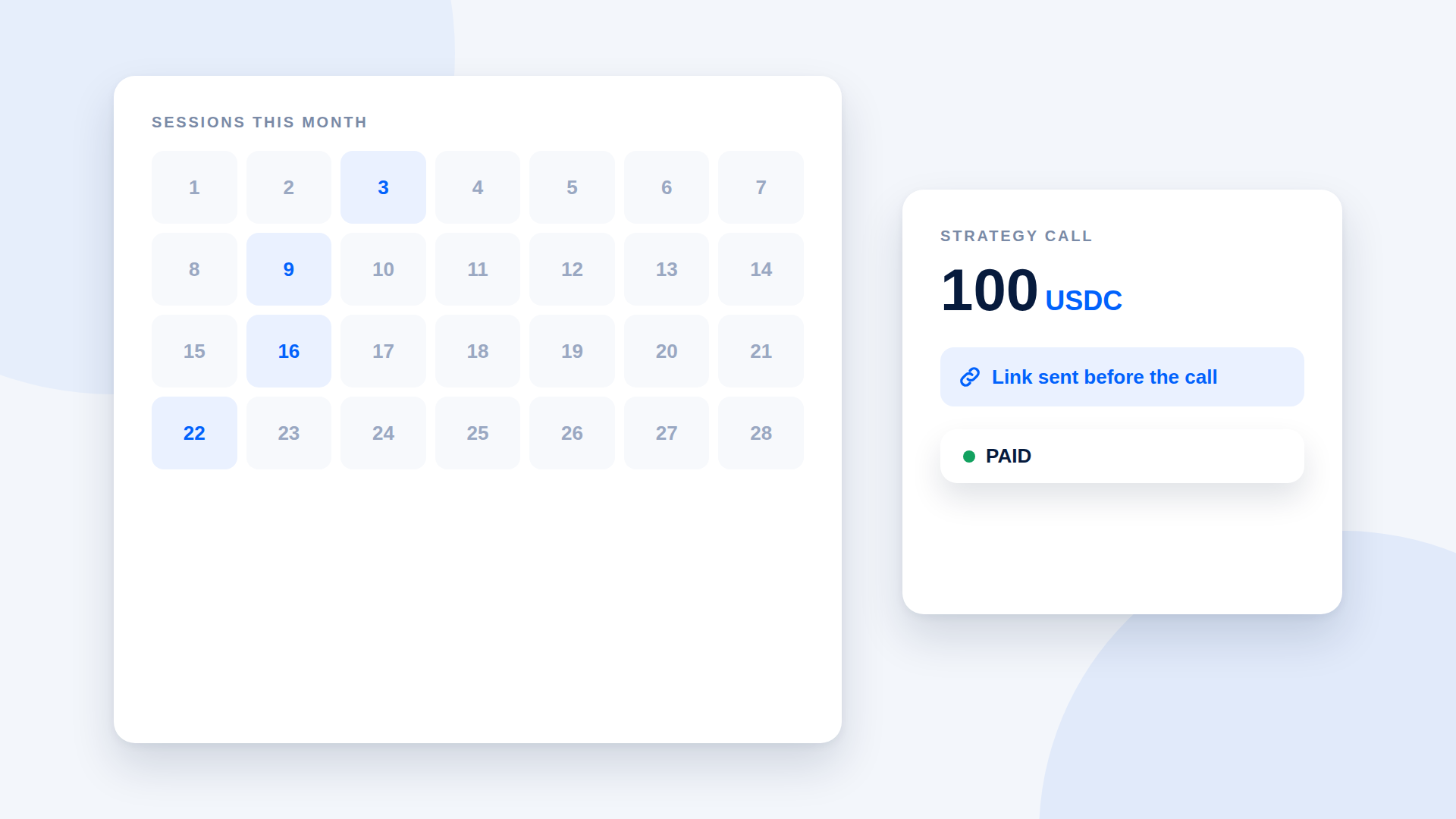
- Service revenue: consulting, audits, design, development, community services
- Partnership fees: sponsorships, listings, integrations
- One-off sales: merchandise, event passes, digital goods
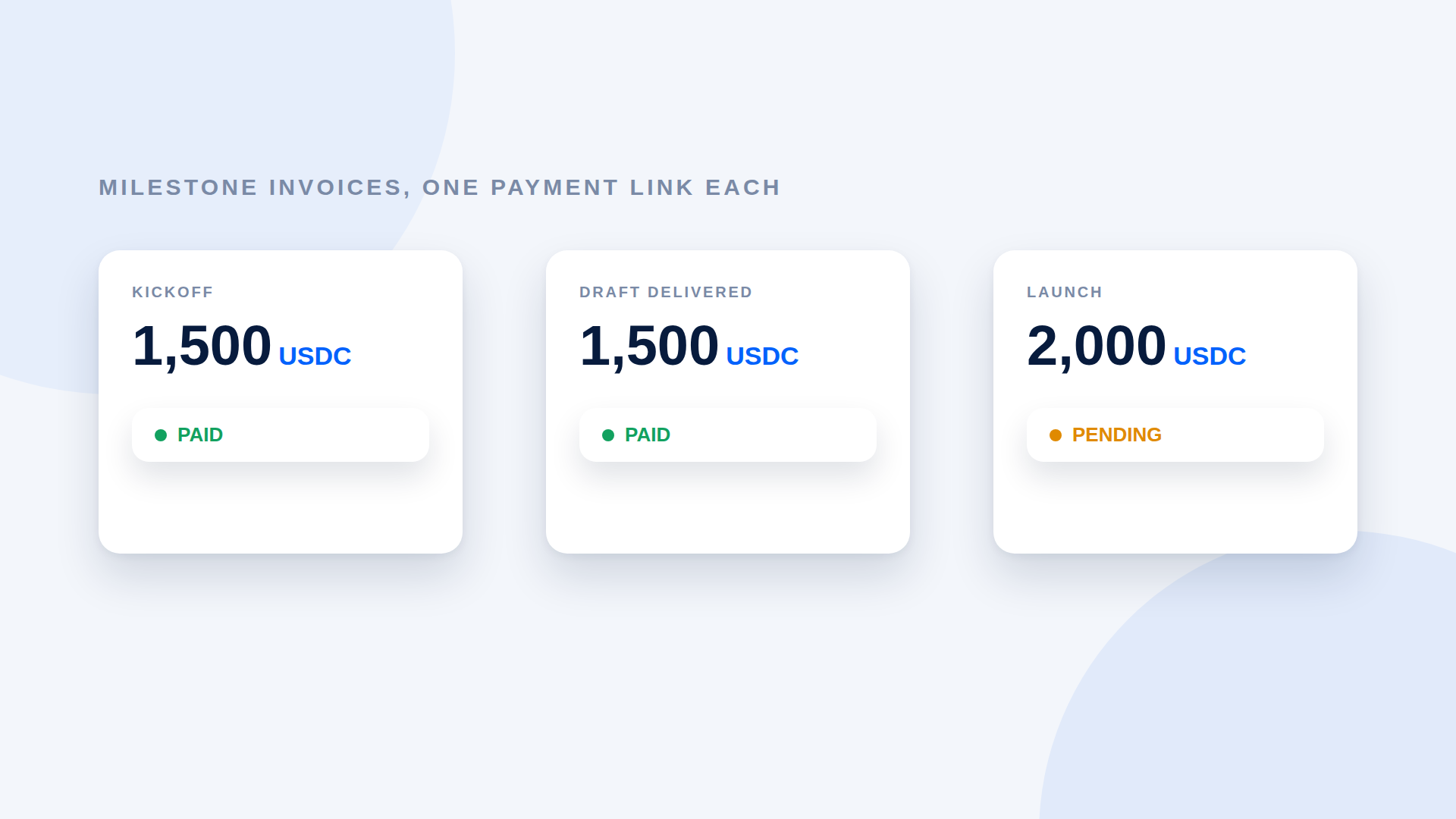
- Invoices to other projects: both sides already hold stablecoins
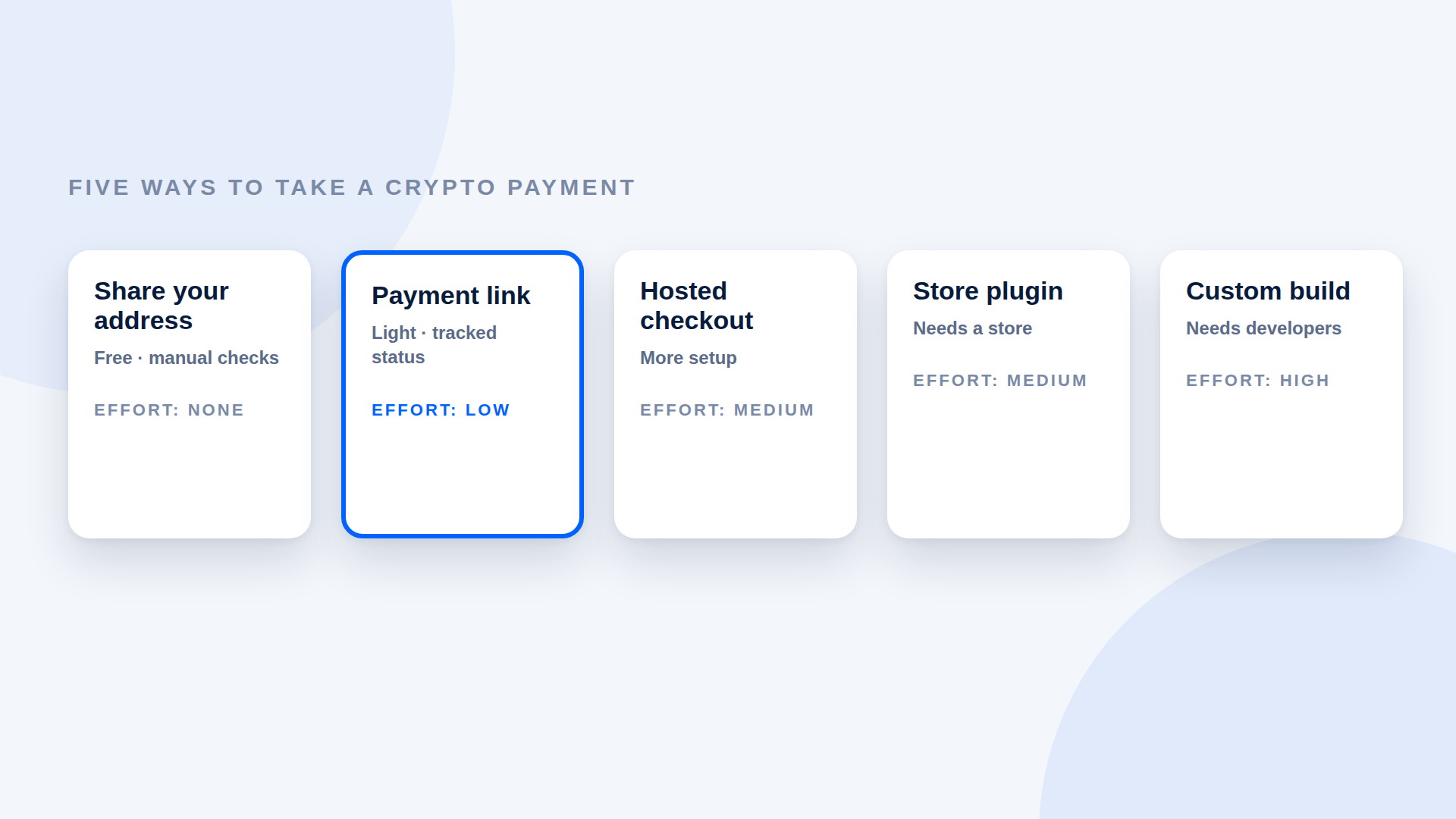
For high-volume, in-app payments you will need an integration. For everything else, links are enough.
Decide the wallet policy first
Before sharing any link, agree:
- Which wallet receives payments: a dedicated operations wallet, or a treasury wallet
- Who controls it: a single key, a multisig or a custody arrangement
- Who may create payment links: a small, named group
- How funds move on: thresholds for moving revenue to the treasury
Receiving does not require signing, so a payment link can point to a multisig address without the signers being involved. Moving the funds does.
Create links with clear references
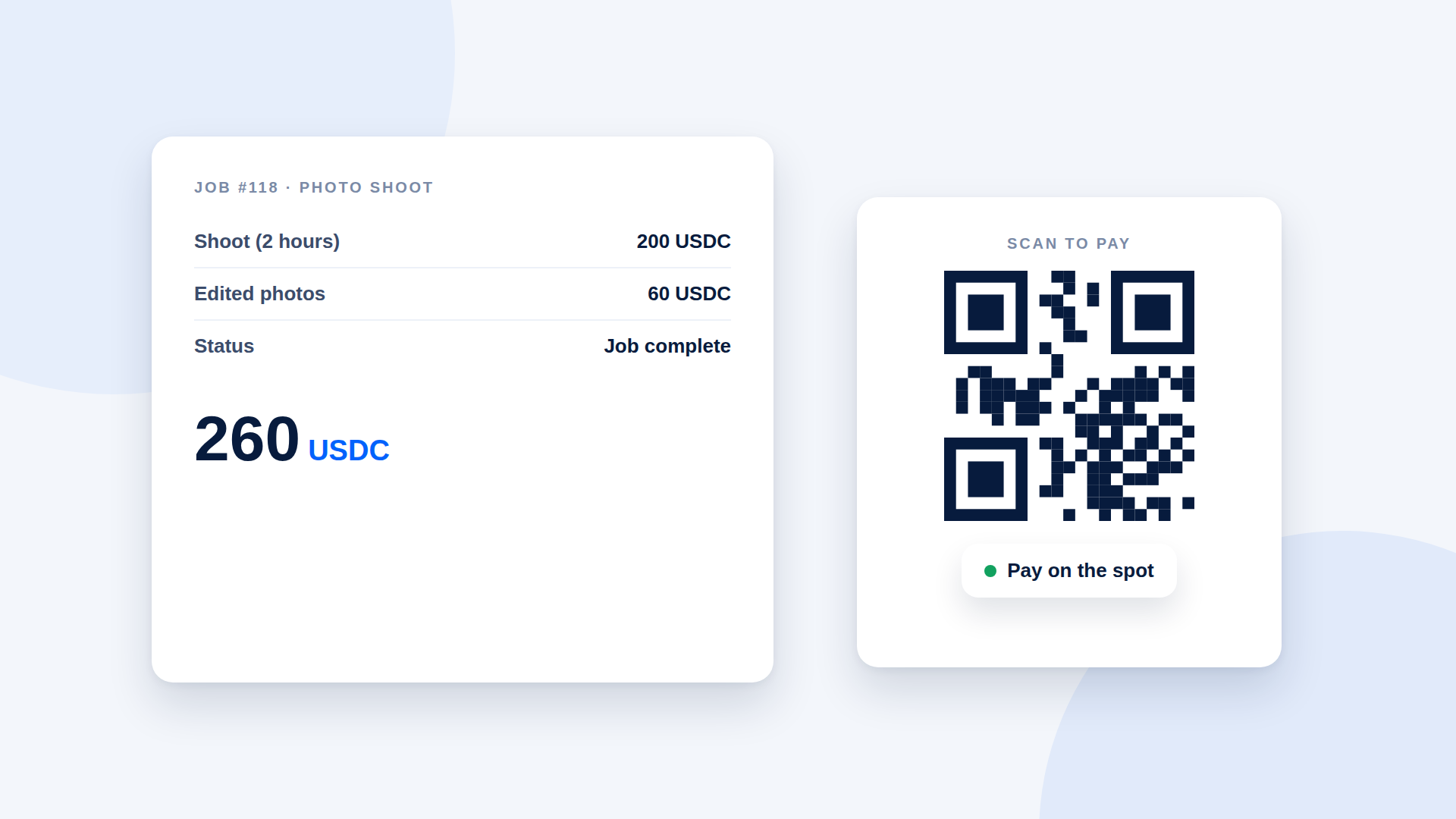
For each payment, use a description that includes the customer, the service and the invoice number. This makes reconciliation easier for whoever keeps the books.
Verification and approvals
Define who confirms that a payment is complete before work is released. A payment tool that verifies amount, asset and destination on-chain gives your team a clear signal instead of a screenshot in a chat.
Handling common situations
| Situation | Suggested handling |
|---|---|
| Partner pays the wrong amount | Do not release; request the difference |
| Payment arrives on the wrong network | Check recoverability with the sender; avoid relying on it |
| Customer wants a refund | Agree it, then send a new payment from the proper wallet |
| Multiple customers per invoice | One link per payer to keep status clear |
Records, accounting and compliance
Record each receipt: date, counterparty, reference, amount and the value in your reporting currency at the time. Treat tax, reporting and any regulatory obligations as real; they depend on your jurisdiction and structure, so take professional advice. Using a non-custodial tool does not remove those obligations.
Security basics
- Keep recovery phrases and signing keys offline and separated.
- Avoid sharing one device's access among multiple people.
- Review who can create links and update the receiving wallet.
- Be suspicious of unsolicited "payment" links sent to your team.
Where depaylink fits
depaylink creates SOL and USDC payment links on Solana, with funds going directly to the wallet address you enter and on-chain verification of amount, asset and destination. Customers do not connect a wallet or create an account to pay. Pro allows up to 3 saved wallet addresses plus analytics, custom branding and custom payment pages. It is not an in-app payments API.
Frequently asked questions
Can a DAO receive payments through a multisig address?
You can point a payment link at the address; moving the funds out requires the signers. Check this with your tool.
Is a payment link enough for token-gated products?
No. Delivery or access control needs separate tooling.
Do customers need to connect a wallet?
Not to the depaylink payment page, but they need a wallet to send the payment.
Does a Web3 project still need to handle tax?
Yes. Tax and compliance obligations depend on your jurisdiction.
Related reading
- Custodial vs Non-Custodial Crypto Payment Processors
- Crypto Payment Bookkeeping for Small Businesses: What to Record
- Solana payment solution
- Crypto Payments for Agencies: Invoicing International Clients in USDC
- How to Verify a Crypto Payment Before You Deliver
- How to Accept Payments on Solana (SOL and USDC)